

Our Most Suggested Products


Website Blogs Access / Restriction
Website Blogs Access / Restriction provides a simple way to control who can view blog content on a website. It allows administrators to restrict access so that only logged in users can read articles, ensuring privacy and exclusivity for selected content. The feature is designed to enhance engagement by encouraging visitors to register or sign in before accessing valuable posts. Easy to configure and seamless to use, it helps maintain a secure and professional blogging environment.
Video Tutorial
 Features
 Screenshots
 Support
 Service
Features
Controlled Blog Access :
Restrict blog posts so that only logged in users can view selected content. This ensures privacy for sensitive articles and encourages visitors to register before accessing valuable information.
Enhanced User Engagement :
Encourage sign ups and logins by offering exclusive content only to registered users. This feature helps build a loyal audience and increases interaction with your website.
Flexible Visibility Settings :
Choose which blogs are open to the public and which require authentication. This flexibility allows better control over content strategy and supports both free and premium publishing models.
Screenshot
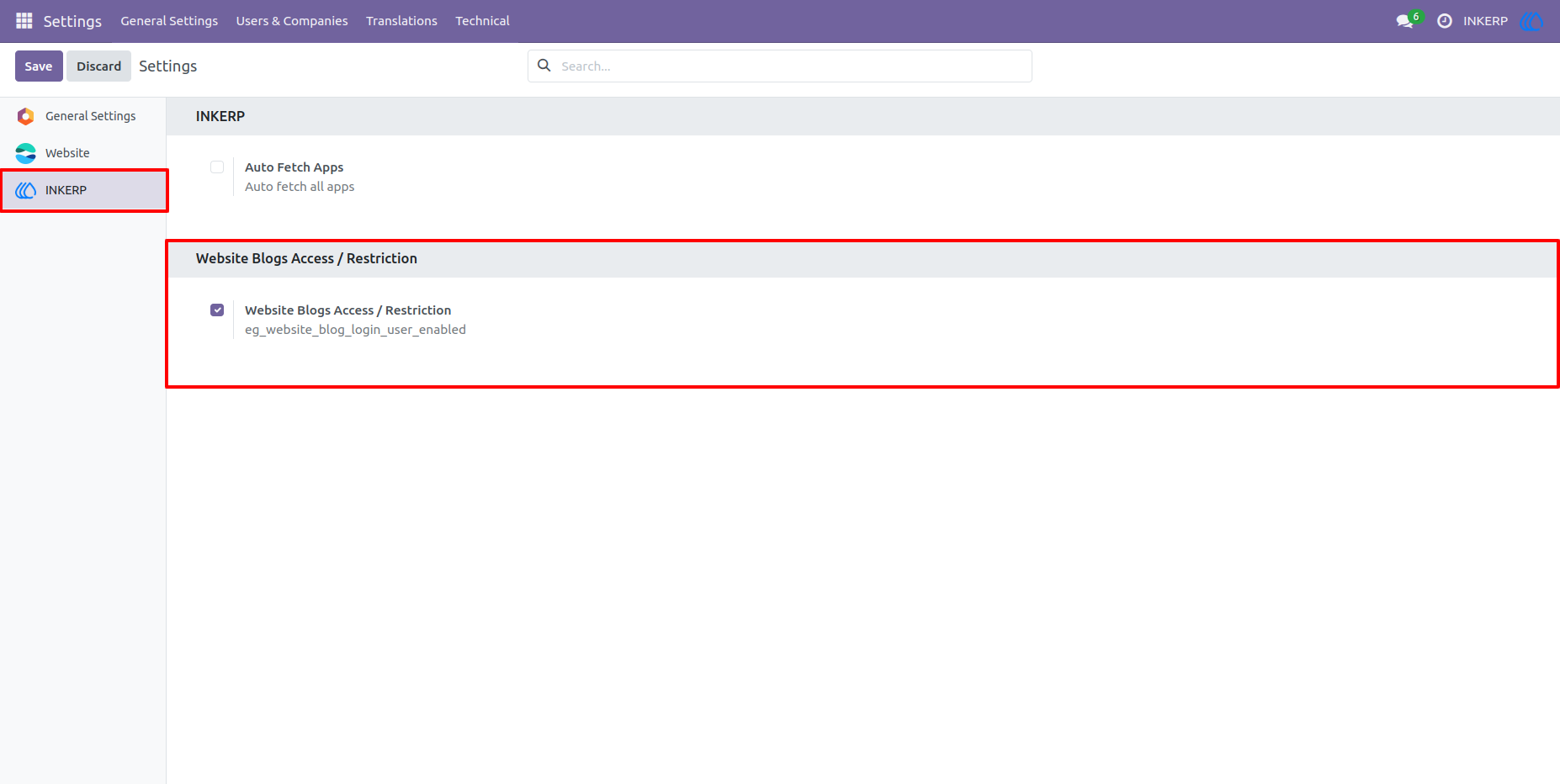
1.) Enable App From Settings Of INKERP
Navigation : Settings › INKERP
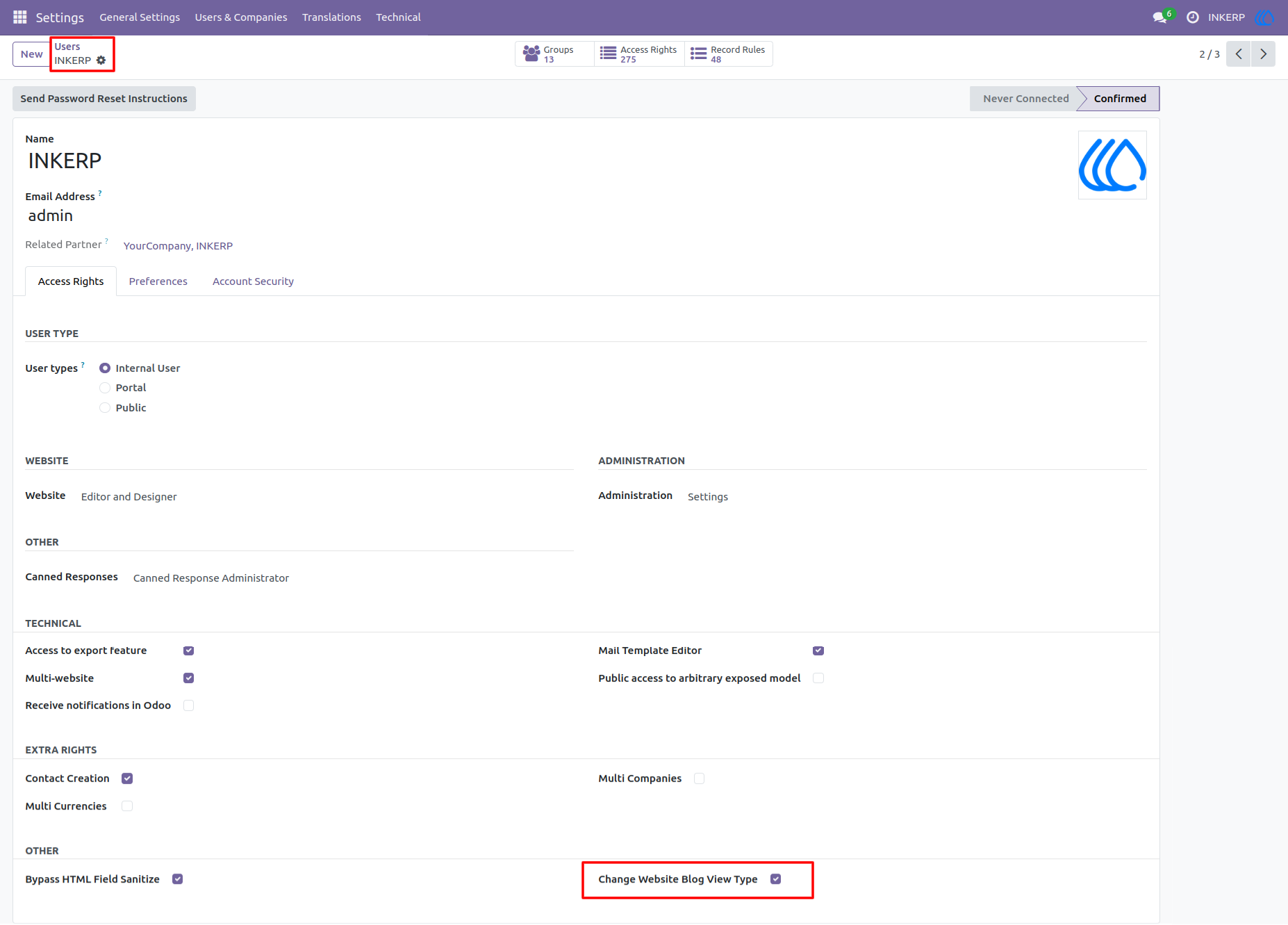
2.) Allow Change Website Blog View Type To User :
User who have allowd Change Website Blog View Type are only able to change website view type of blog post in form view.
Other user unable to see and configure that.
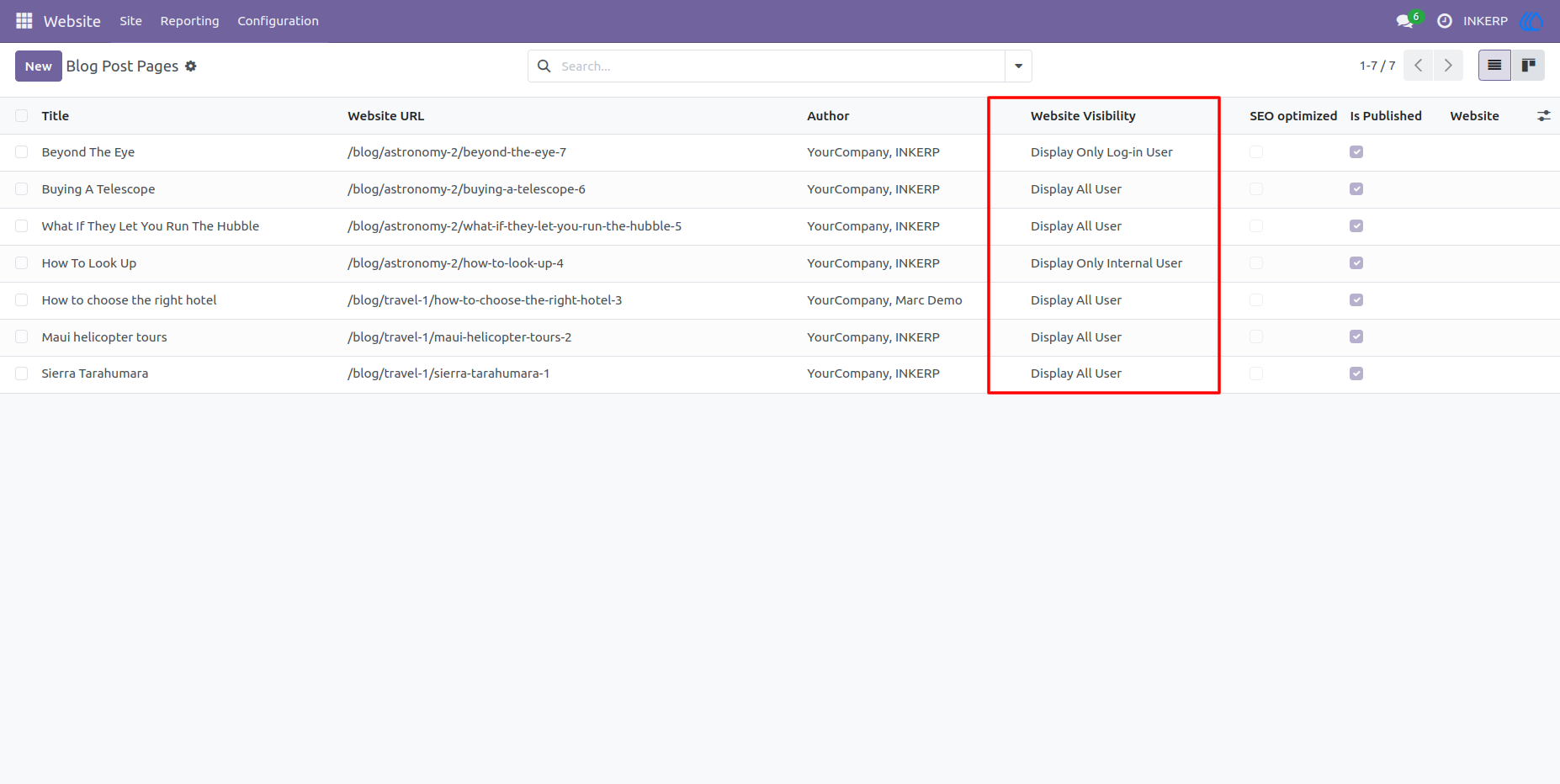
3.) Website Visibility in List View Of Blog Post Page
Navigation : Website › Site › Blog Posts
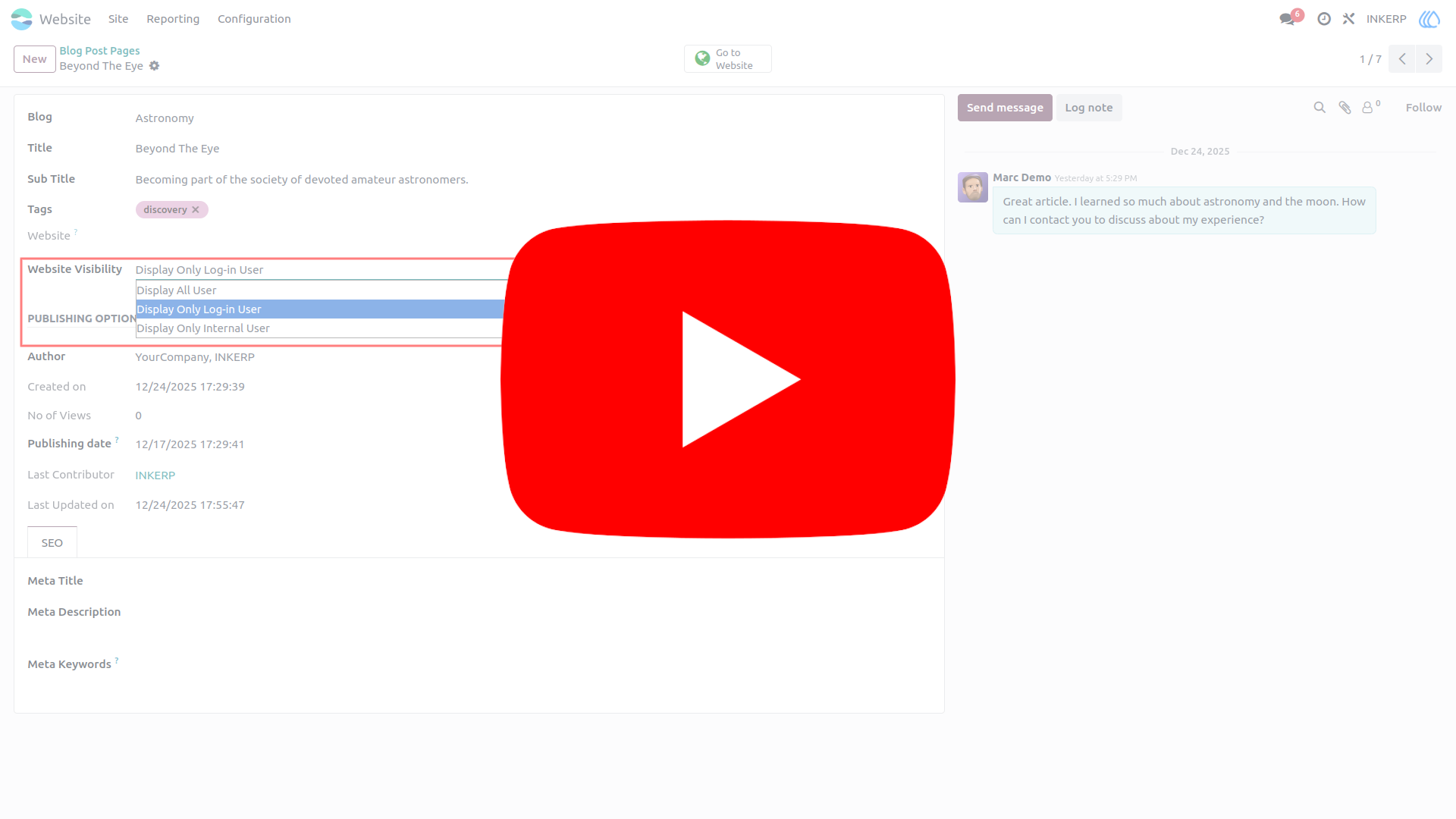
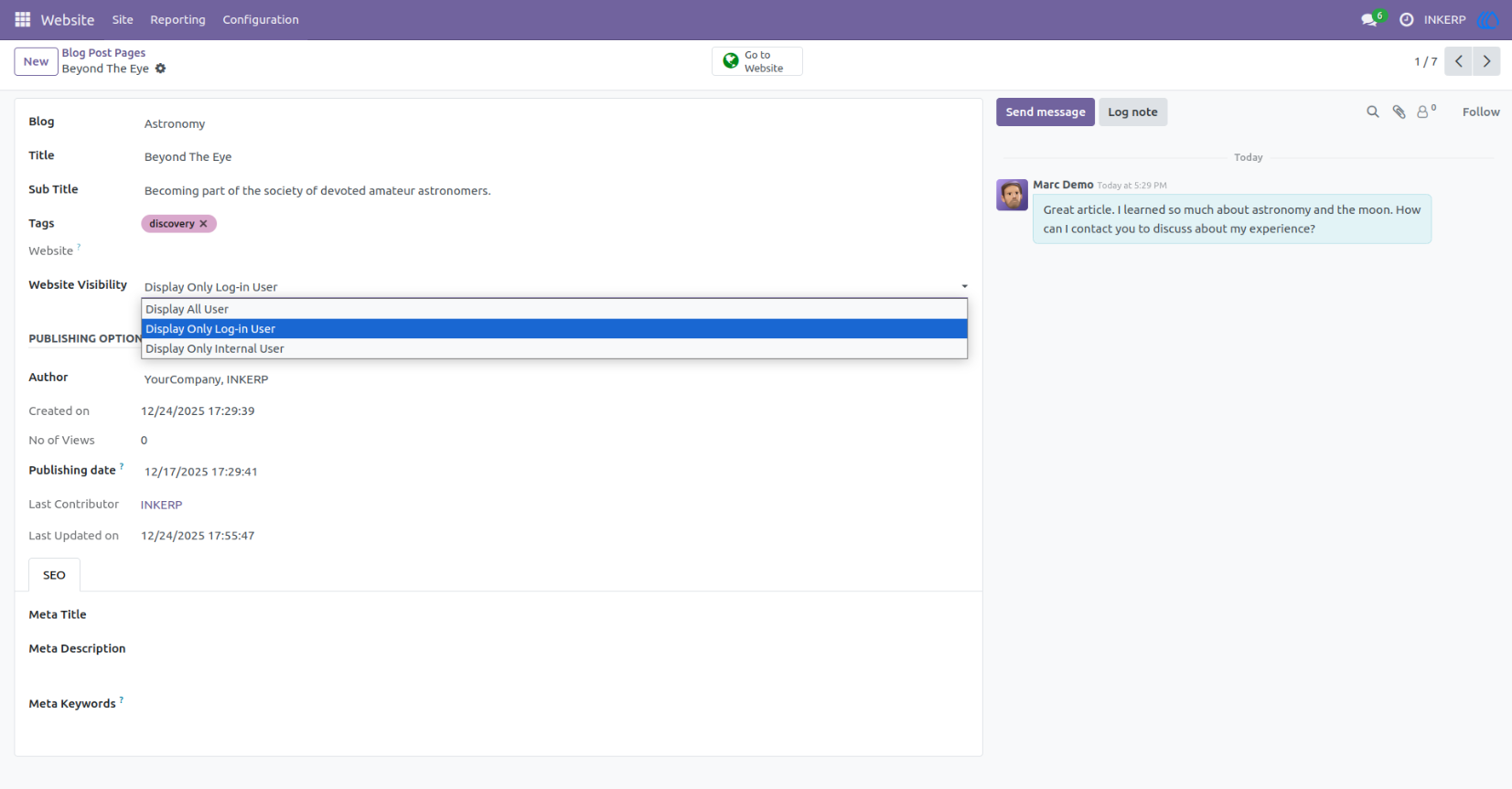
4.) Website Visibility Control In Form View :
User Who have permission allowd of Change Website Blog View Type is only able to see and change this.
By default it is set as Display All User.
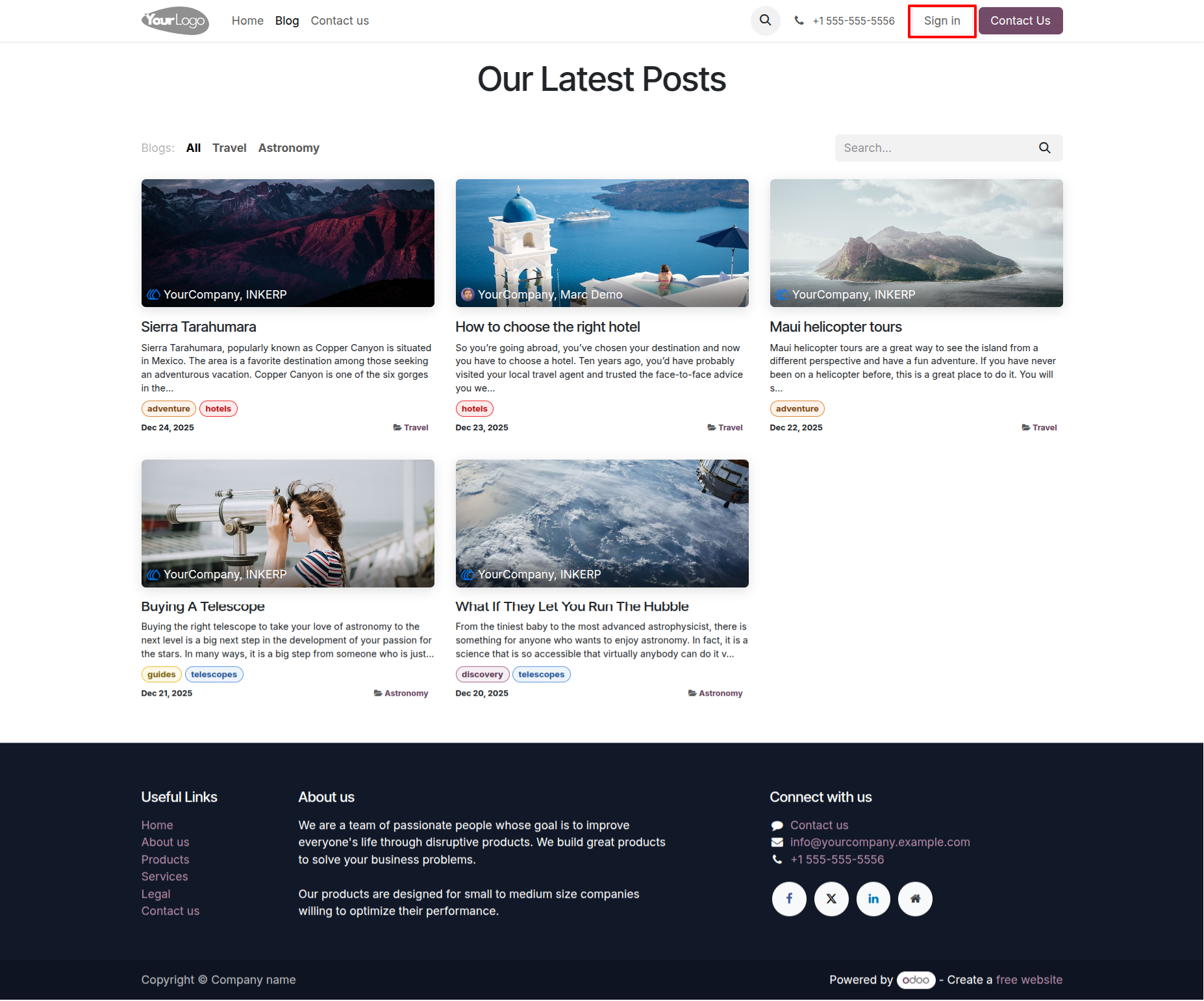
5.) Guest User Blog Page :
Guest users are only able to see that blogs only which are set as Display All User.
6.) Portal User Blog Page :
Portal users are able to see that blogs only which are set as Display All User and Display Only Log in User.
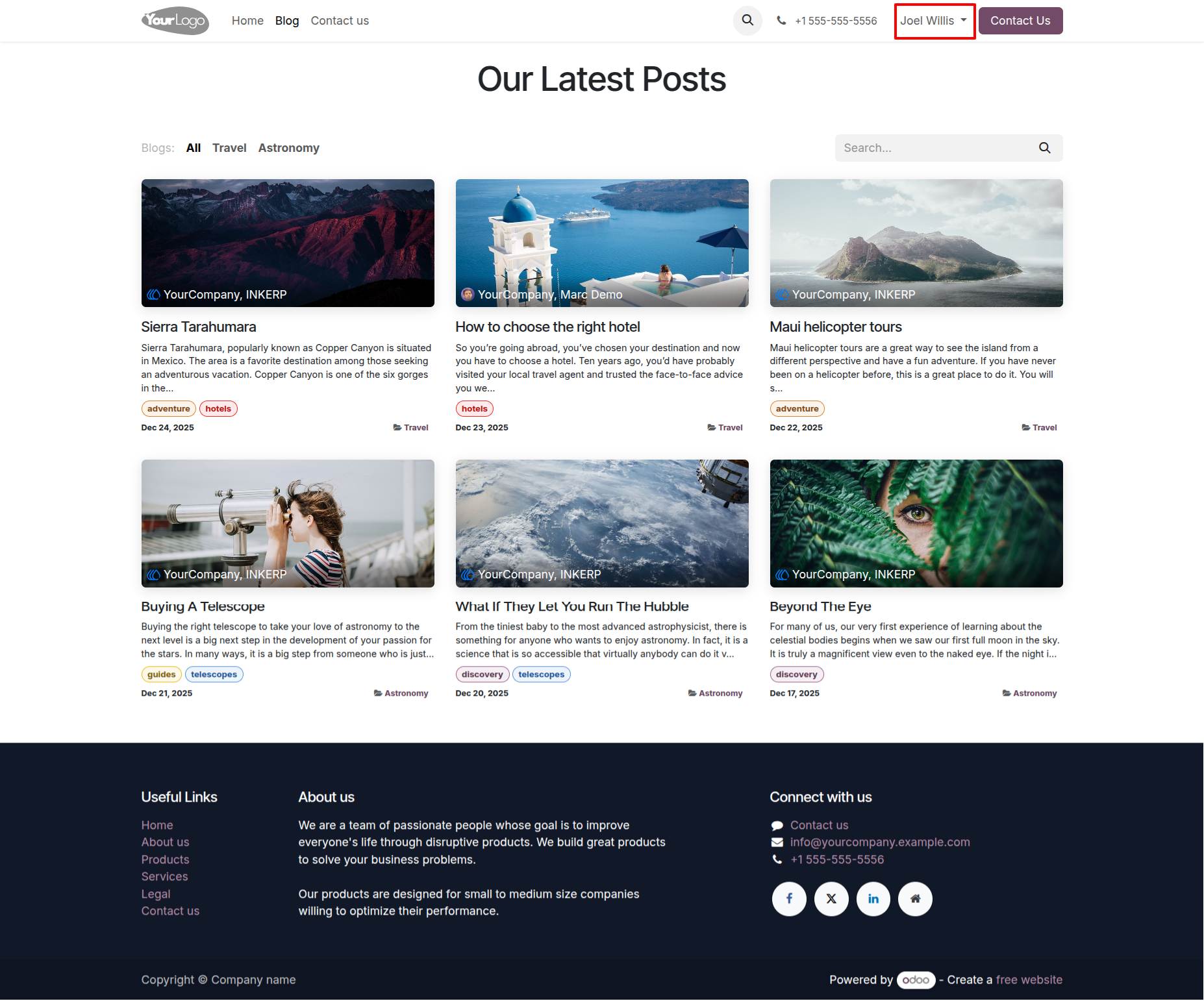
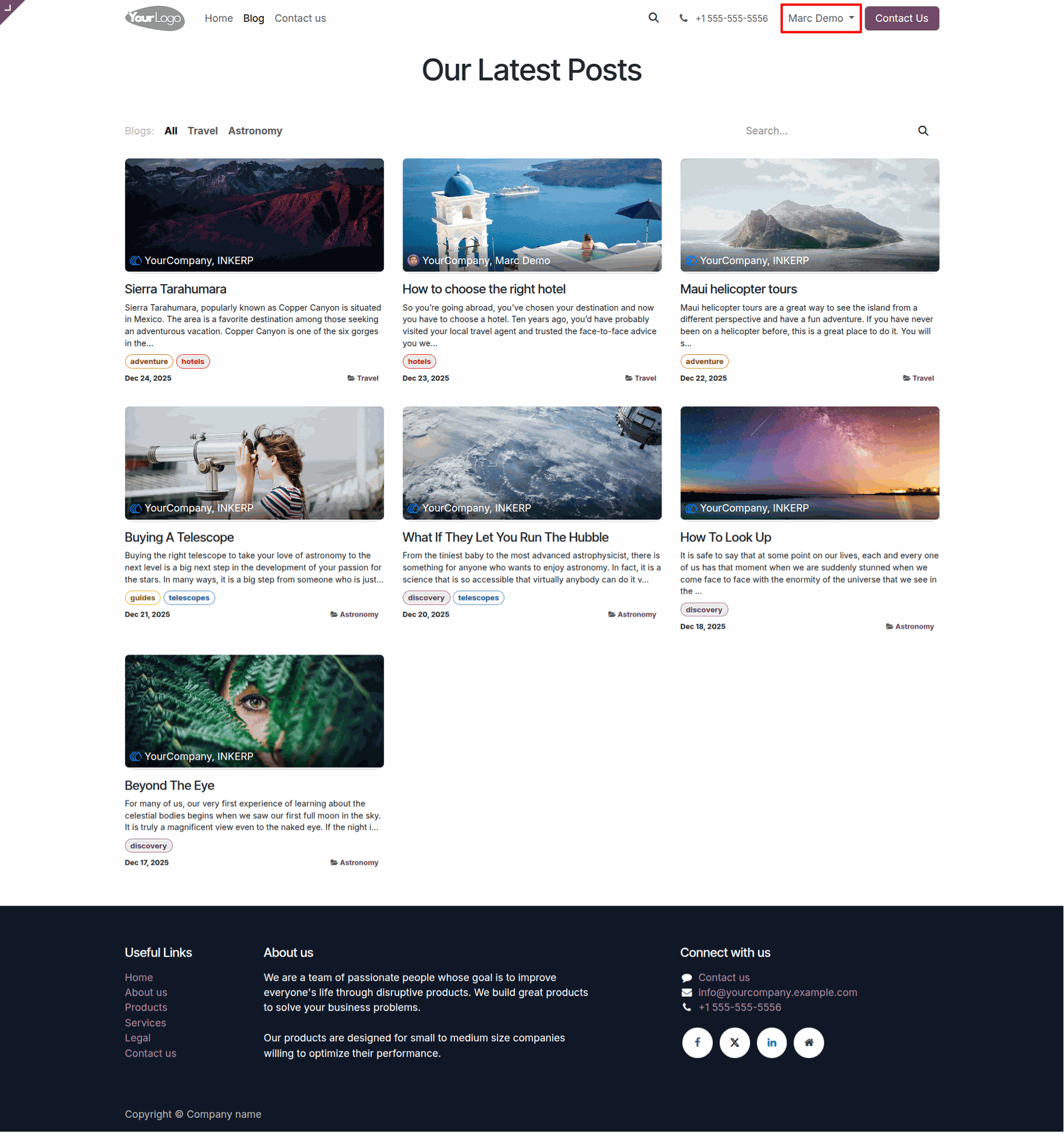
7.) Internal User Blog Page :
Internal user can see all blogs.
User Guide