

Our Most Suggested Products


Inventory Management
Inventory Management with Inter-Company / Inter-Warehouse Transfer enables seamless stock movement between multiple companies and multiple warehouses within Odoo. This module simplifies internal logistics by allowing users to transfer products across companies or warehouses while maintaining accurate stock levels, traceability, and accounting consistency.
 Features
 Screenshots
 Support
 Service
Features
1. Inter-Warehouse Stock Transfer
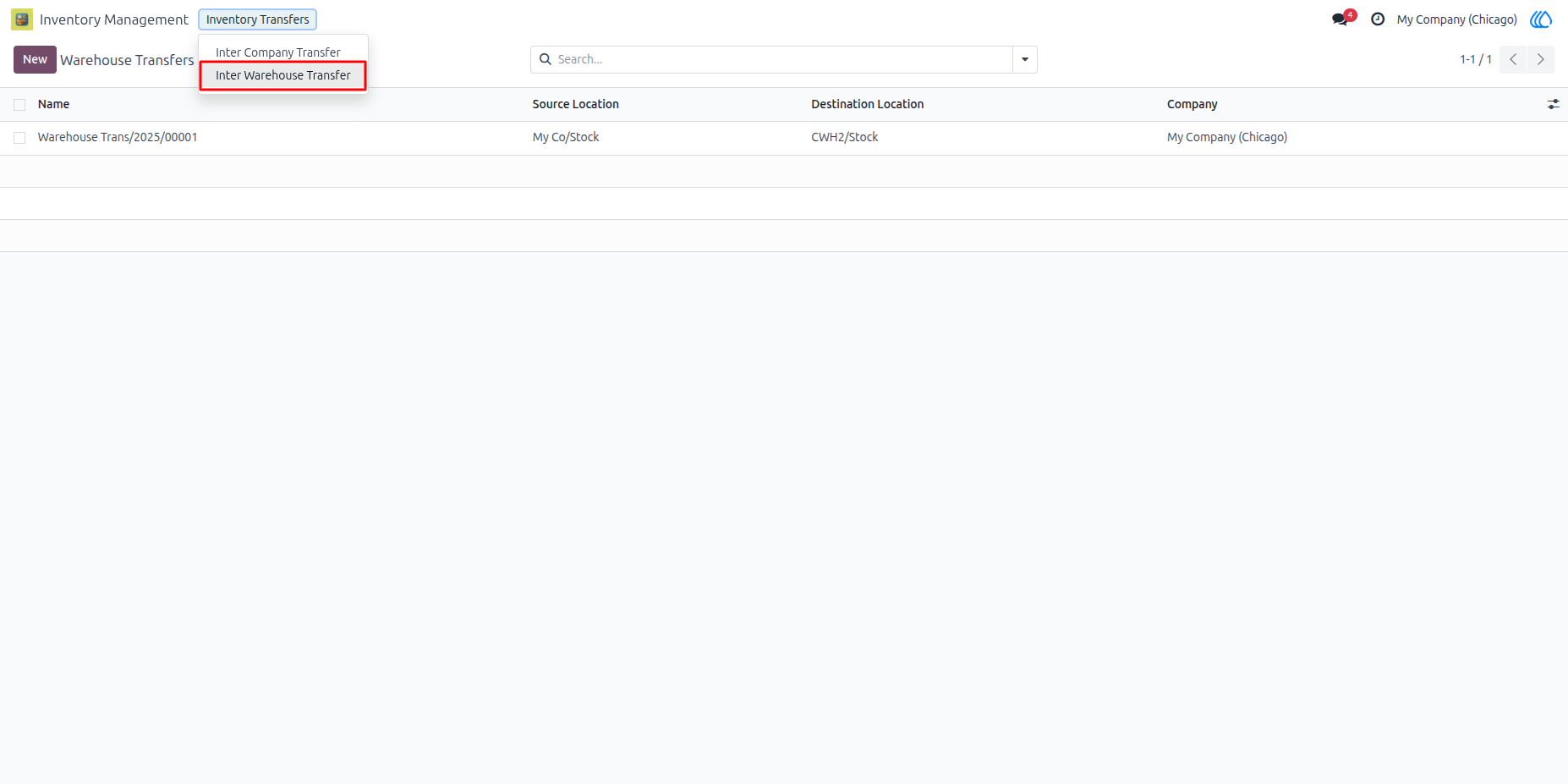
This feature allows users to transfer products between different warehouses within the same company. When a transfer is created, stock is automatically deducted from the source warehouse and added to the destination warehouse after validation. This ensures real-time inventory accuracy across all internal locations.
2. Inter-Company Inventory Transfer
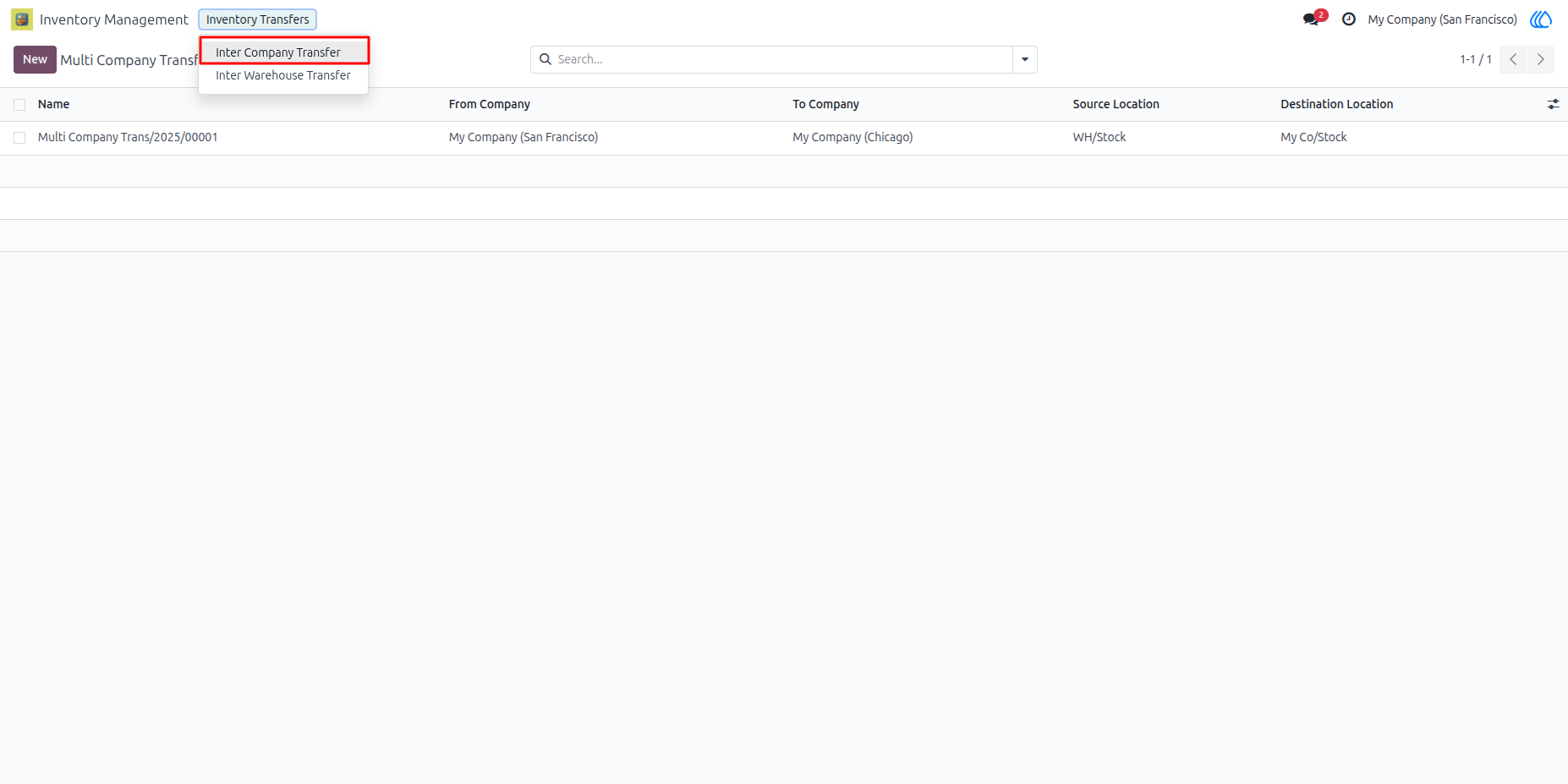
Users can transfer inventory between two different companies configured in Odoo. The module ensures correct product movement while respecting company ownership, stock valuation, and multi-company rules.
3. Accurate Stock Quantity Synchronization
Stock levels are synchronized instantly once the transfer is validated, ensuring: No negative stock No mismatch between warehouses Accurate on-hand quantities
4. Multi-Company Compatibility
The module is fully compatible with Odoos multi-company environment. Each company sees only its relevant stock data, preventing cross-company data conflicts.
5. Custom Pivot View for Multi-Company & Multi-Warehouse Stock
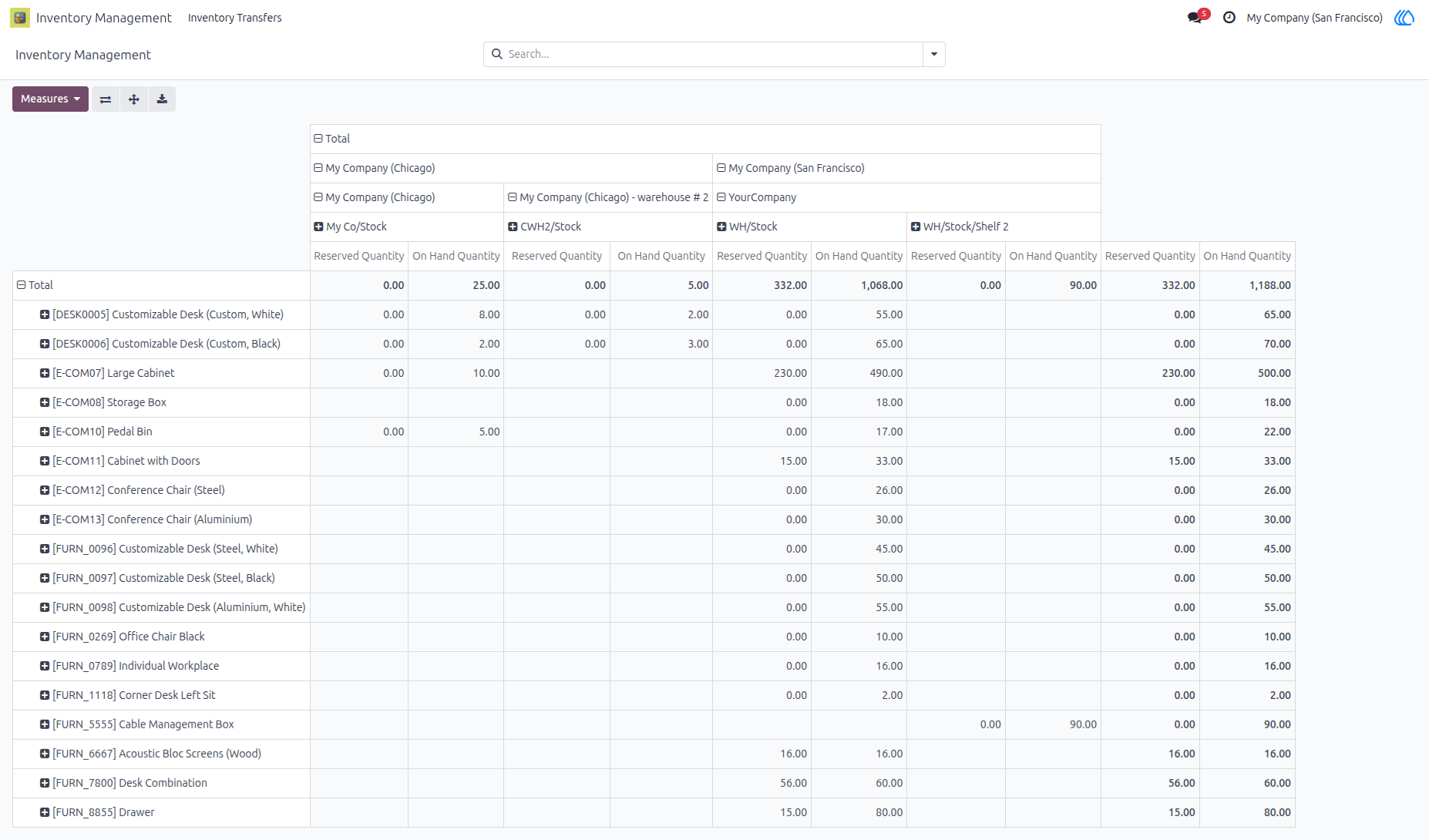
This app provides a custom pivot view that allows users to analyze and monitor stock across multiple companies and warehouses in a single unified screen. Standard Odoo requires switching companies to view stock data. This custom pivot view eliminates that limitation, giving users a single consolidated inventory overview while still respecting Odoo’s access rules.
Screenshot
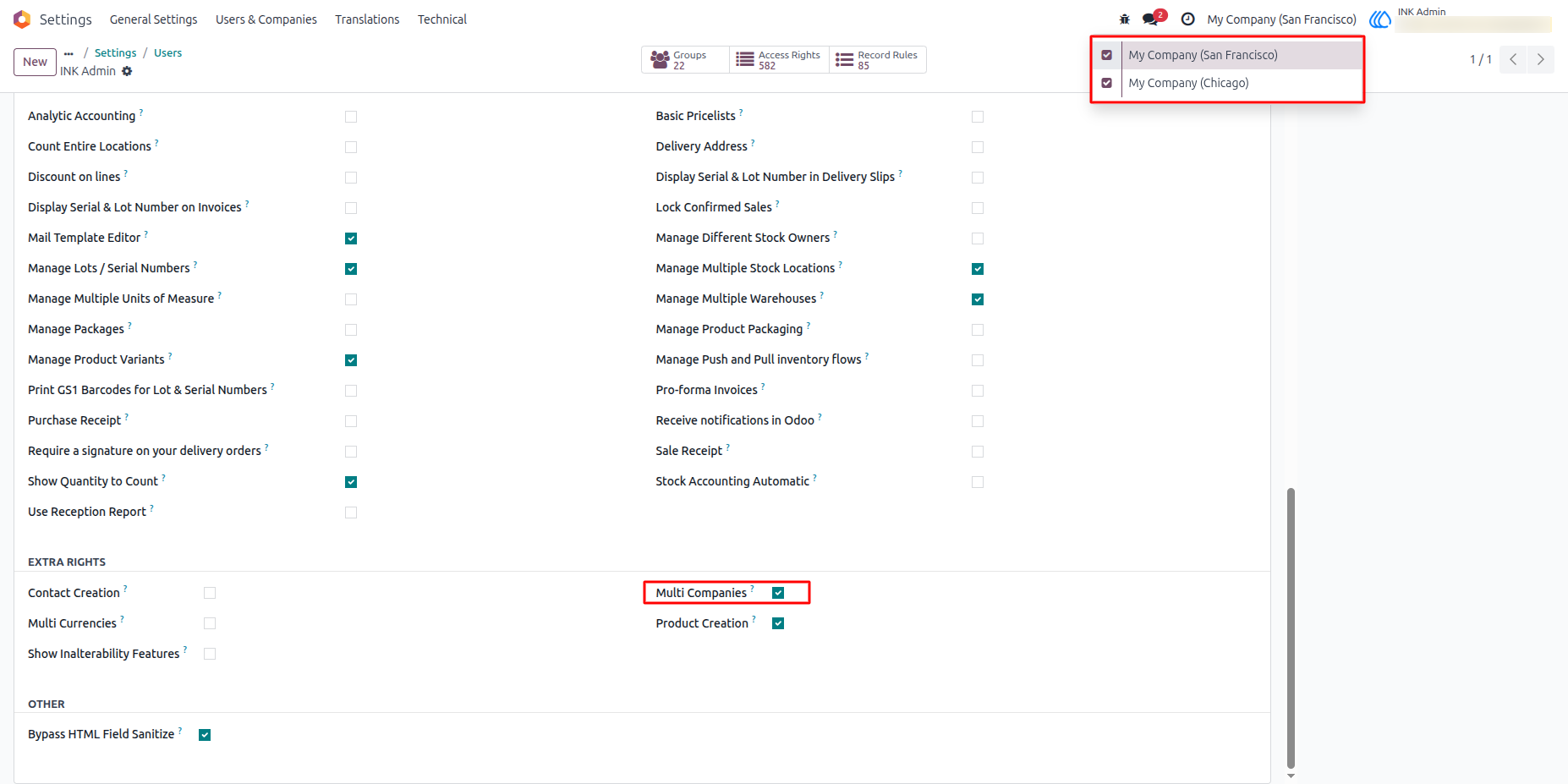
1). Assign Multi Company access to Admin
Here, the admin needs to assign multi-company access to the user and select the companies for performing multi-company transfers.
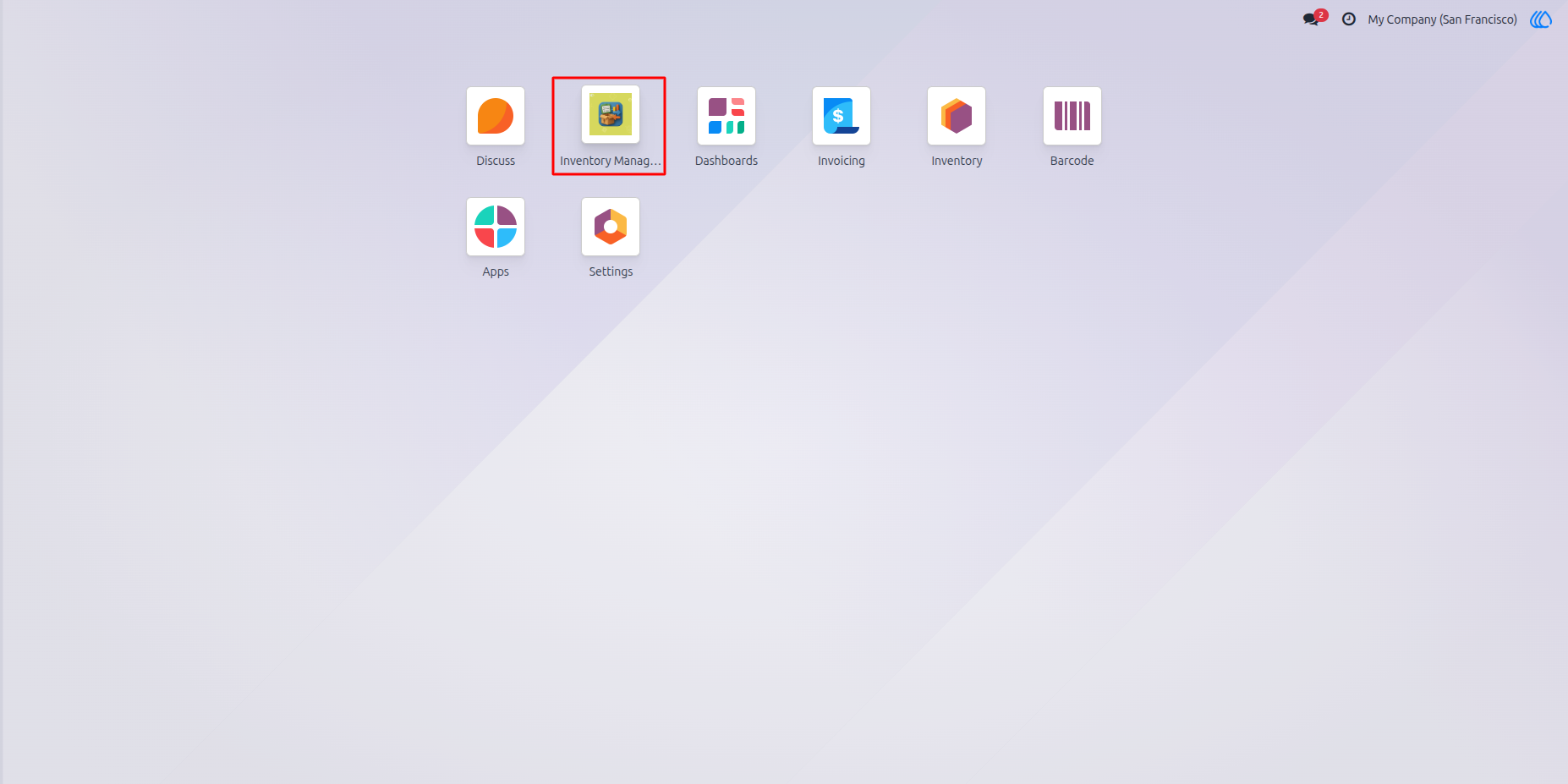
2) Inventory Management
3) Inter Company Transfer
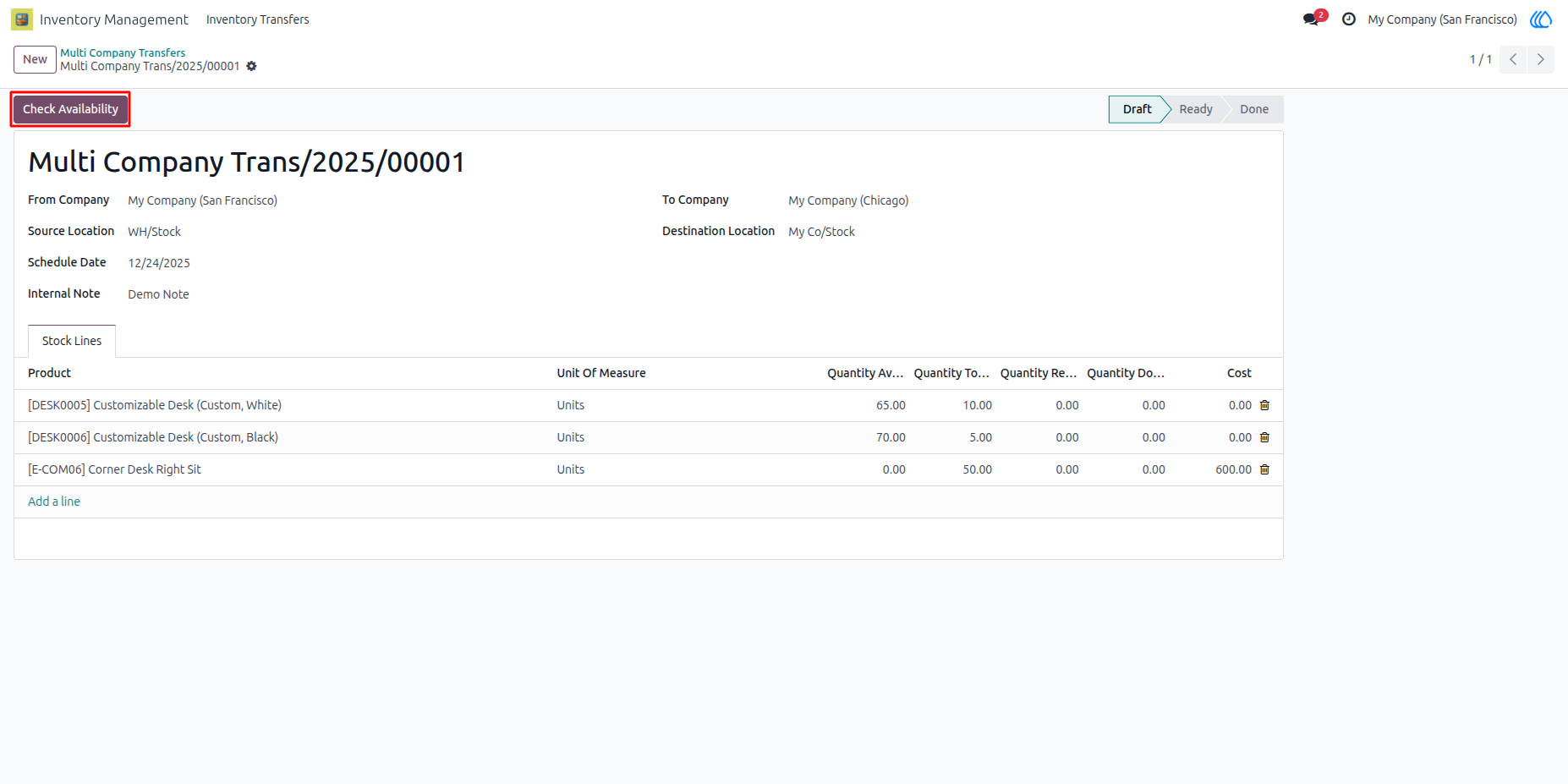
4) Stock Availability Checking
By clicking the ‘Check Availability’ button, the user can check whether the stock is available in the source location.
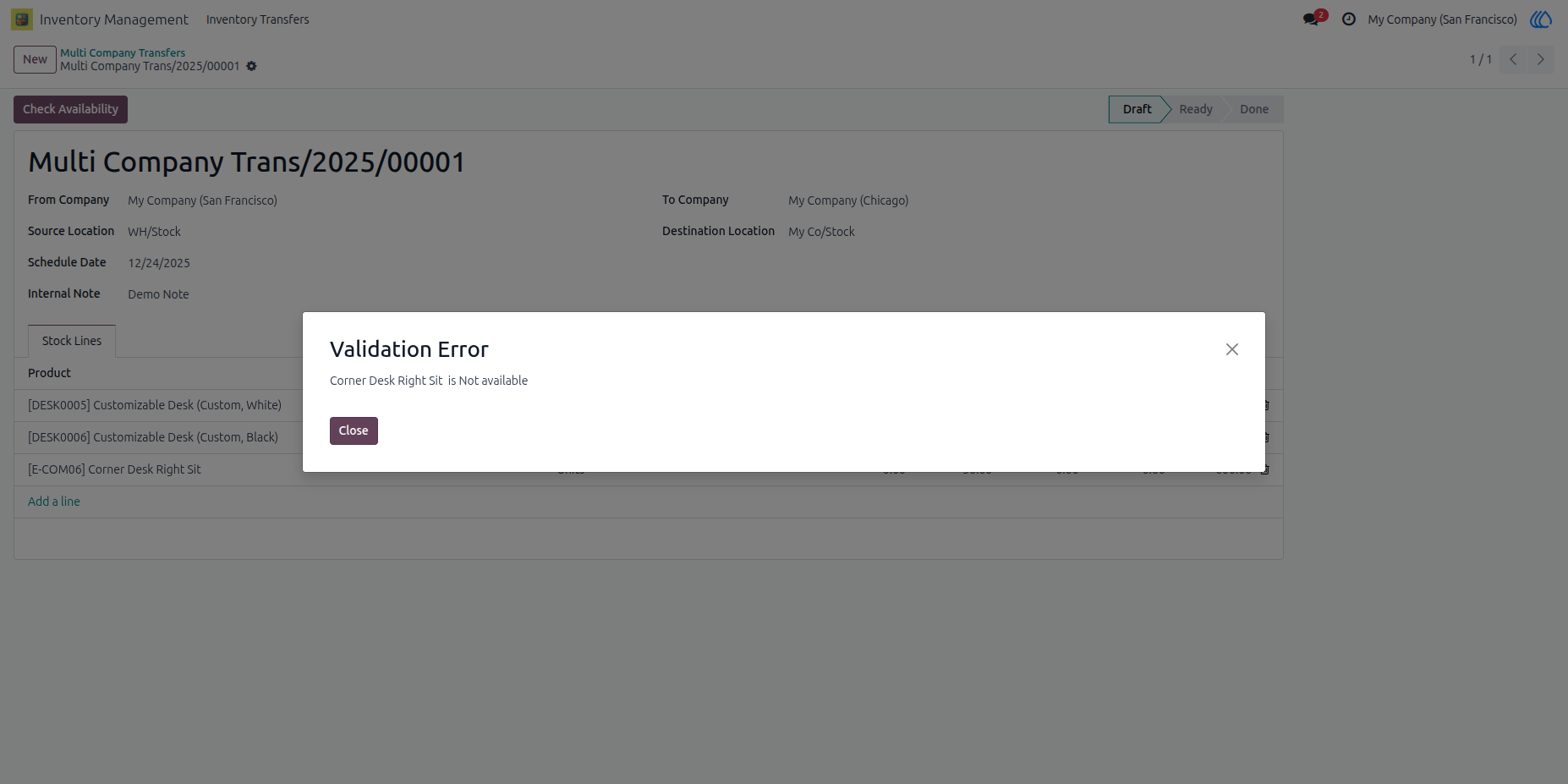
5) Stock Missing Alert
An error will be raised when the required transfer quantity is not available in the source location.
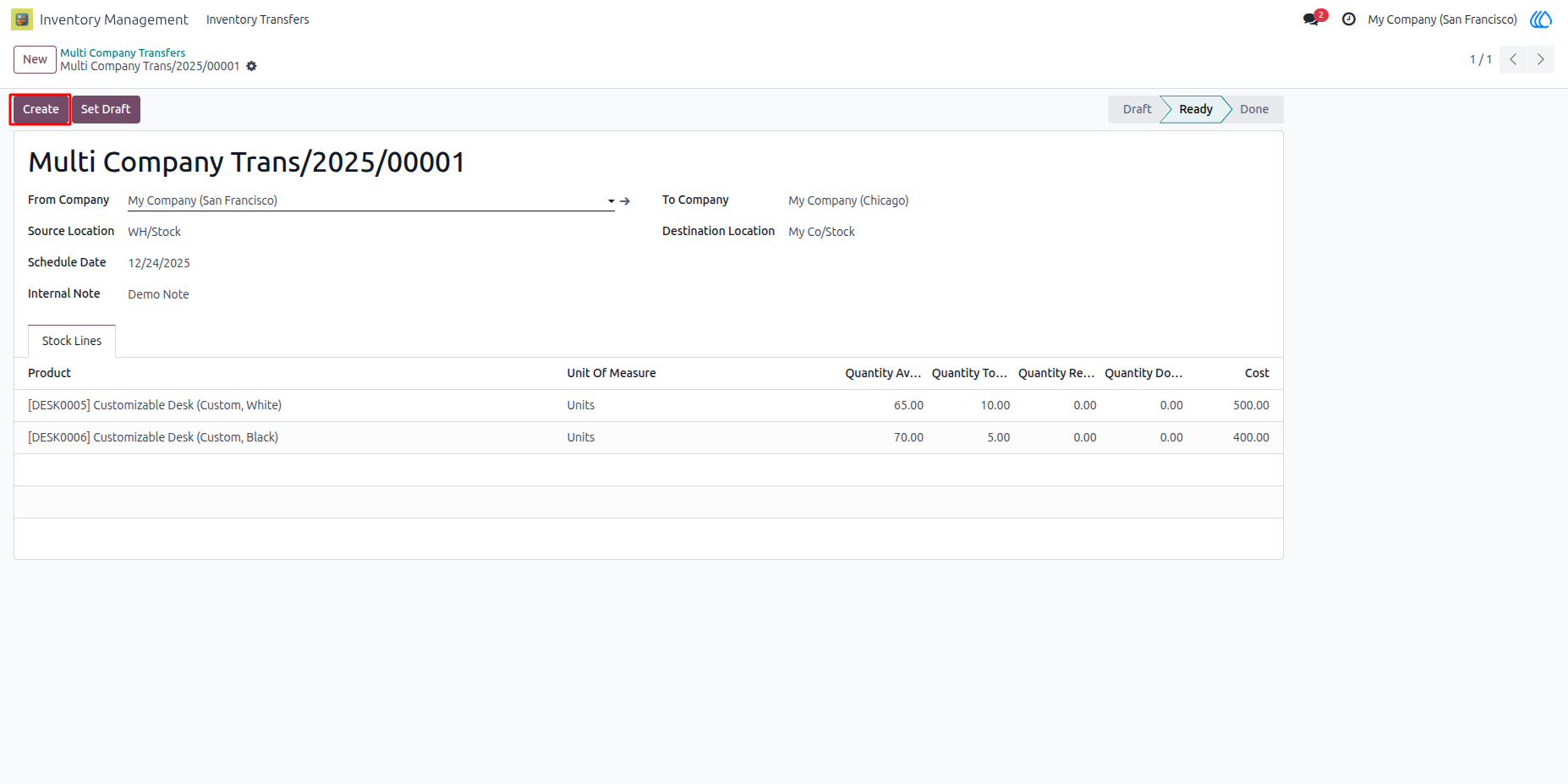
6) Create or Set Draft Button
Here, you can create the transfer or reset the transfer to draft.
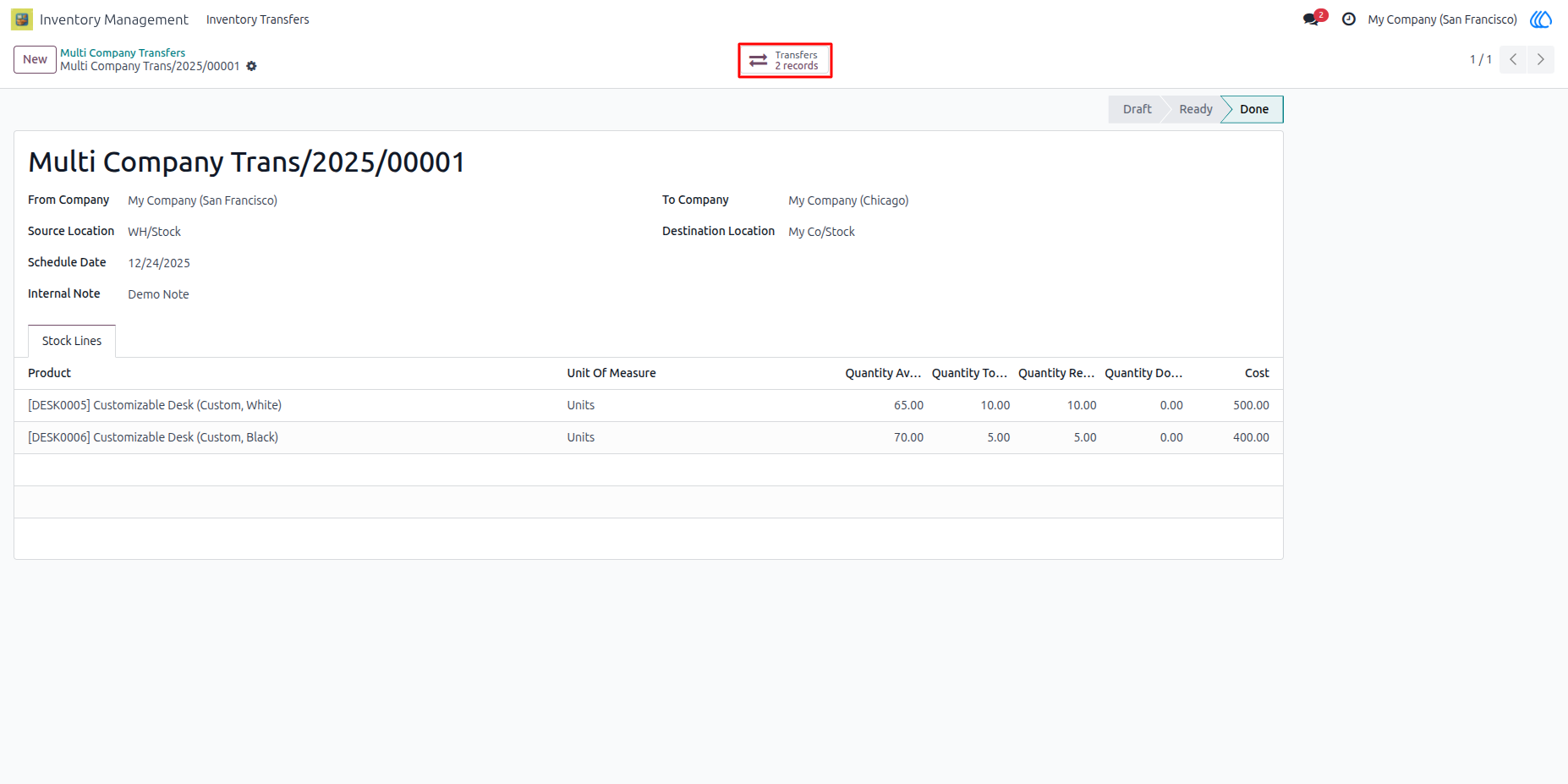
7) View Transfer
The user can view incoming and outgoing transfers by clicking this button.
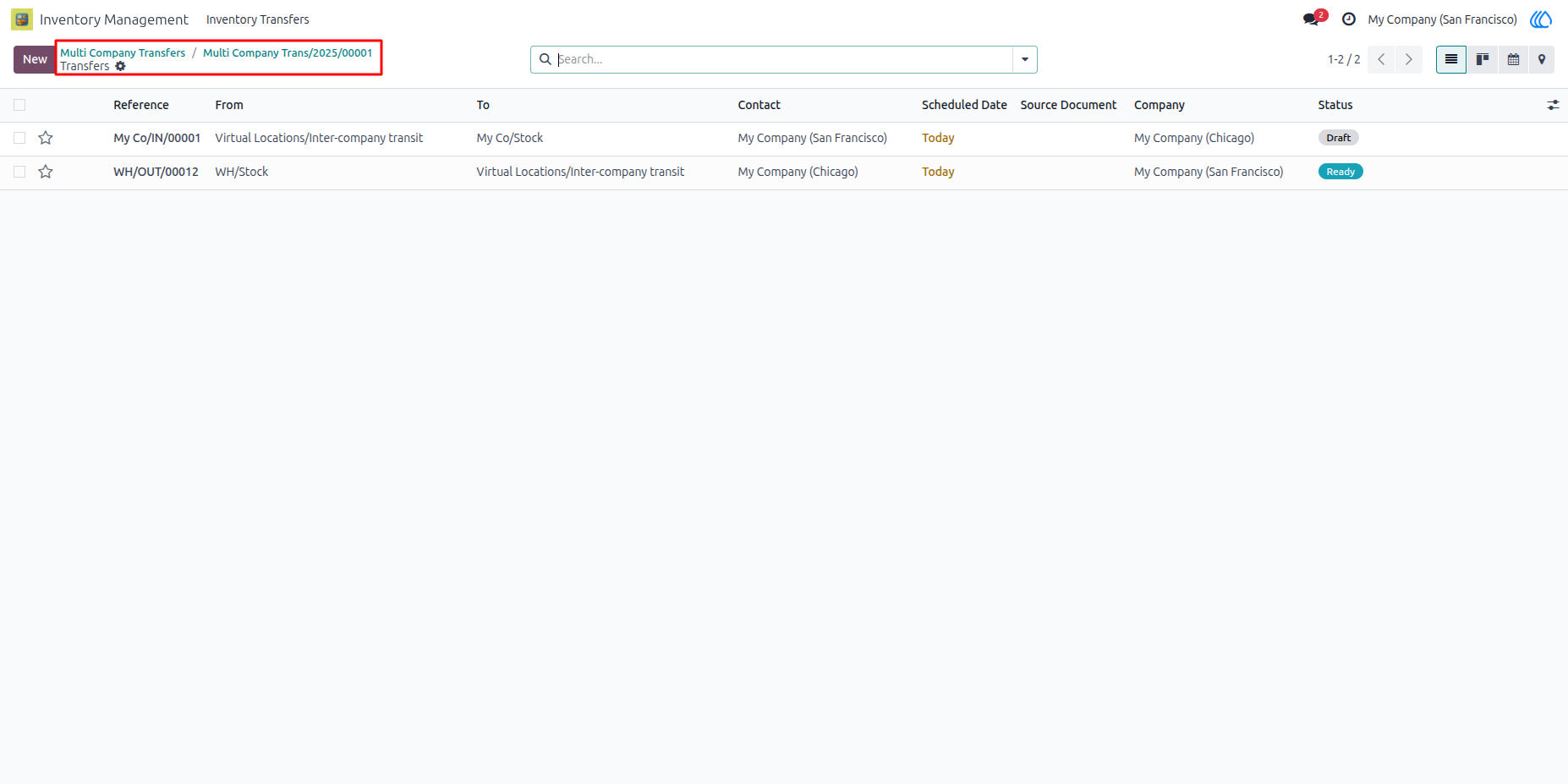
8) Incoming and Outgoing Transfers
9) Inter Warehouse Tranfers
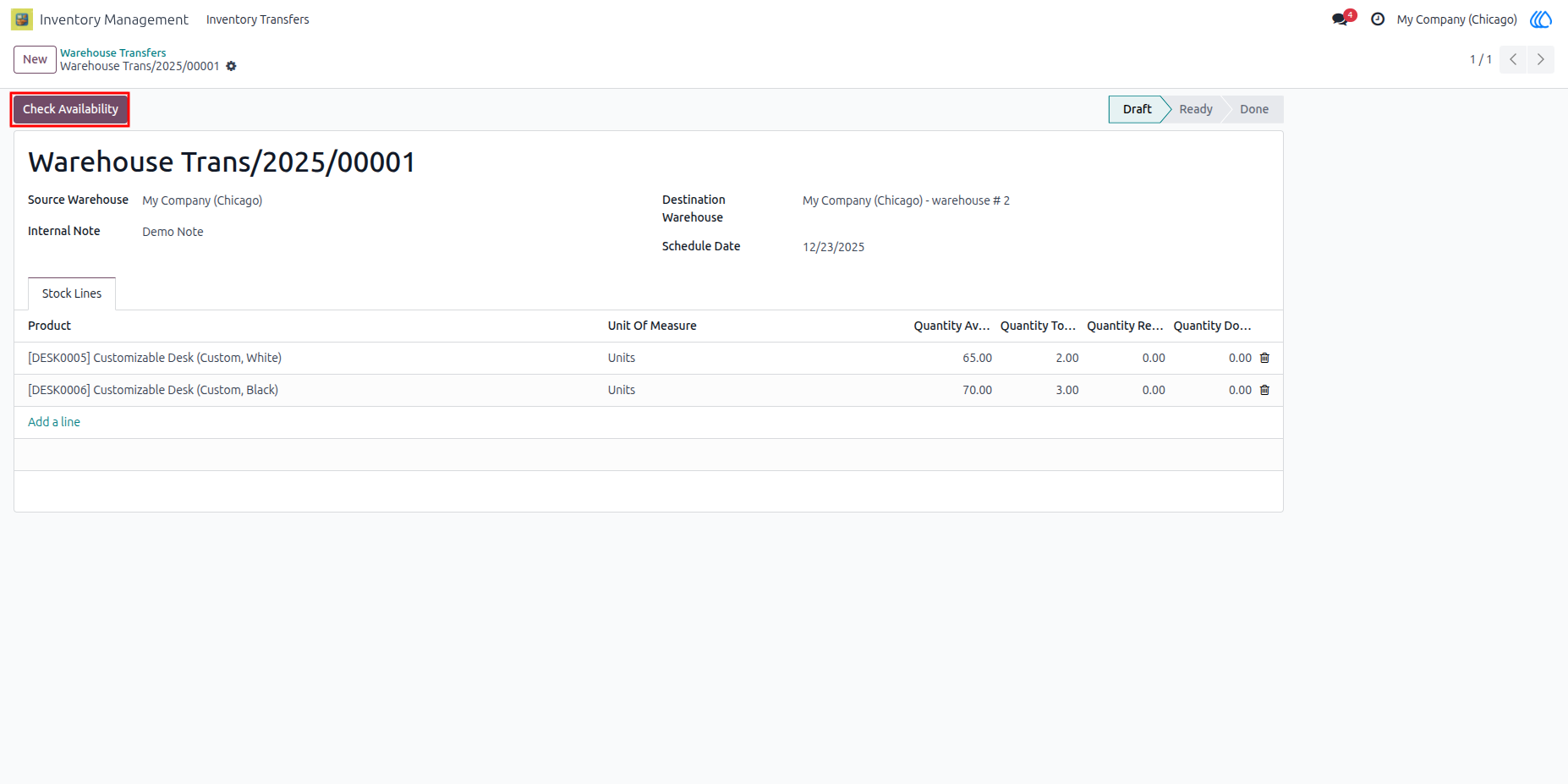
10) Stock Availability Checking
By clicking this button, the user can check stock availability in the source warehouse.
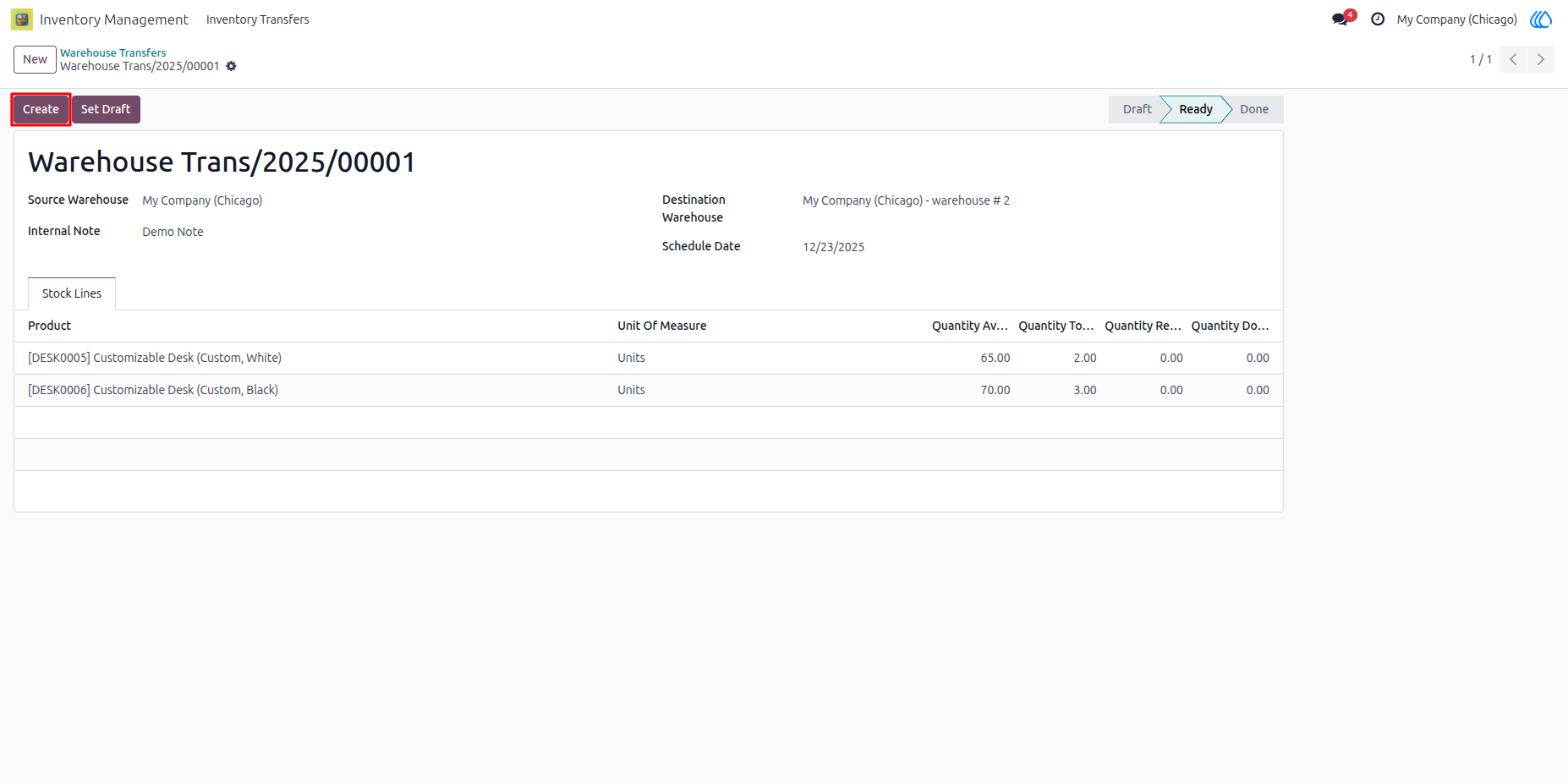
11) Create Transfers
By clicking this button, the user can create incoming and outgoing transfers.
12) View Transfers
The user can view incoming and outgoing transfers by clicking this button.
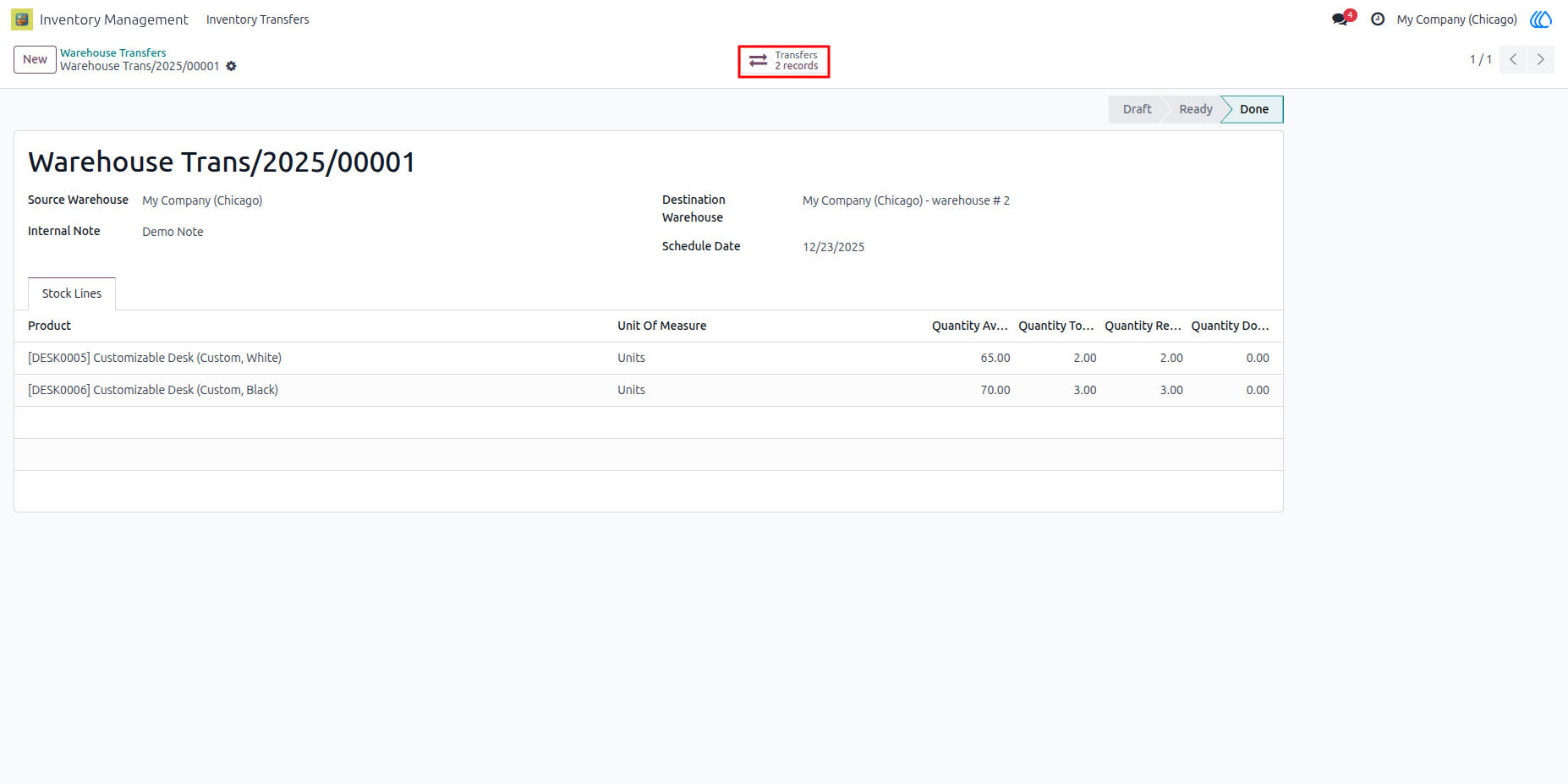
13) Incoming and Outgoing Transfers
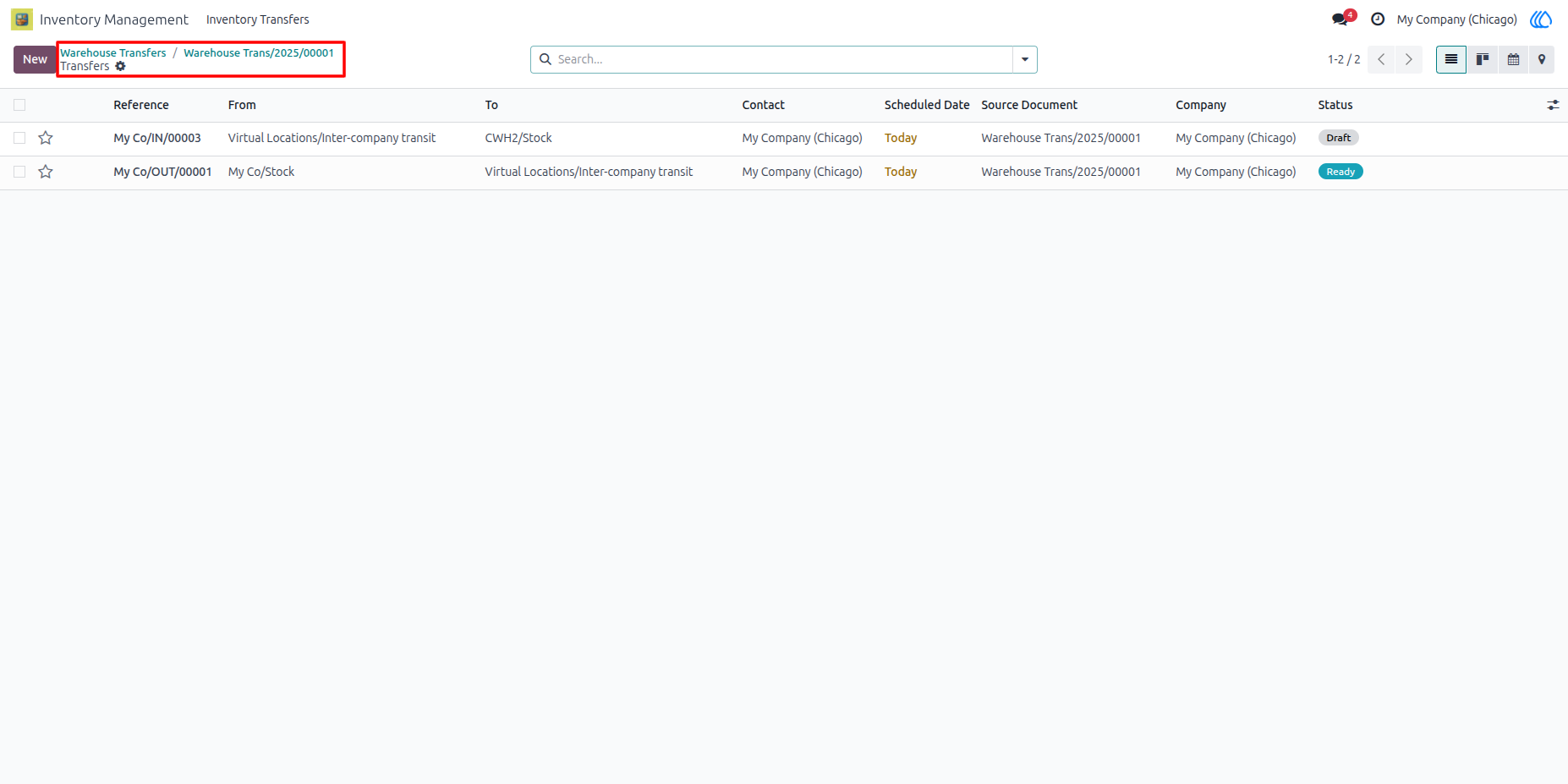
14) Custom Pivot View
This custom pivot view allows the user to view all stock with company, location, and warehouse filters.
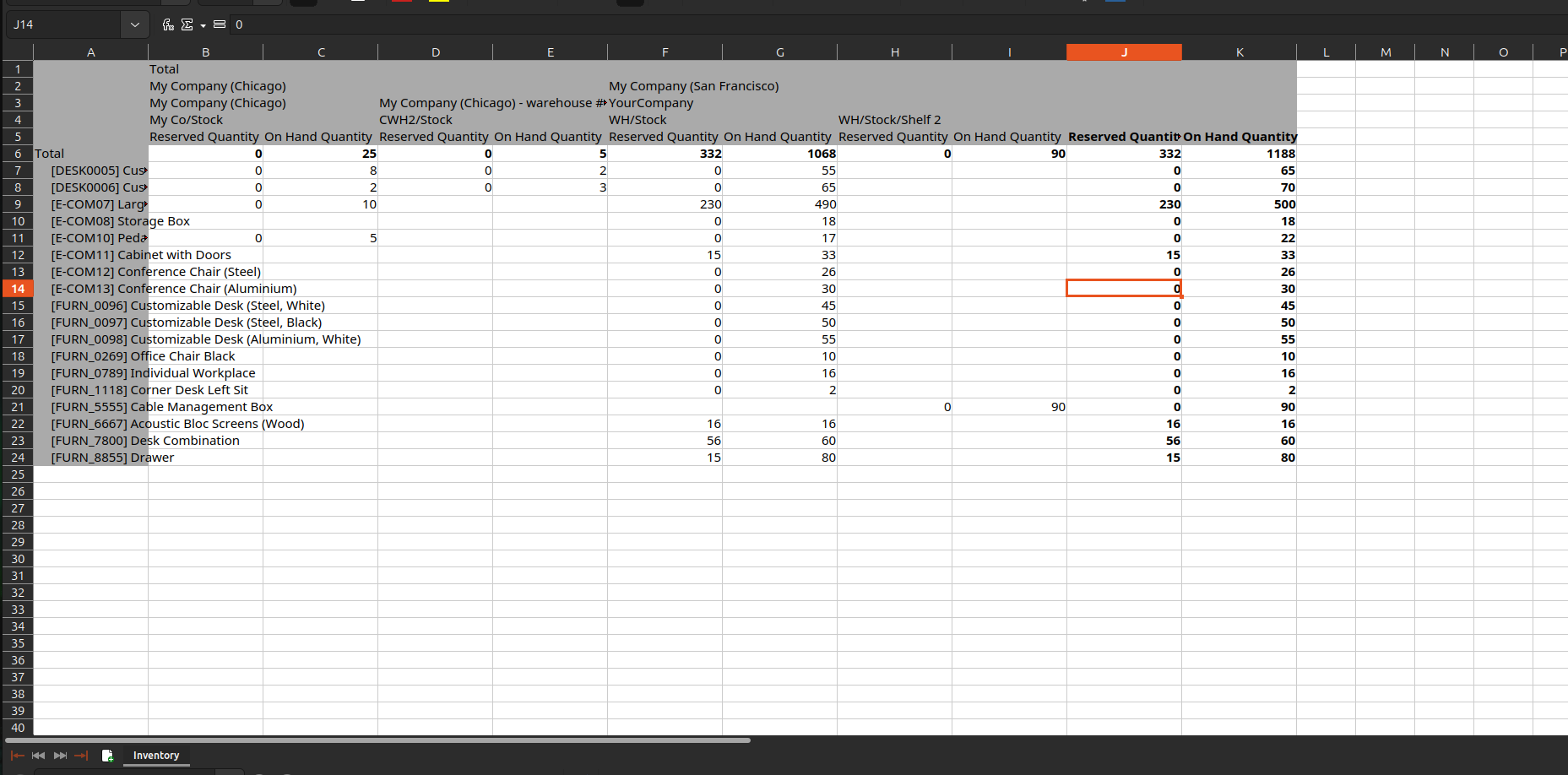
15) Stock Report
By clicking this button, the user can generate an Excel report of all stock with company, location, and warehouse data.
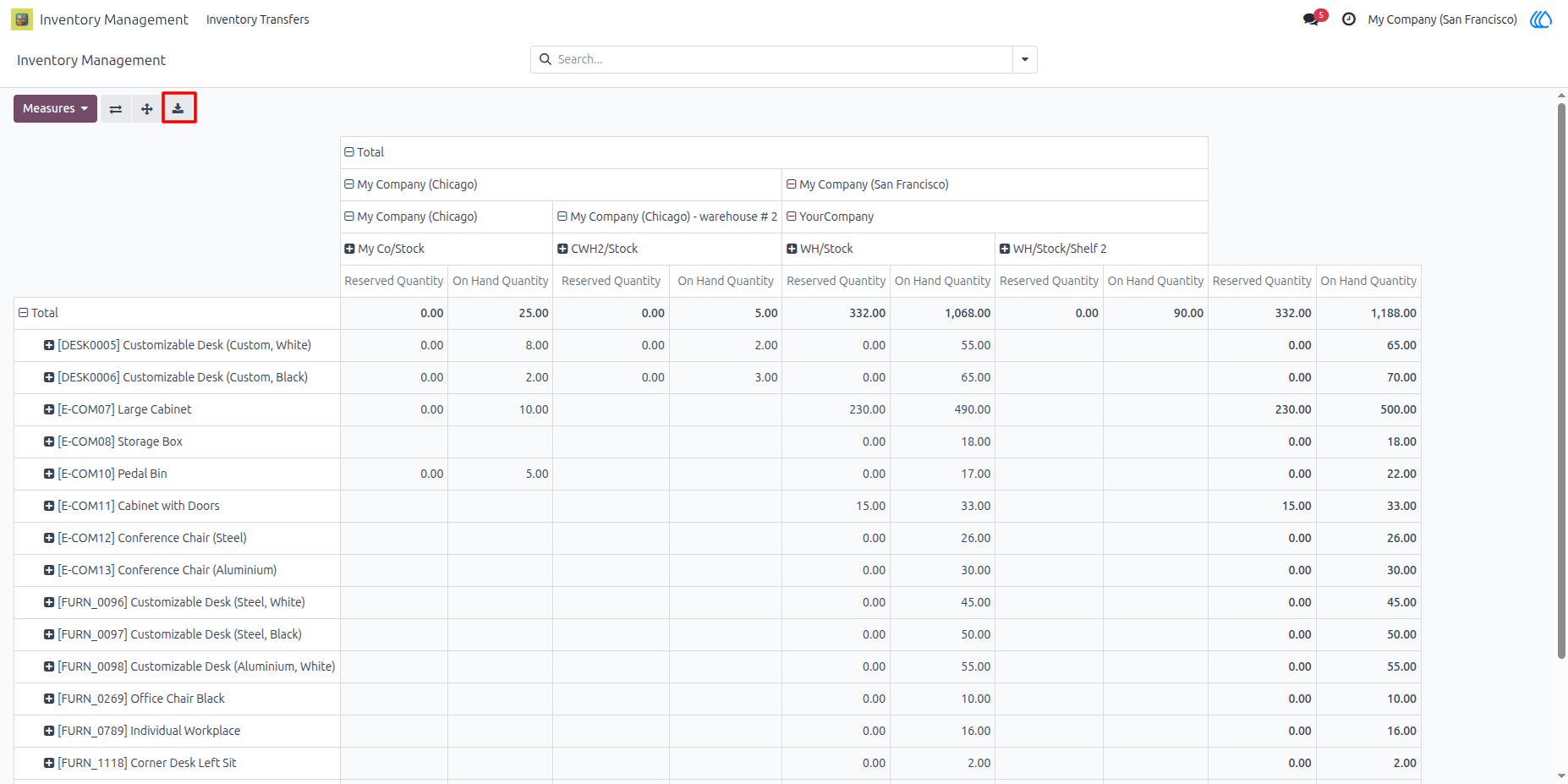
16) Excel Report of Stock.
User Guide