

Our Most Suggested Products


Leave Notifications
The Leave Notifications module for Odoo streamlines the leave management process by ensuring seamless communication between employees and managers. It automates email notifications for leave requests, approvals, and rejections, helping organizations maintain transparency and efficiency in their workflows.
 Features
 Screenshots
 Support
 Service
Features
Automated Email Notifications
This feature ensures that all leave-related communications are handled automatically through email. Notifications are sent for leave requests, approvals, and rejections, keeping both employees and managers consistently informed.
Manager Notifications
Managers receive instant alerts whenever an employee submits a leave request, allowing them to take timely action. This helps avoid bottlenecks in the approval process and ensures requests are reviewed without unnecessary delays.
Employee Notifications
Employees are automatically notified when their leave requests are approved or rejected, providing immediate clarity on their request status. This eliminates uncertainty and improves communication transparency.
Screenshot
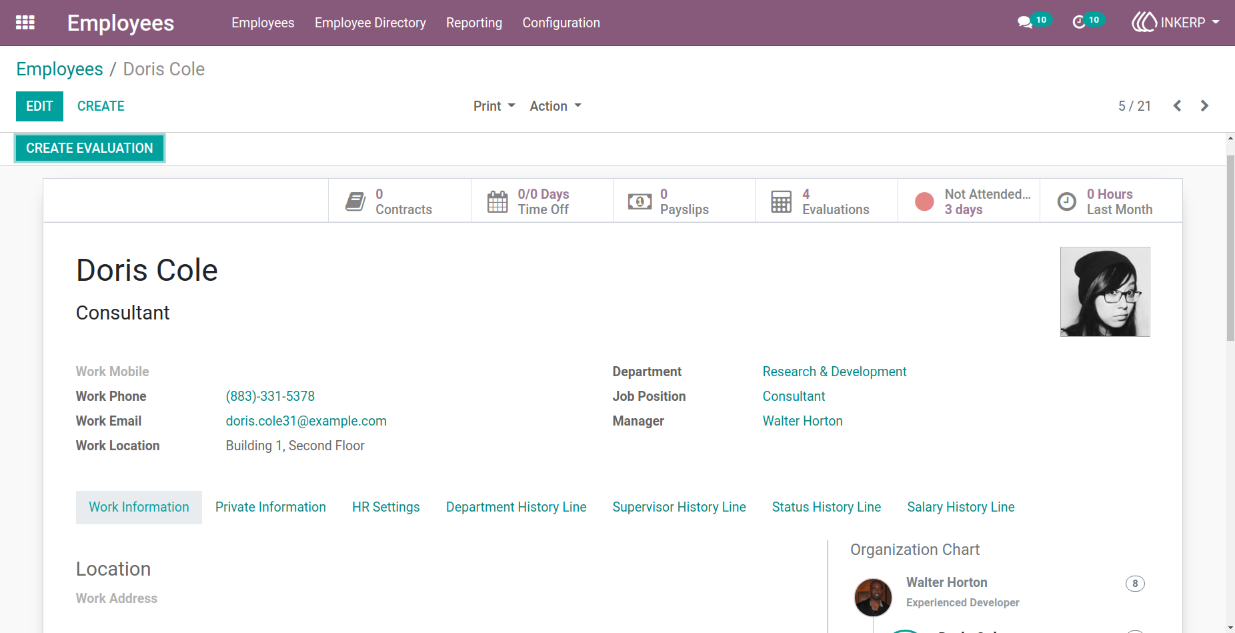
1.) Employee Configuration for Notifications
Work email and reporting manager details are configured to ensure smooth communication flow. Proper setup allows employees to receive updates and ensures managers are notified about leave requests without any gaps.
Navigation : Employees › Employees
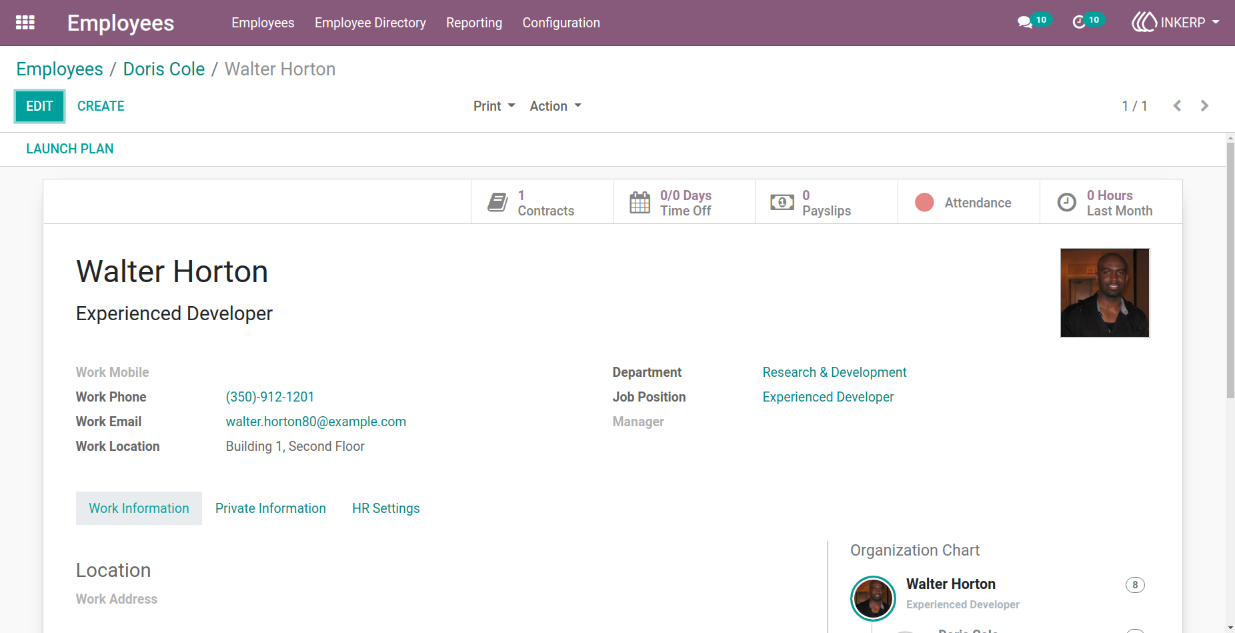
2.) Employee Form View (Manager)
Managers can have their work email configured to receive leave request notifications. and Employees receive responses to their leave requests through the manager's email.
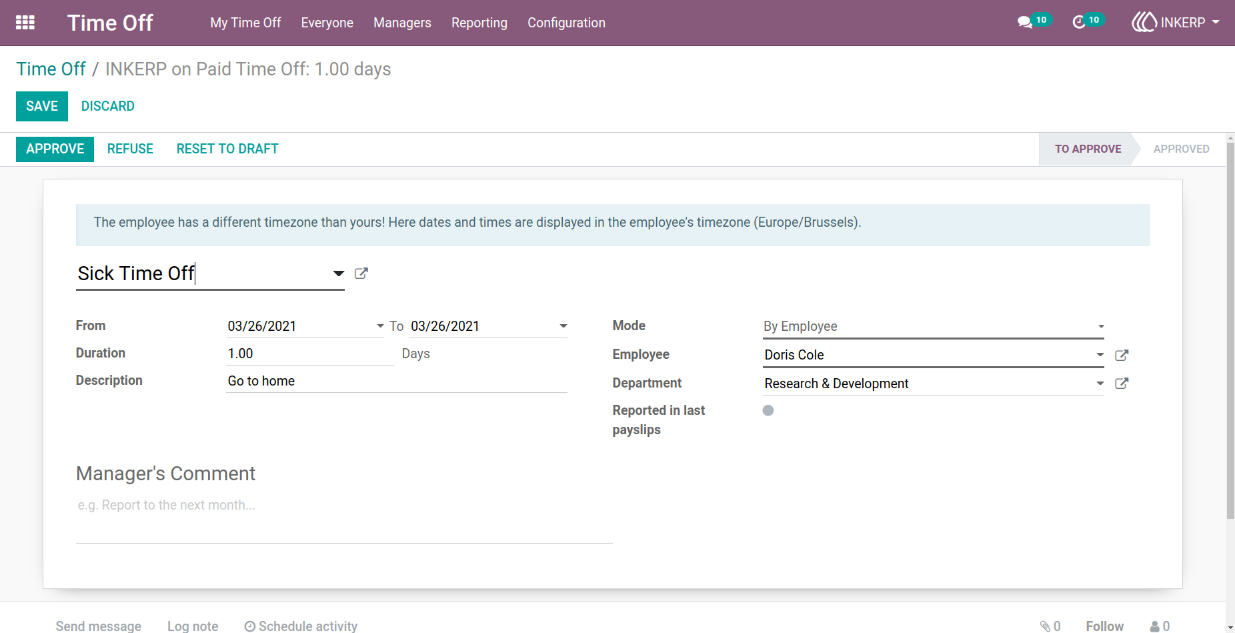
3.) Time Off Form View
Employees can submit their leave requests through this form.
Navigation : Time Off › My Time Off
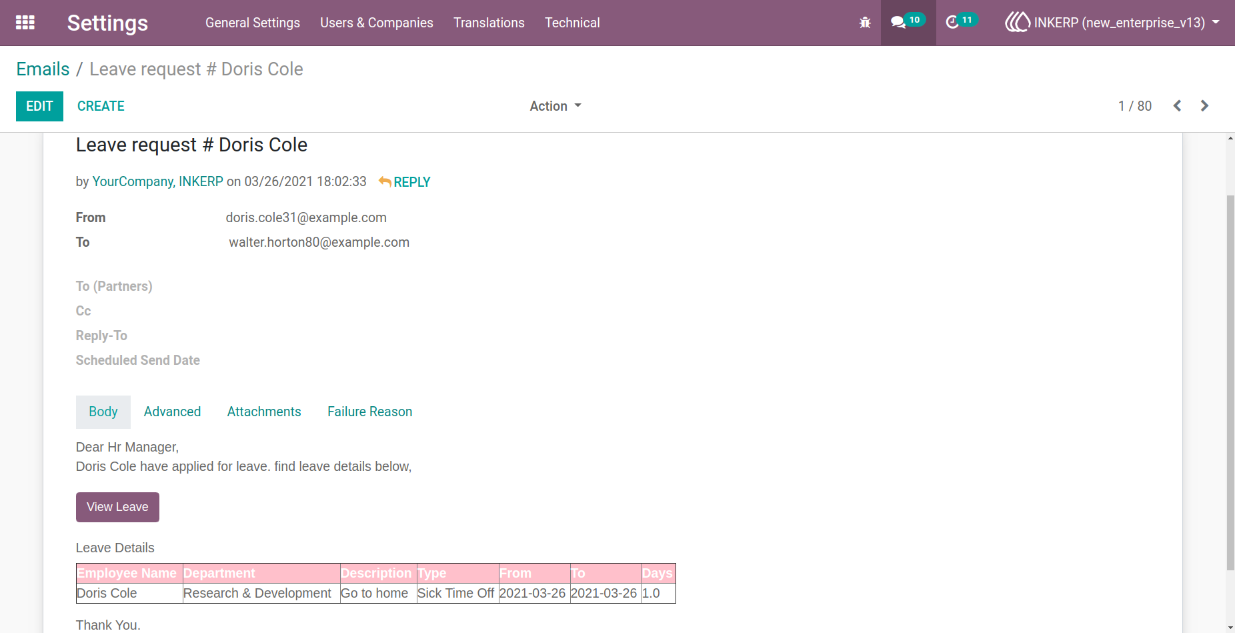
4.) Email Form View
Managers receive email notifications with details of the leave request. A "View Leave" button in the email allows managers to access the leave request directly.
5.) Time Off Form View (Manager)
Managers can review, approve, or refuse leave requests through the form.
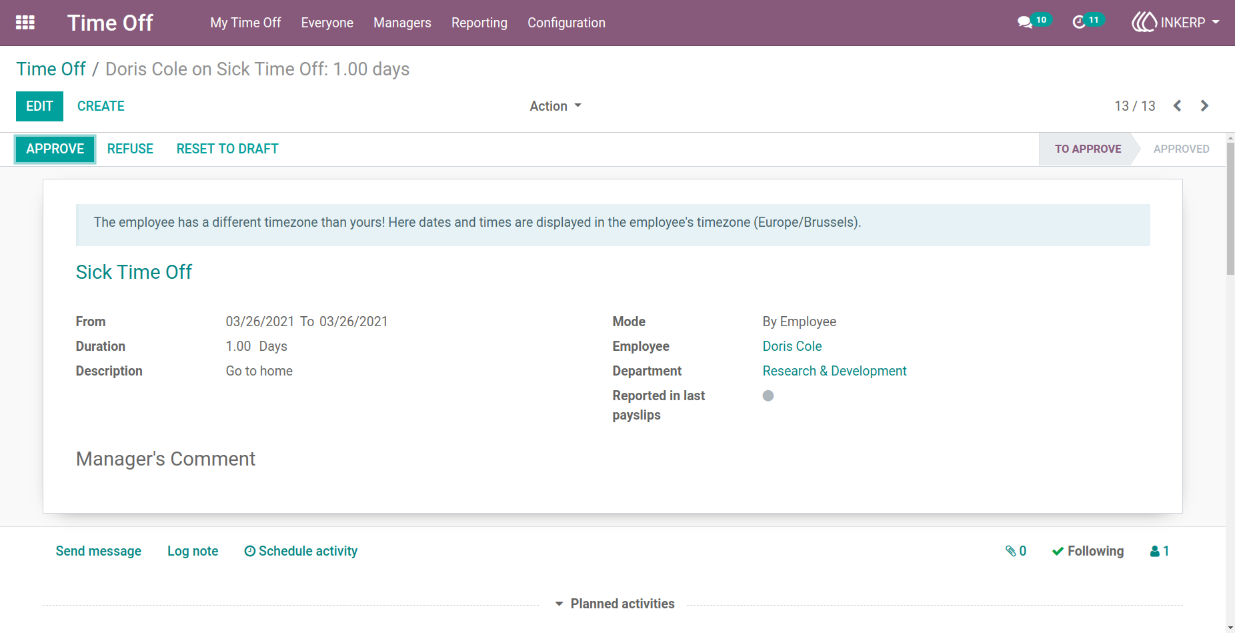
6.) Time Off Form View (Approval)
Clicking the "Approve" button finalises and approves the leave request.
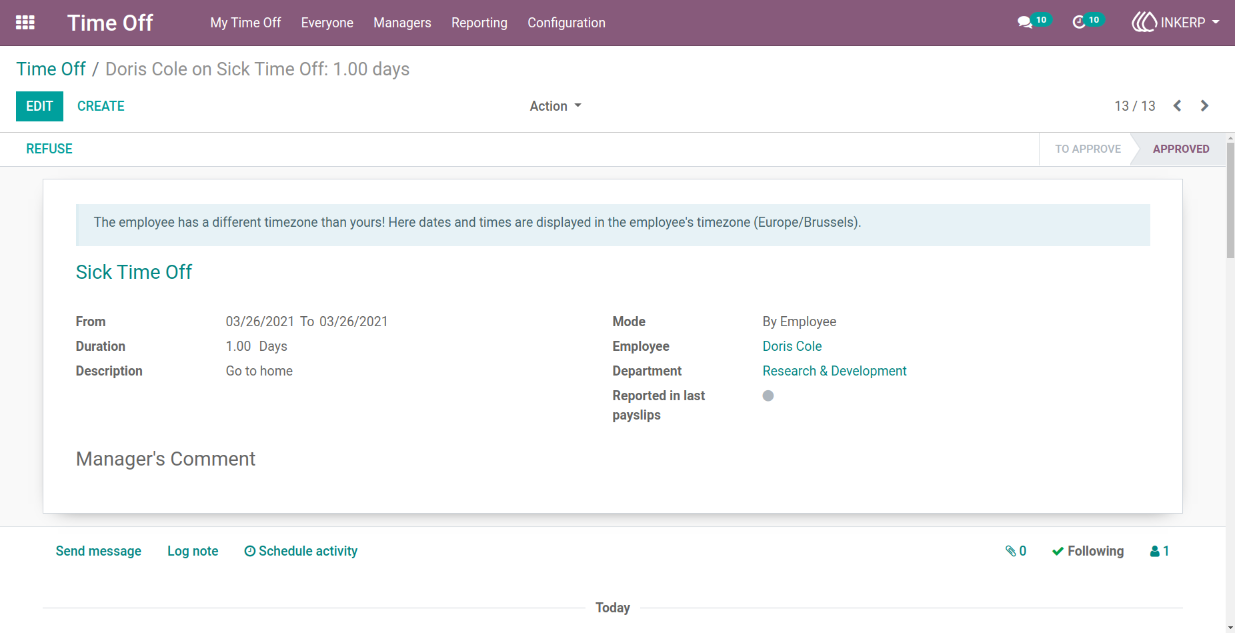
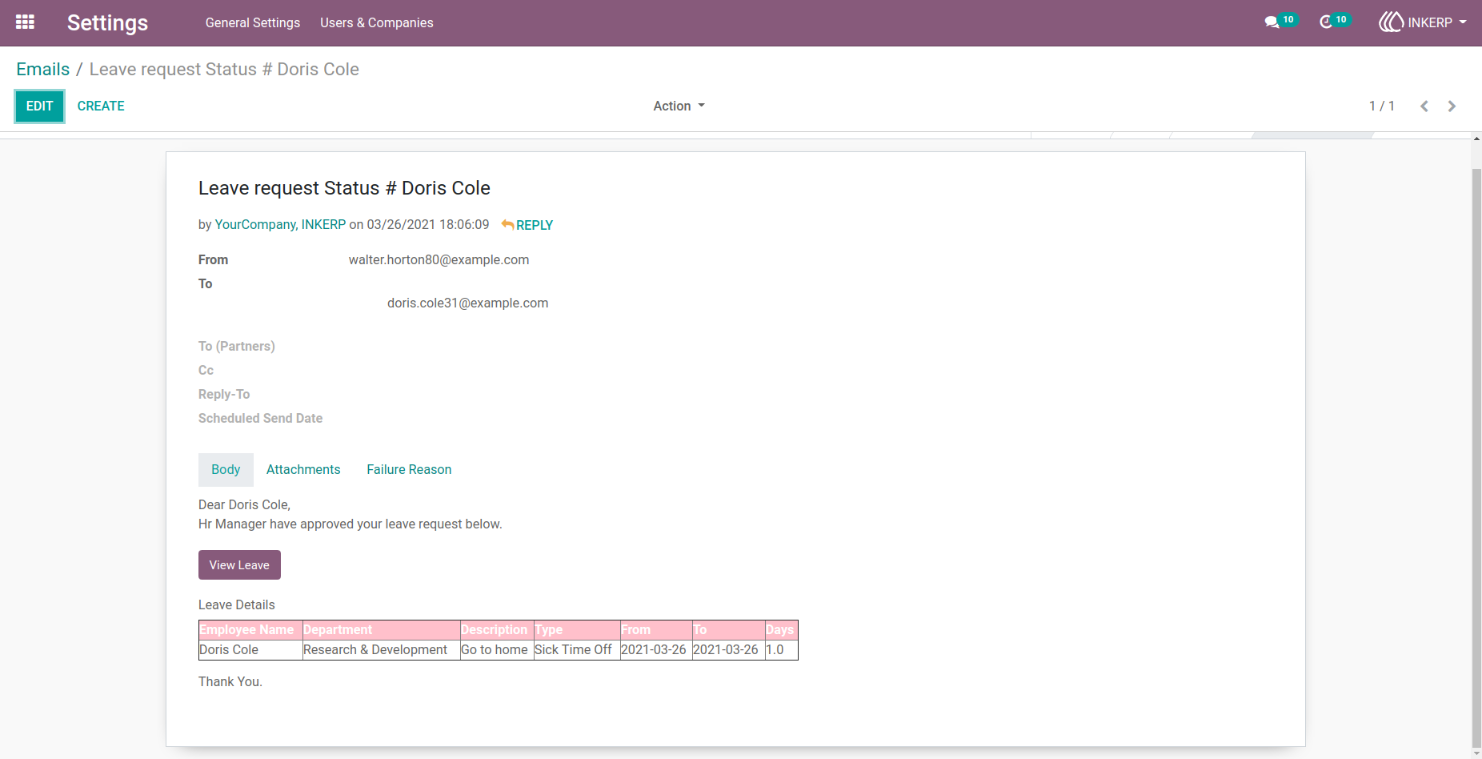
7.) Email Form View (Approval Notification)
Employees receive an email confirming that their leave has been approved by the manager.
8.) Time Off Form View (Refusal)
Displays leave requests that have been refused by the manager.
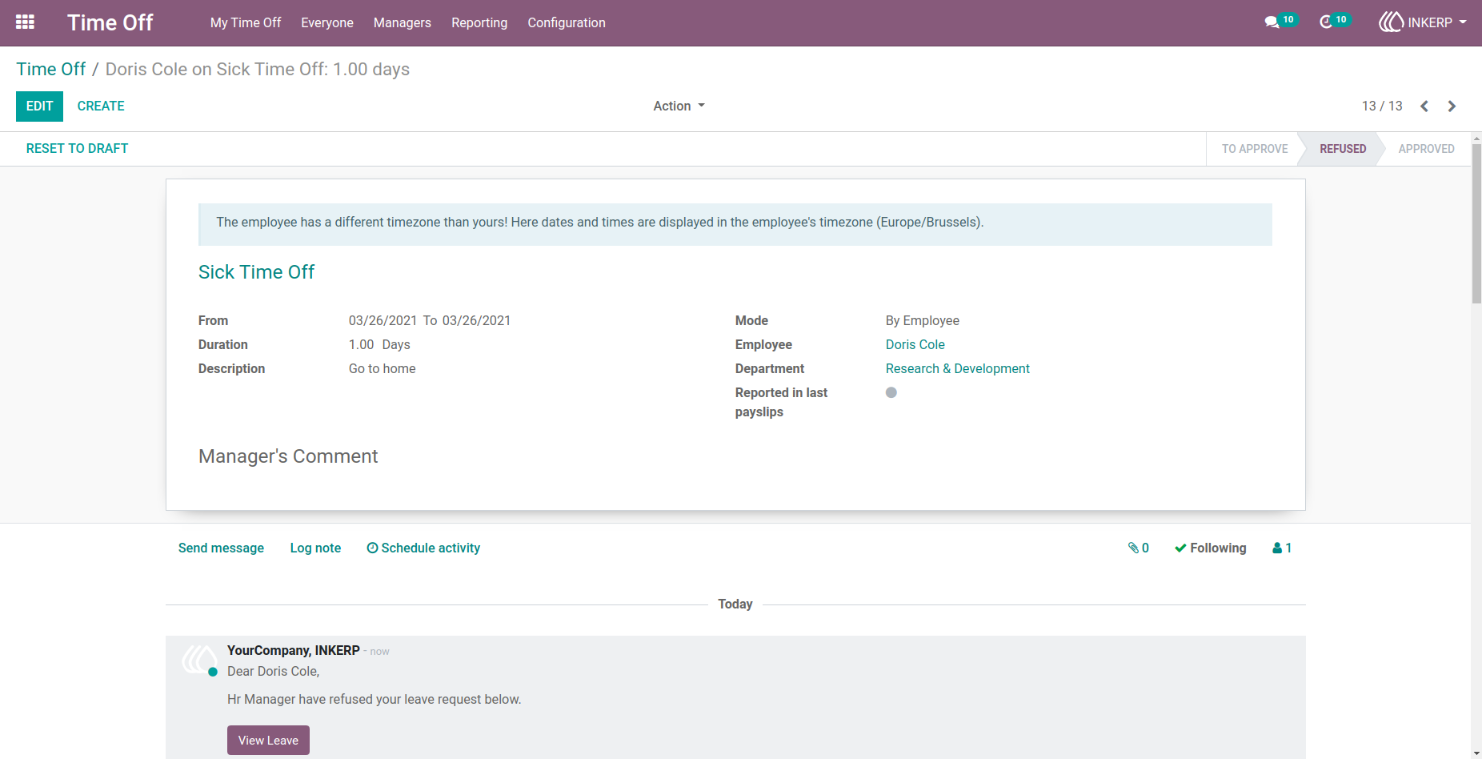
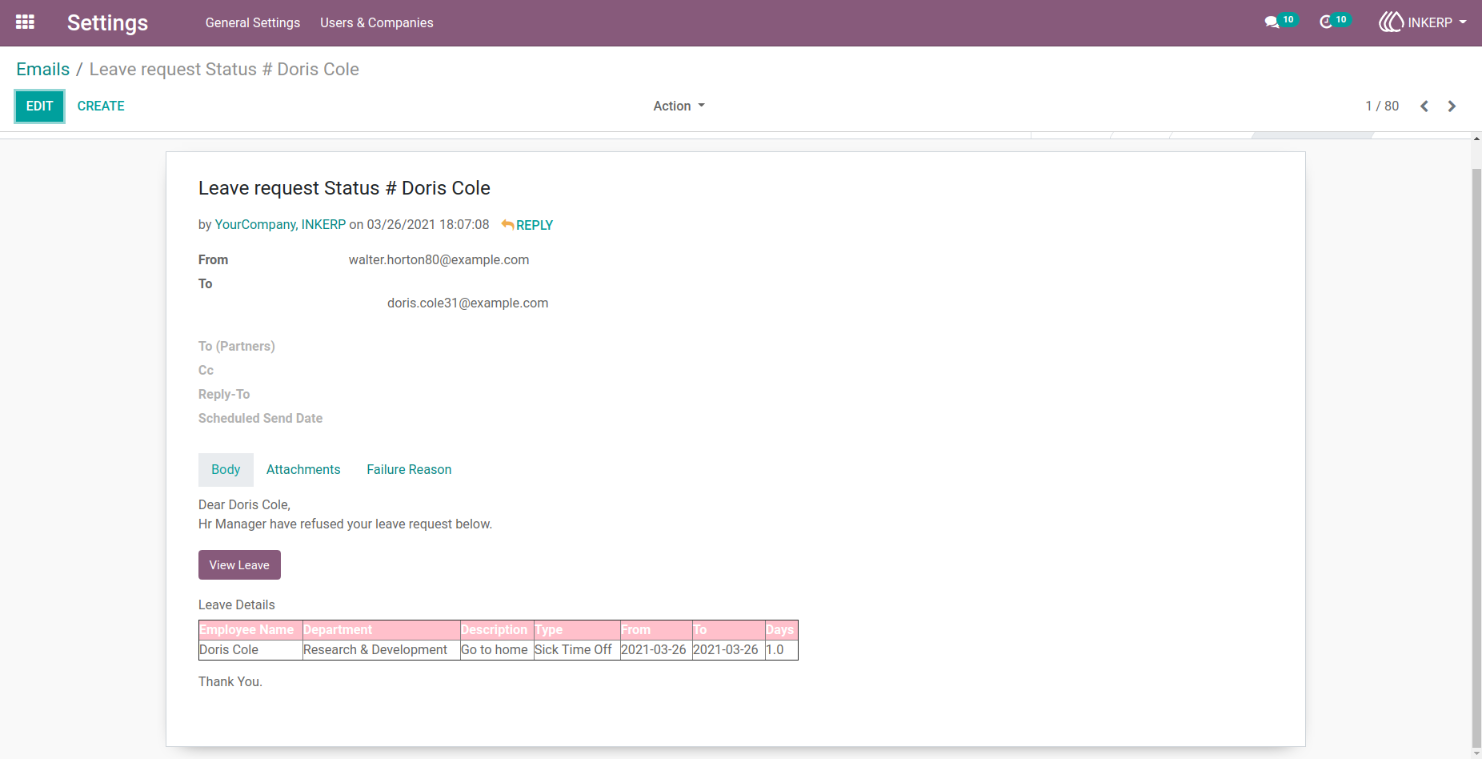
9.) Email Form View (Refusal Notification)
Employees receive an email informing them that their leave request has been refused.
User Guide