

Our Most Suggested Products


Interest on Overdue Invoice
This module enables businesses to apply interest charges on overdue invoices directly within Odoo. It simplifies late payment management by automatically calculating and updating interest amounts based on defined payment terms, ensuring accurate journal entries and improved financial tracking.
Video Tutorial

 Features
 Screenshots
 Support
 Service

Features
Automatic Interest Calculation
Calculates interest on overdue invoices using Scheduled Actions (Cron), reducing manual effort.
Flexible Periods
Interest can be configured for daily, weekly, or monthly periods, allowing businesses to adapt to different policies.
Customizable Payment Terms
Users can enable interest rules in payment term configuration and set specific rates and accounts for journal entries.
Warnings for Duplicate Updates
Provides alerts if an invoice is updated multiple times within the same interest period, preventing errors.
Screenshot
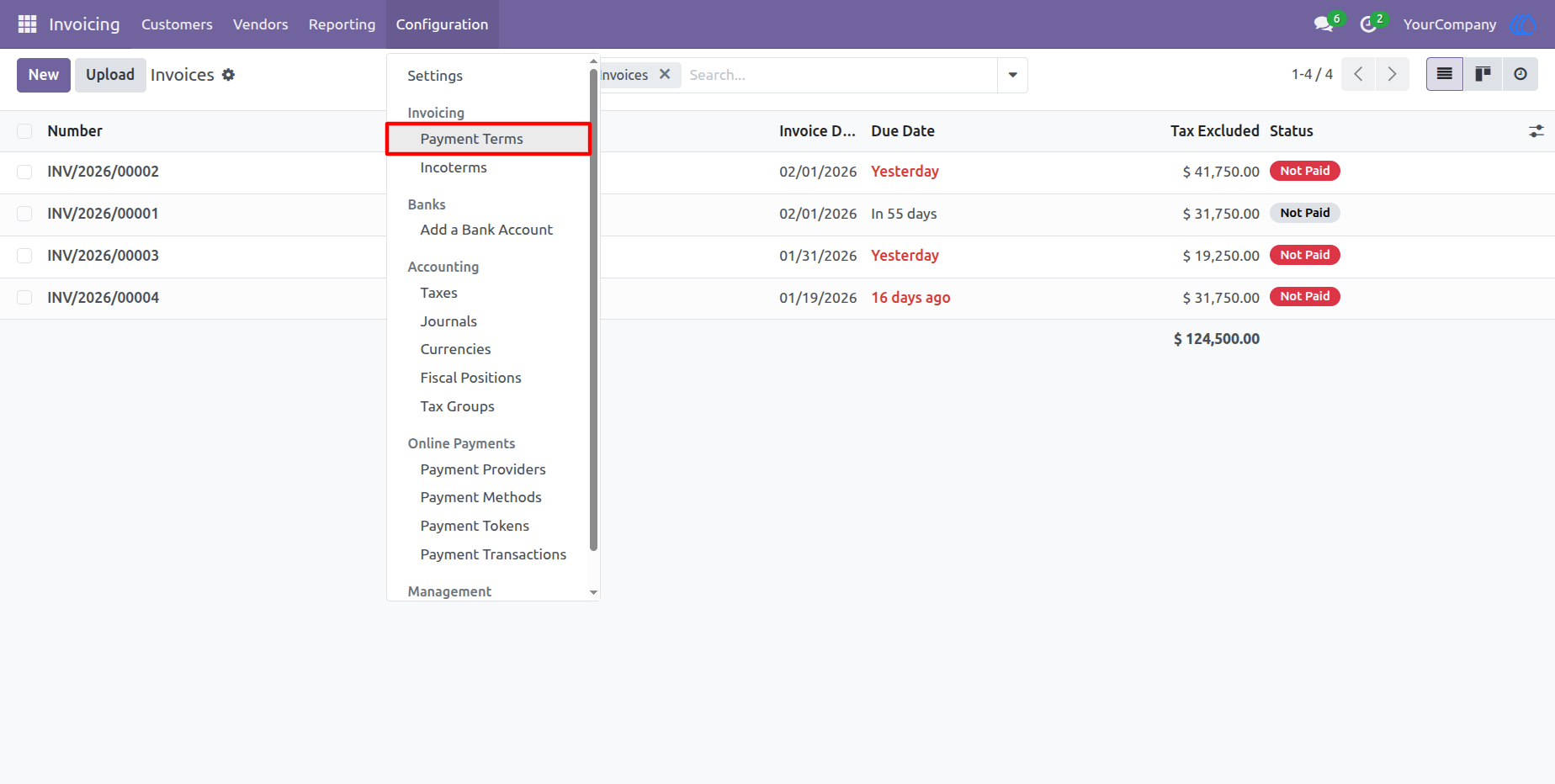
1) Payment Terms Menu
Start Setting up payment terms
Navigation : Invoicing › Configuration › Payment Terms
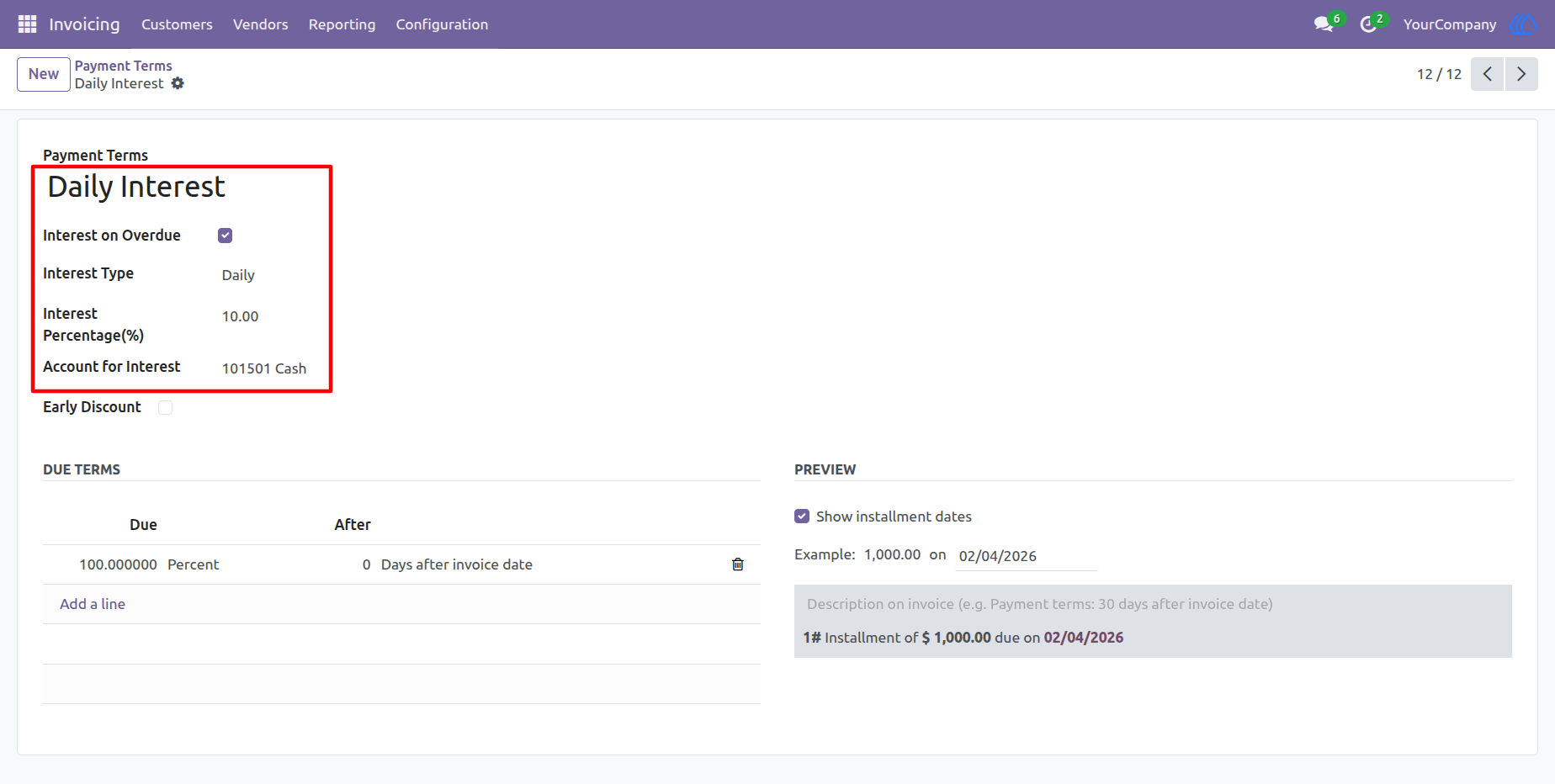
2) Payment Term Form View
Here you can create payment terms for daily, weekly, and monthly interest.
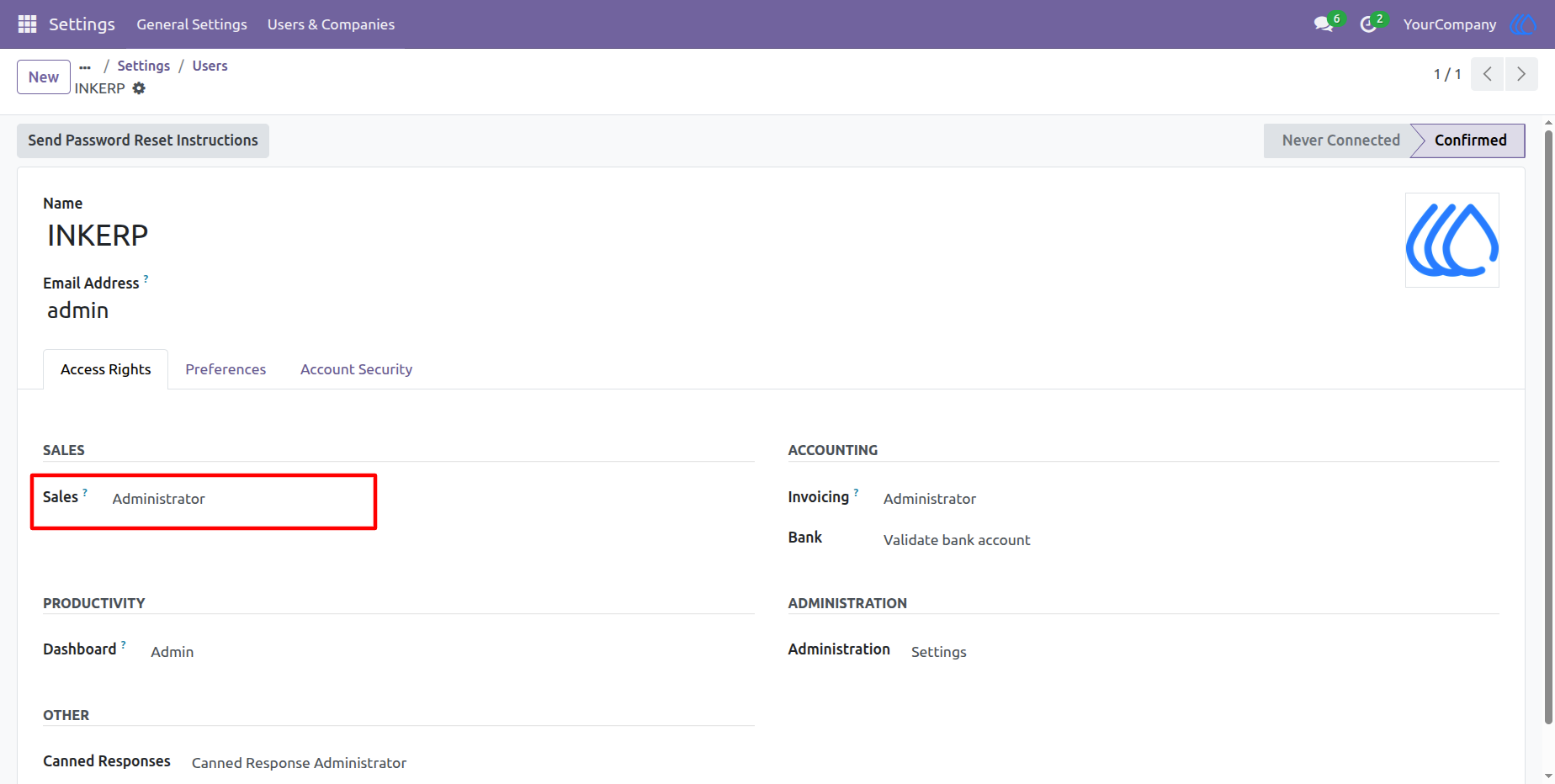
3) Set Access Right
Users assigned Sales Administrator rights are authorized to reset the interest rate details.
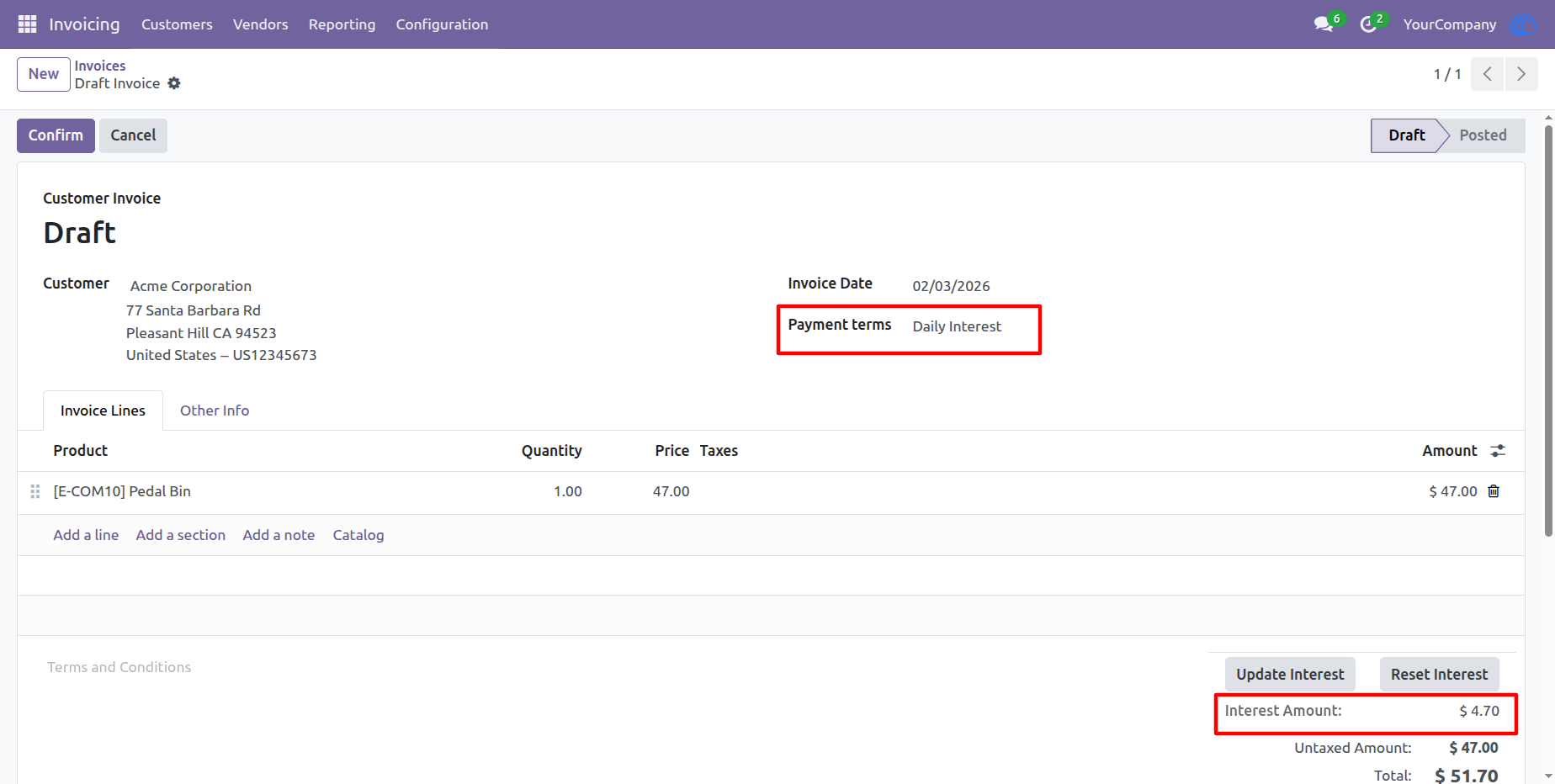
4) Daily Interest
This invoice displays the calculation of daily interest.
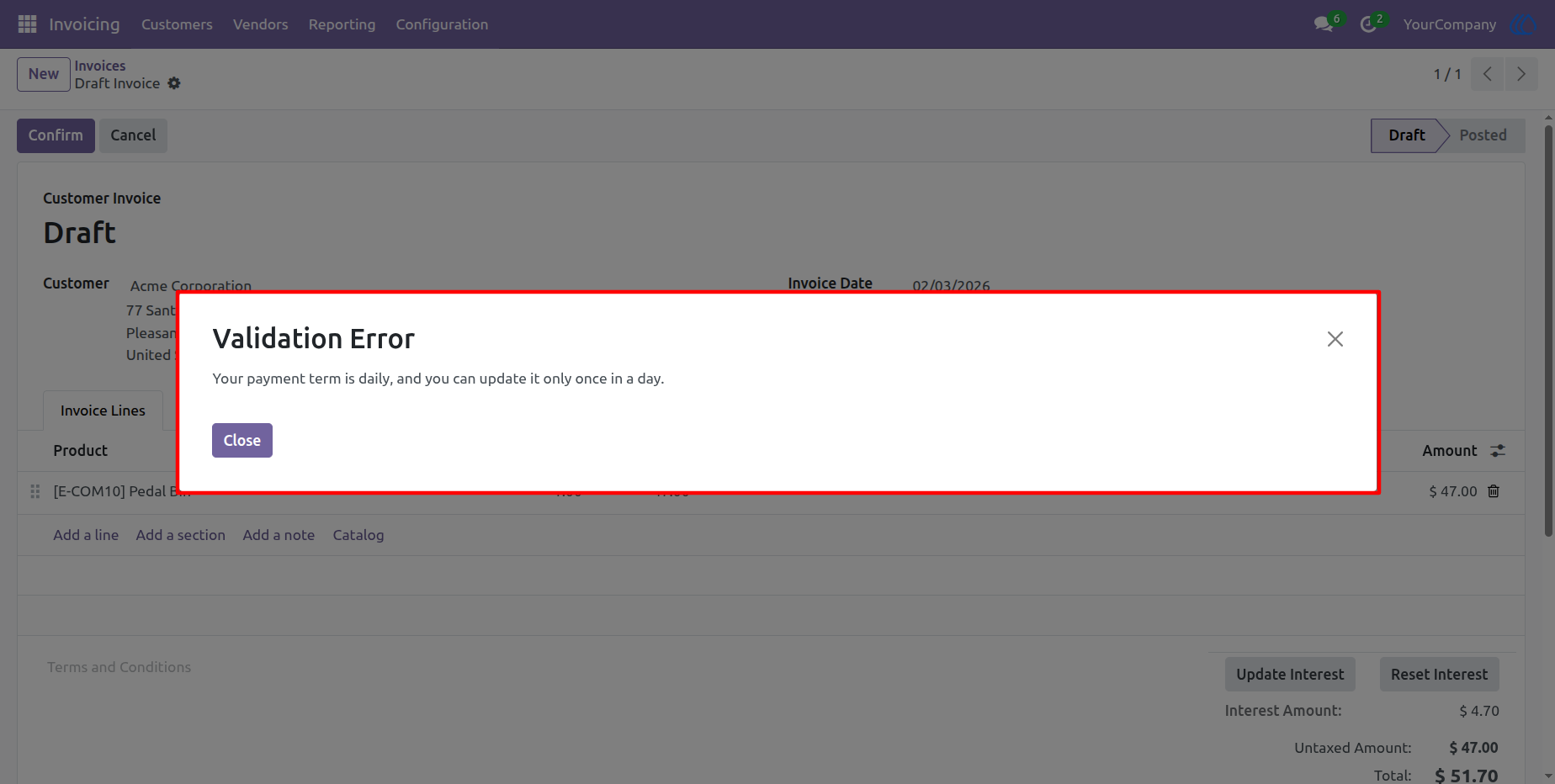
5) Warning
Updating interest a daily invoice more than once per day may raise Warning if payment terms is daily interest.
6) Validated Invoice
Once an invoice has been validated, you cannot reset the interest; you can only update it.
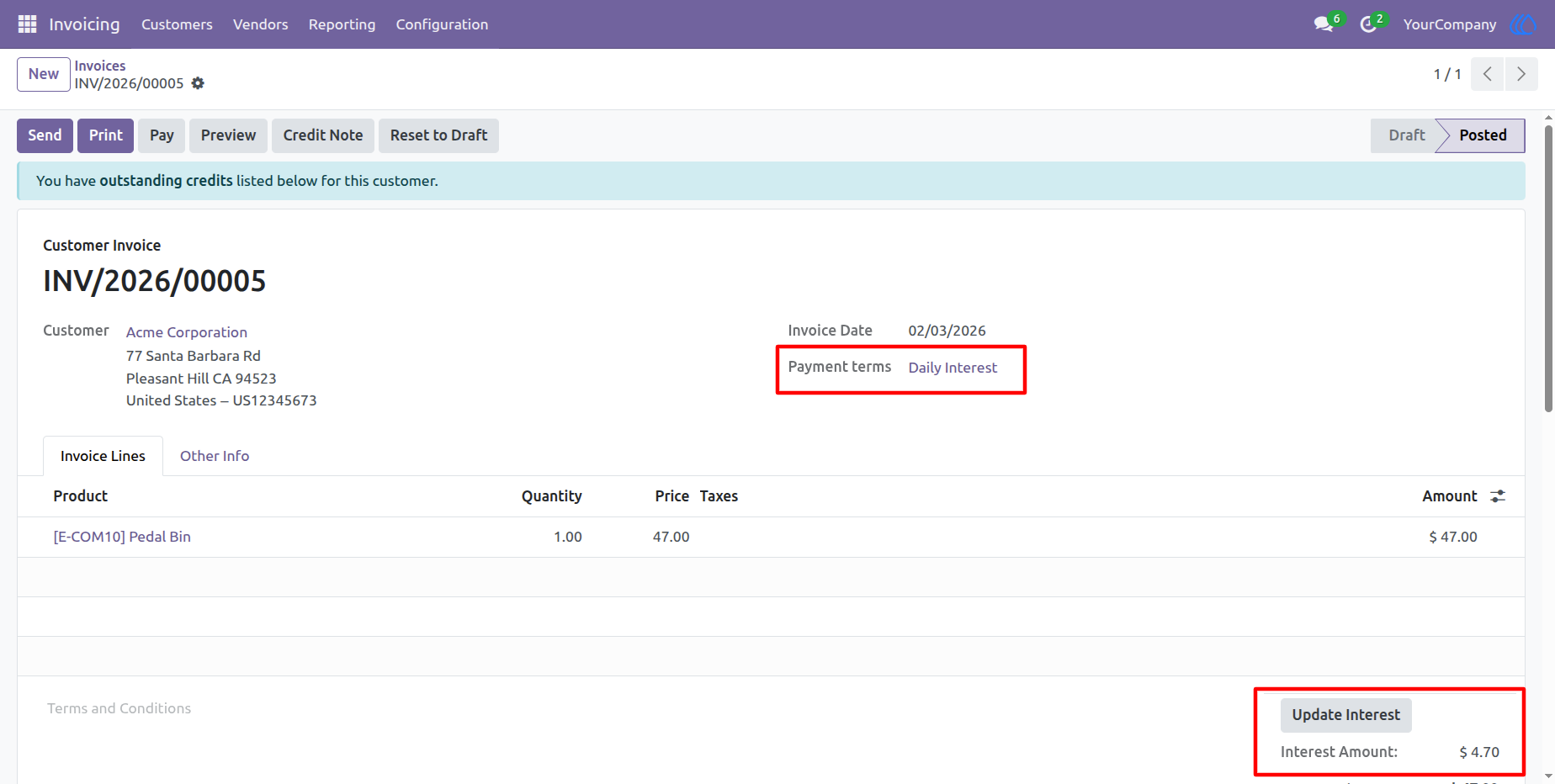
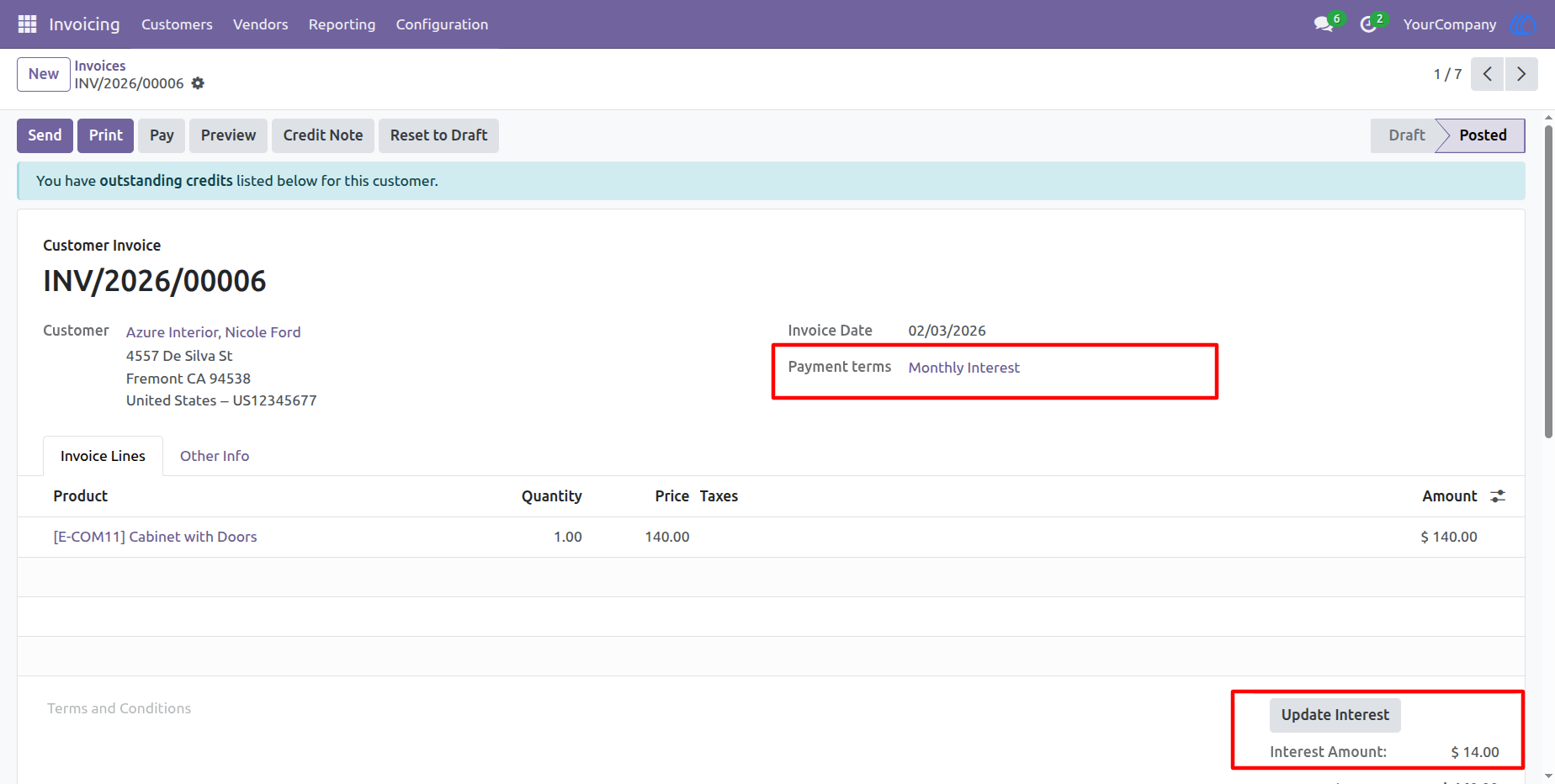
7) Monthly Interest
This invoice displays the calculation of Monthly interest.
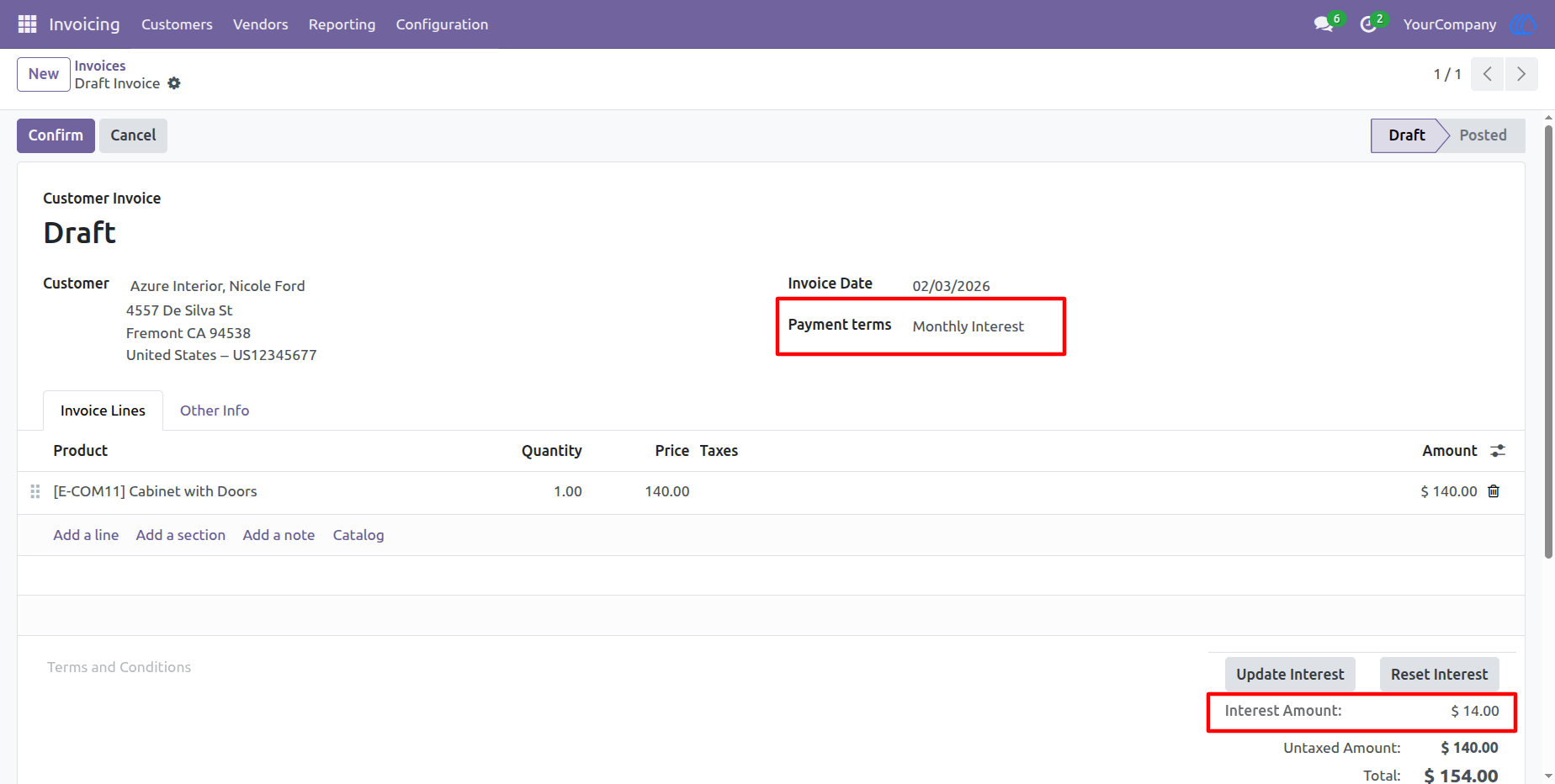
8) Warning
Updating interest a monthly invoice more than once per month may raise Warning if payment terms is monthly interest.
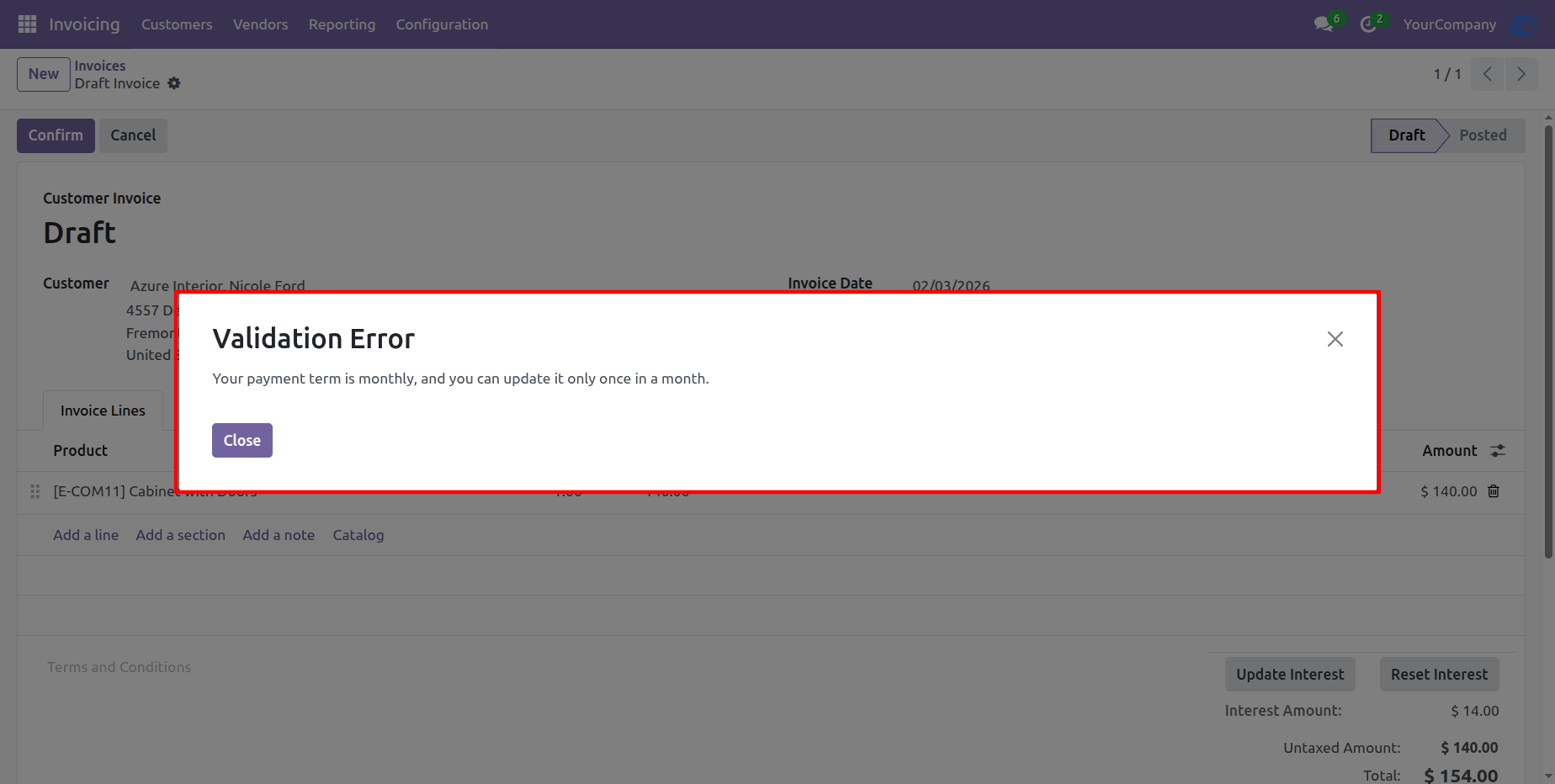
9) User Without Admin Access
Users with basic access rights cannot reset the interest.
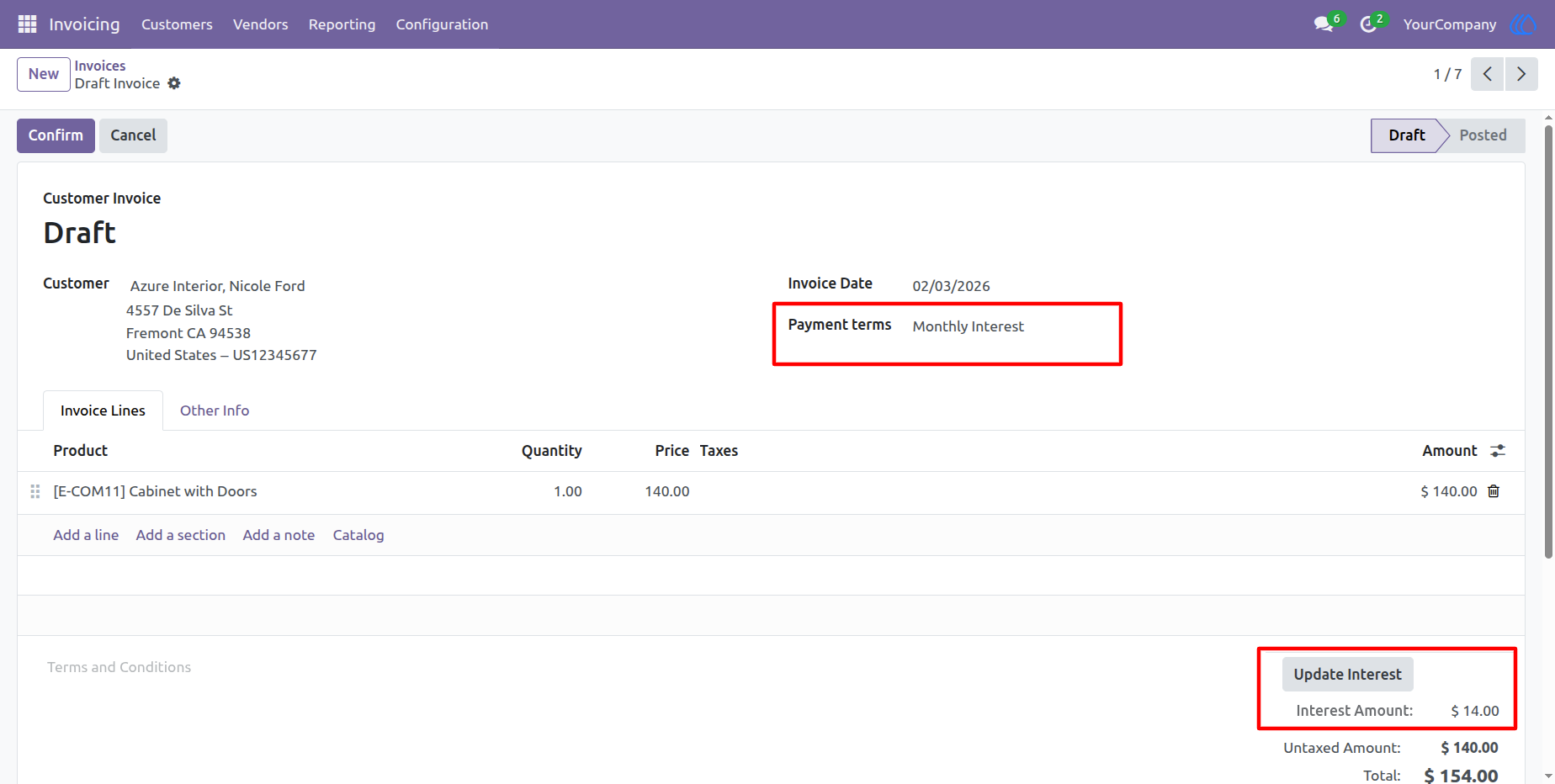
10) Posted Invoice
Users with basic access rights cannot reset the interest after validate invoice.
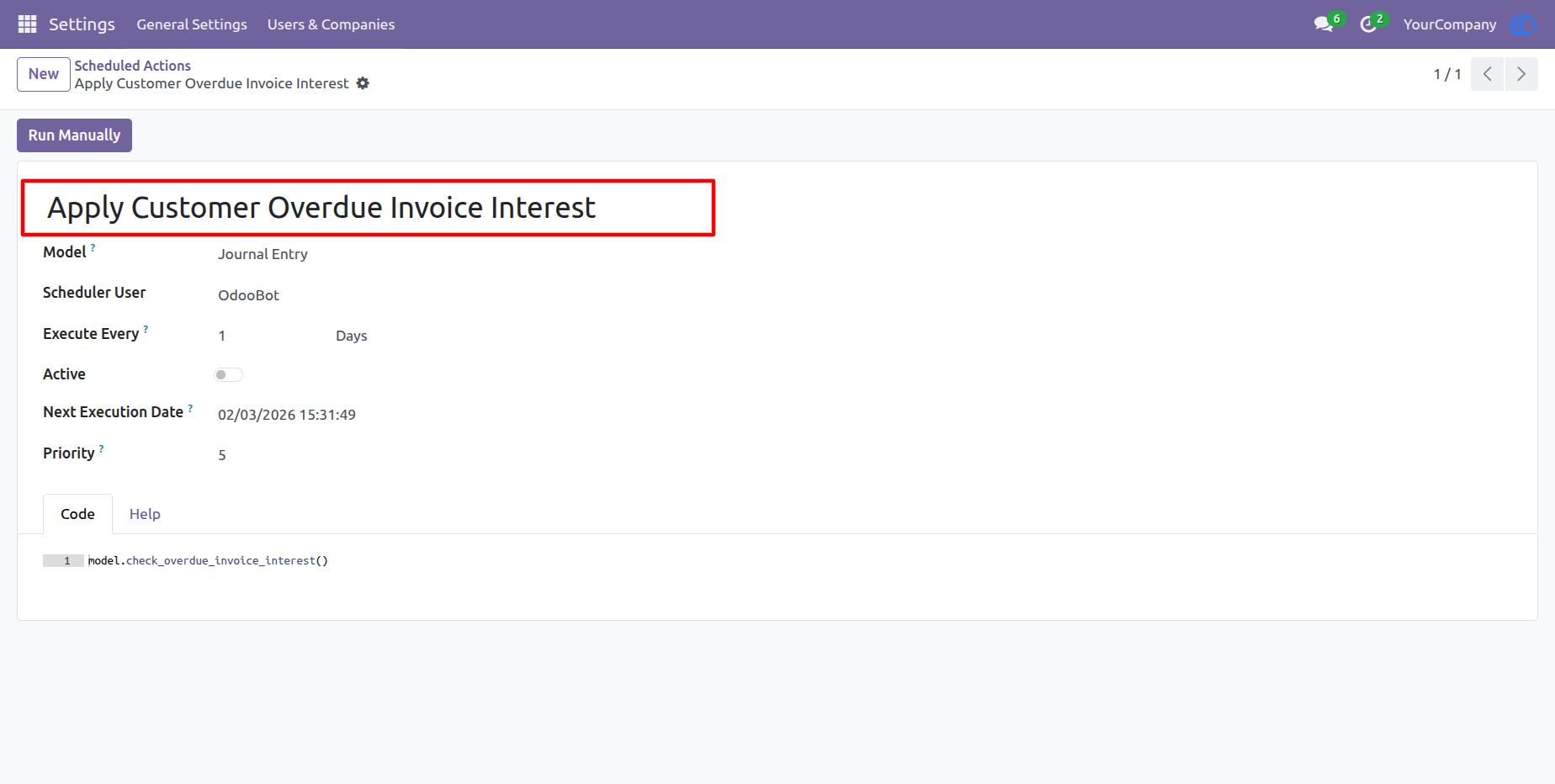
11) Automatic Interest Update
You can also enable this automatic script for automatic interest update.
User Guide