


Our Most Suggested Products


Disable Create and Edit on Many2one
This module enhances control over Many2one fields by disabling the ability to create or edit records directly from dropdowns. It ensures data consistency and prevents unauthorized or accidental modifications. Ideal for businesses that want stricter control over relational fields in Odoo.You can restrict users from creating or editing records in a Many2one field.
Video Tutorial
 Features
 Screenshots
 Support
 Service
Features
Restrict Create Option :
Normally, users can add new records directly from a Many2one dropdown. This module removes that option so only existing records can be selected. Perfect for businesses that want controlled data entry.
Disable Edit Access :
Many2one fields allow quick editing of linked records. With this feature, the edit button is hidden or disabled. Users can only view and select records, not change them. This ensures important records stay consistent and secure.
User Permission Settings :
In user settings, you can configure who is allowed to create or edit records. This gives flexibility to grant access only to trusted roles. Managers can decide which employees have editing rights. It balances strict control with customizable permissions.
Screenshot
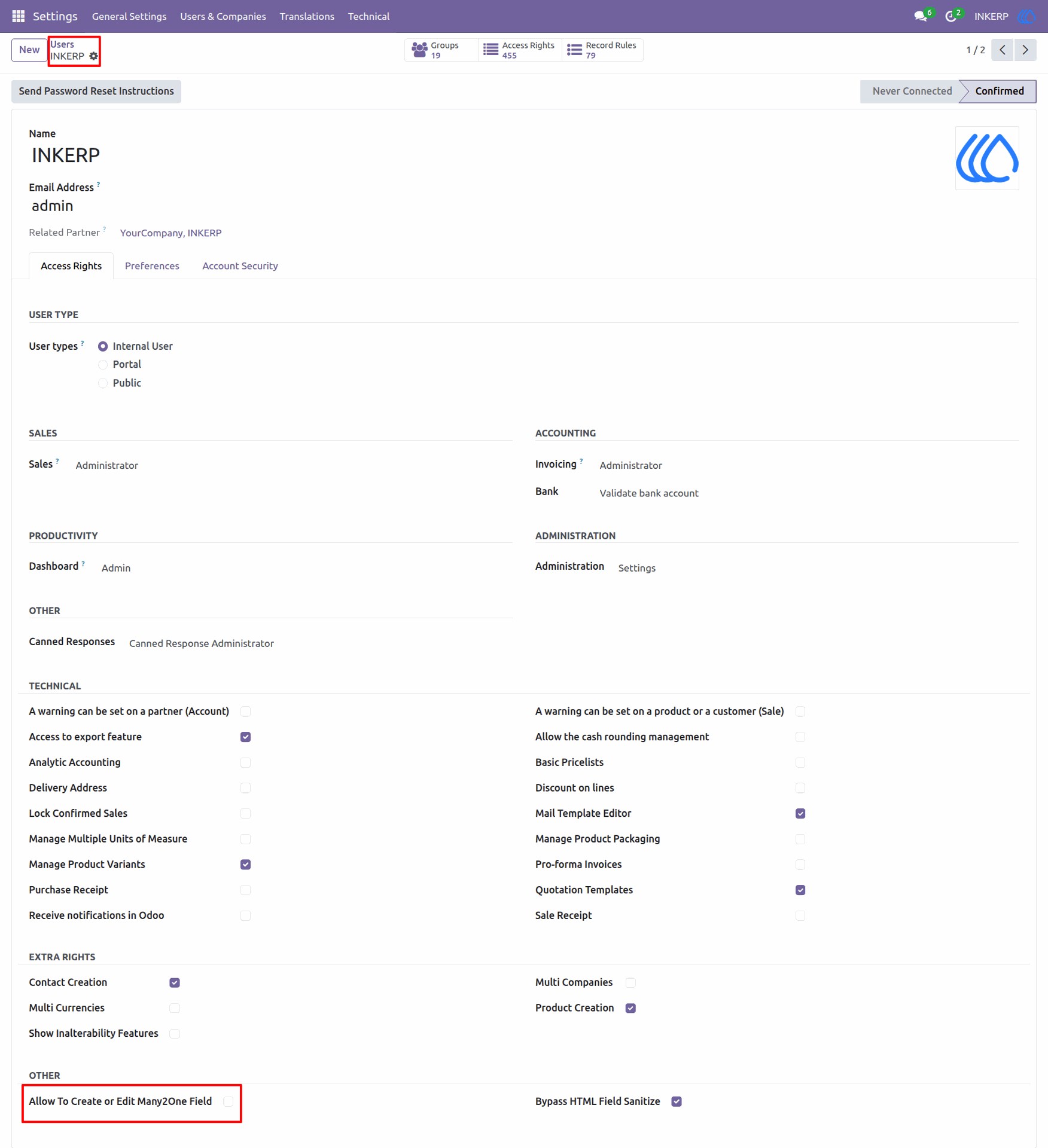
1) Users Settings View
When "Allow To Create or Edit Many2One Field" is not ticked , it will not allow user to create or edit records
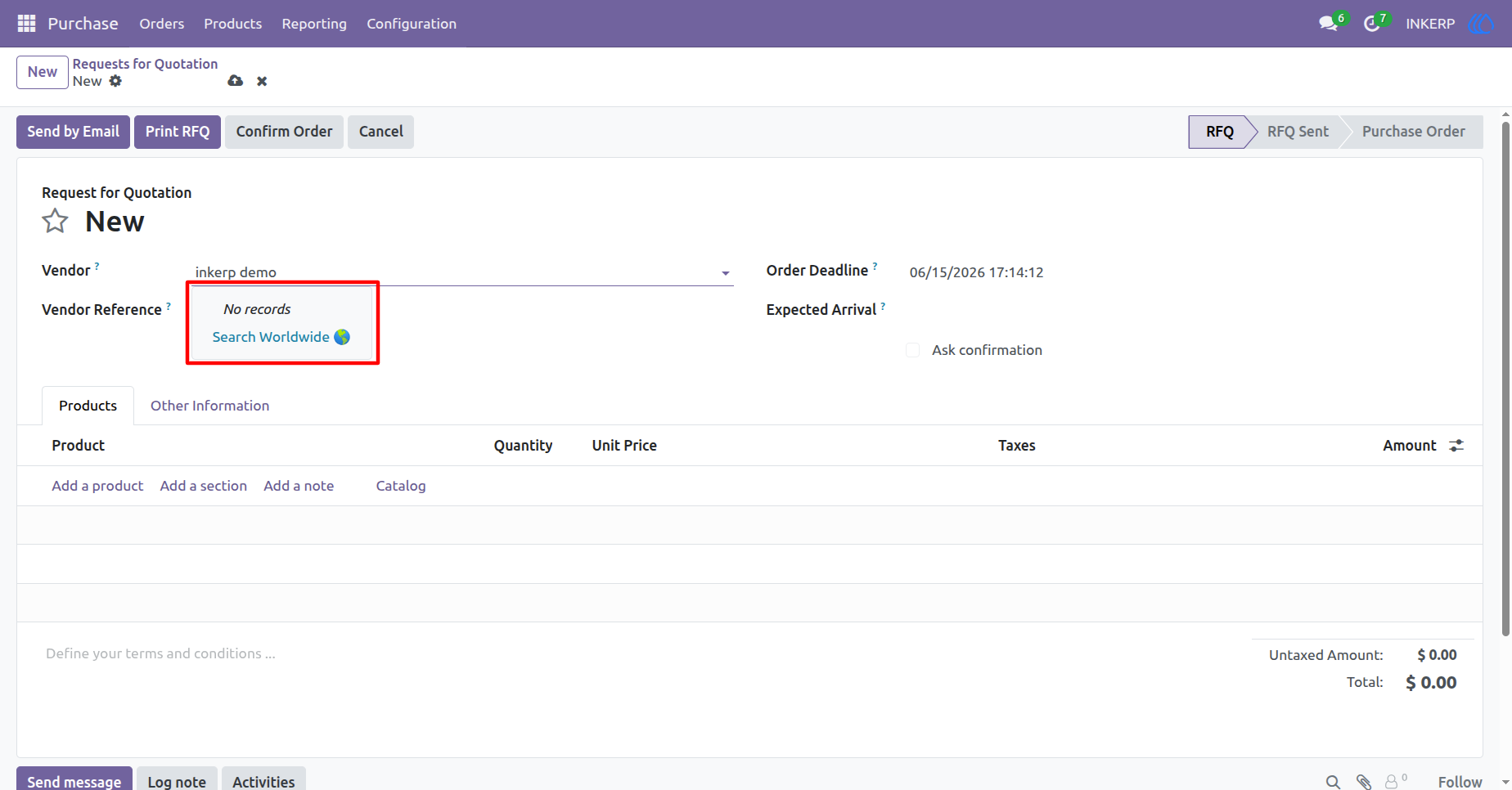
2) Purchase Order Form View
User is not able to create record from any Many2one field
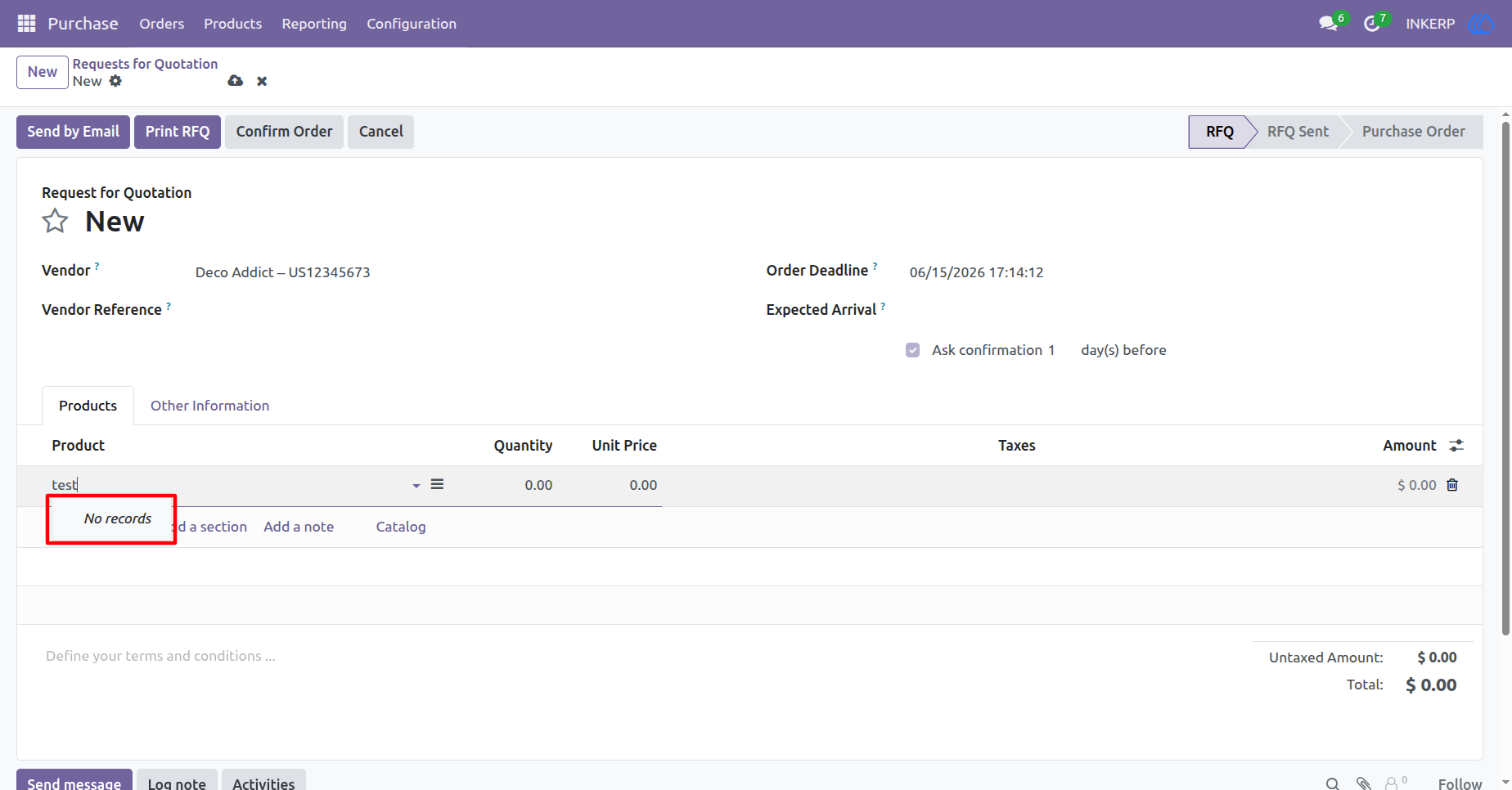
3) Purchase Order Form View
User is not able to create record from list view Many2one field also
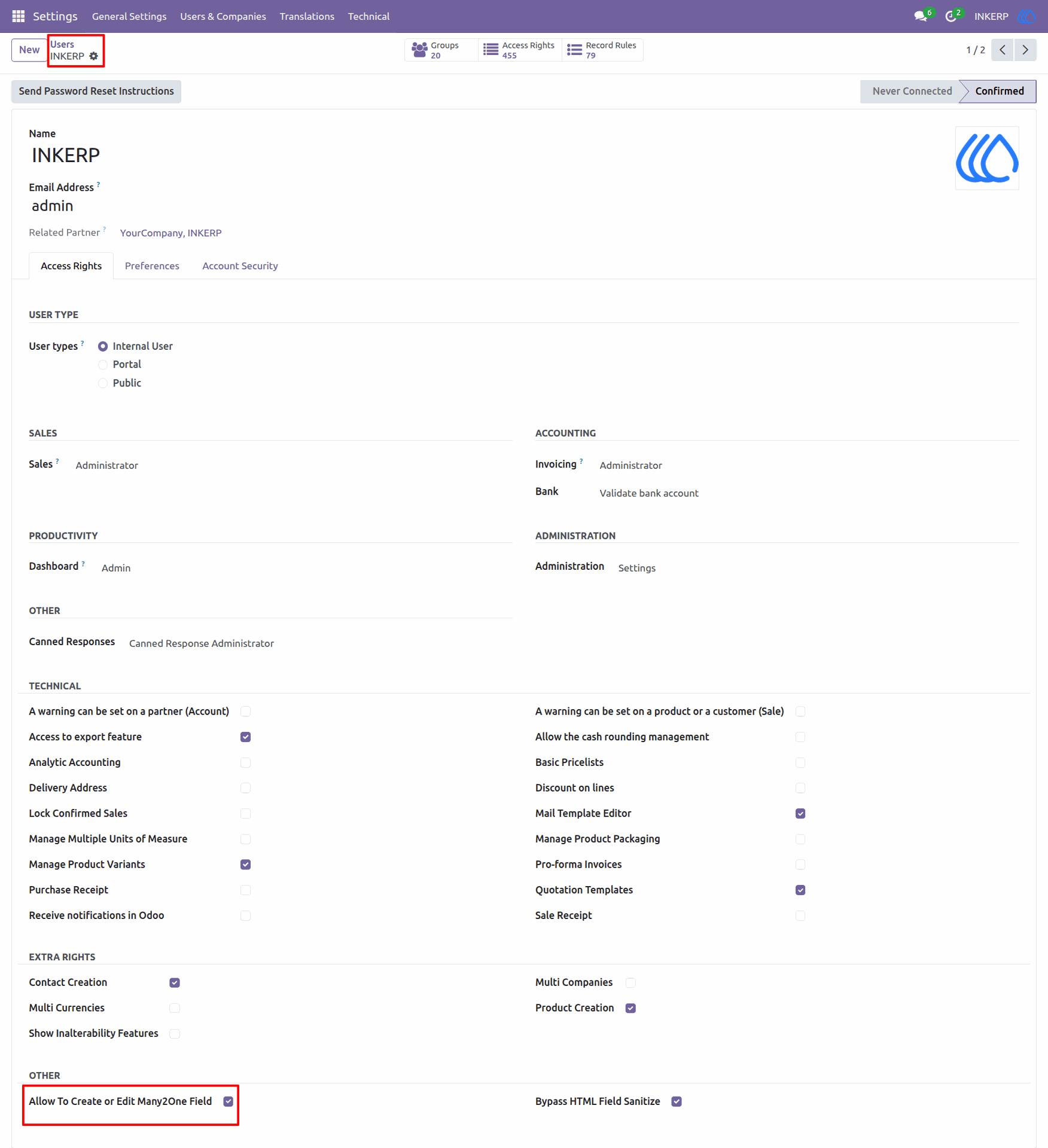
4) Users Settings View
When "Allow To Create or Edit Many2One Field" is ticked , it will allow user to create or edit records in Many2one Field
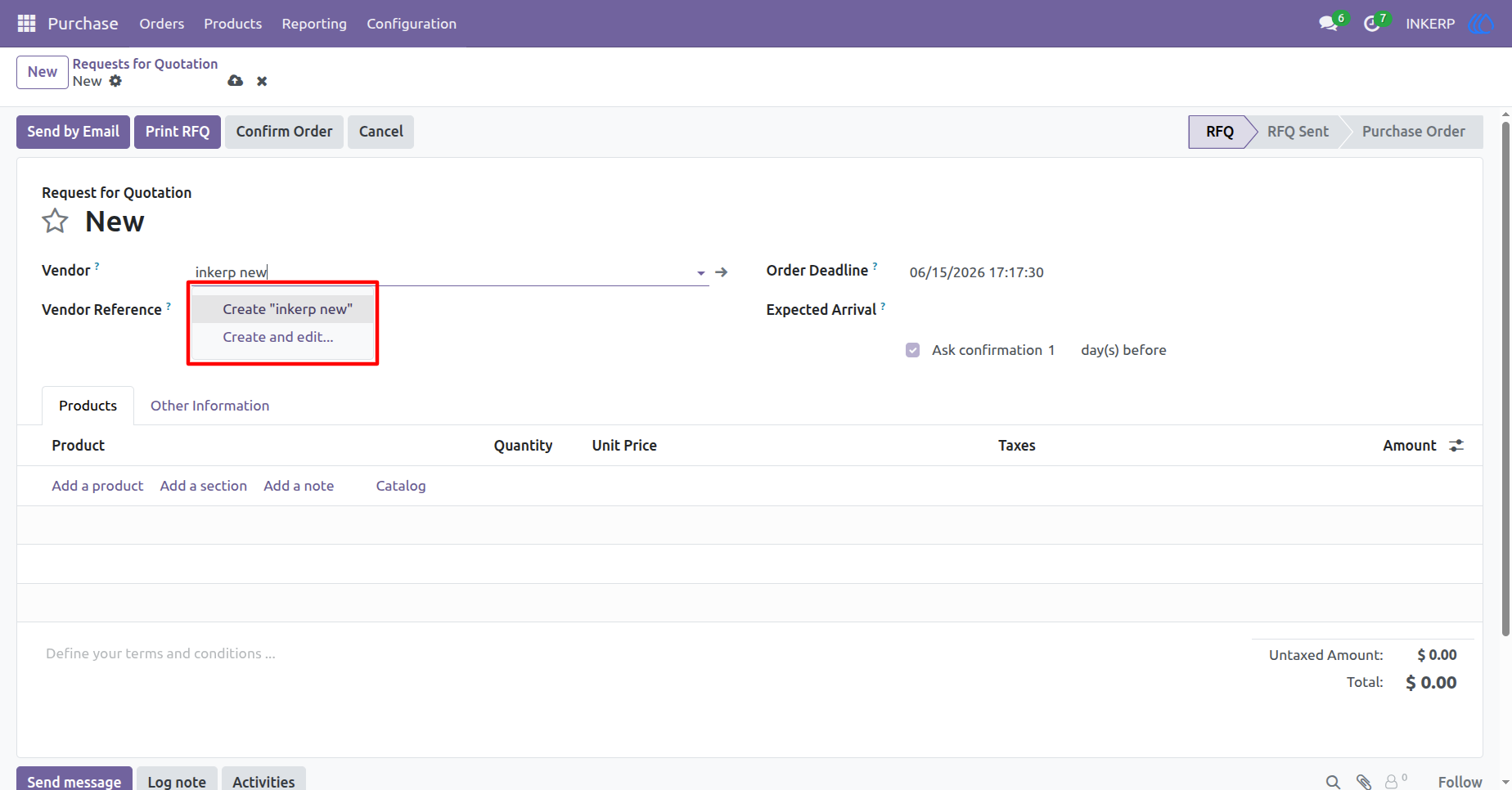
5) Purchase Order Form View
Now, user is allow to create record from Many2one field
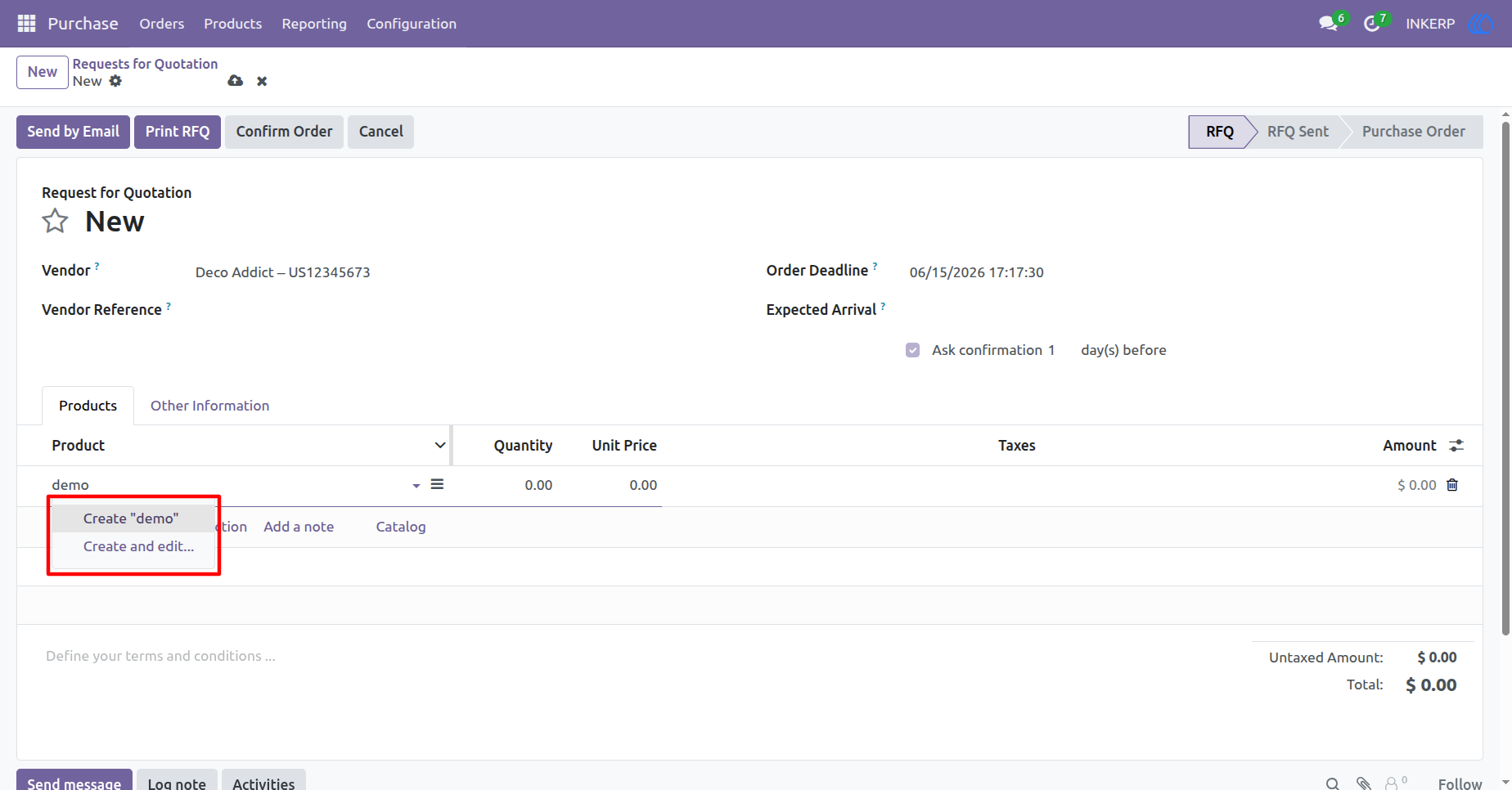
6) Purchase Orde Form View
User is able to create record from list view Many2one field also
User Guide