


EXCLUSIVE CUSTOMER BENEFITS
FREE INSTALLATION
& 90 DAYS FREE SUPPORT!
No worries about installation! This module comes with free installation assistance and 90 days of free support, helping you get started smoothly and confidently.
✦ COMPLIMENTARY INSTALLATION & SUPPORT ✦
MORE VALUE • LESS HASSLE • A BETTER START
Our Most Suggested Products


Twilio Whatsapp
This app integrates Twilios WhatsApp API with Odoo, enabling seamless WhatsApp messaging directly from Odoo modules like CRM, Sales, Helpdesk, and more. It allows sending automated updates, order confirmations, reminders, and chat messages to customers using WhatsApp all through your Twilio account. Improve communication and engagement with real-time, trackable, and reliable messaging.
 Features
 Screenshots
 Support
 Service
Features
Seamless Twilio API Integration
Connect your Twilio account and enable WhatsApp messaging within Odoo modules.
WhatsApp Chat History in Odoo
View conversation history with customers directly within their Odoo contact or related records.
Screenshot
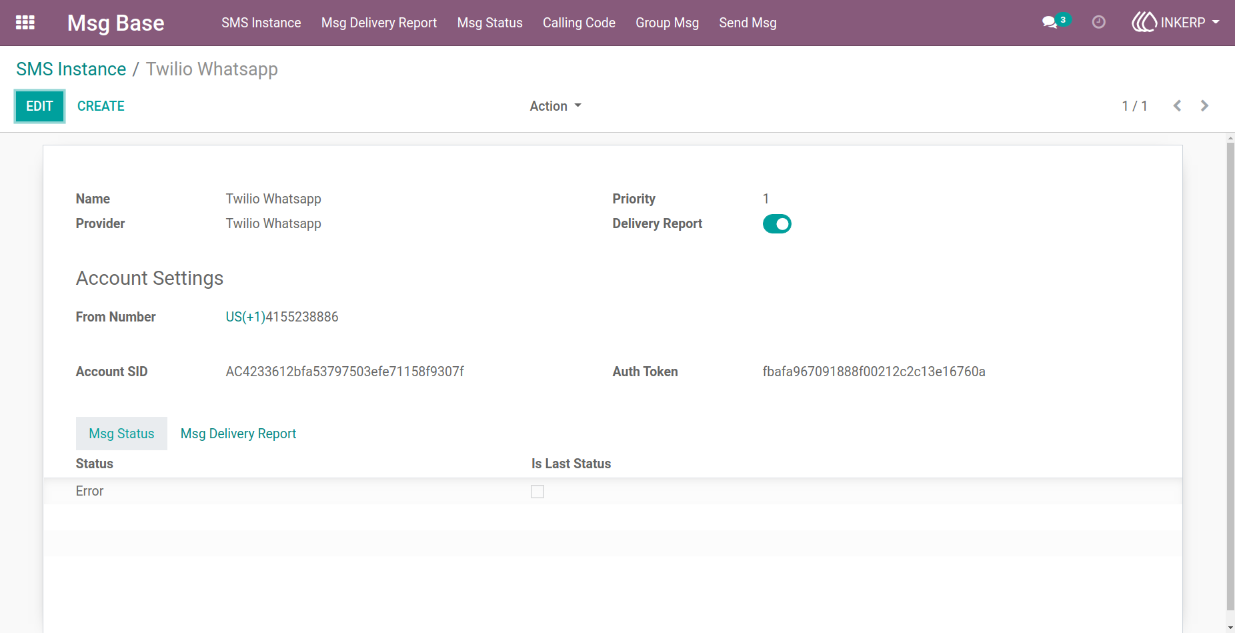
1) Instance form view
here user can create instance and add details like credential, name and set delivery report is enale/disable.
Navigation : Msg Base -> SMS Instance
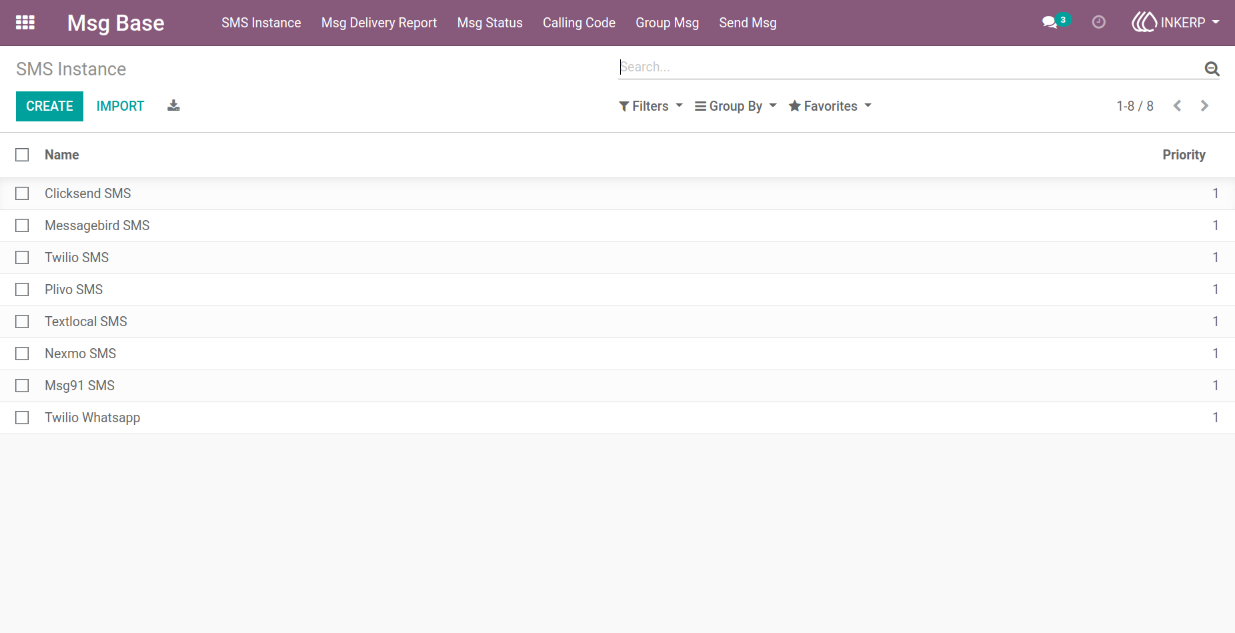
2) Instance tree view
Navigation : Msg Base -> SMS Instance
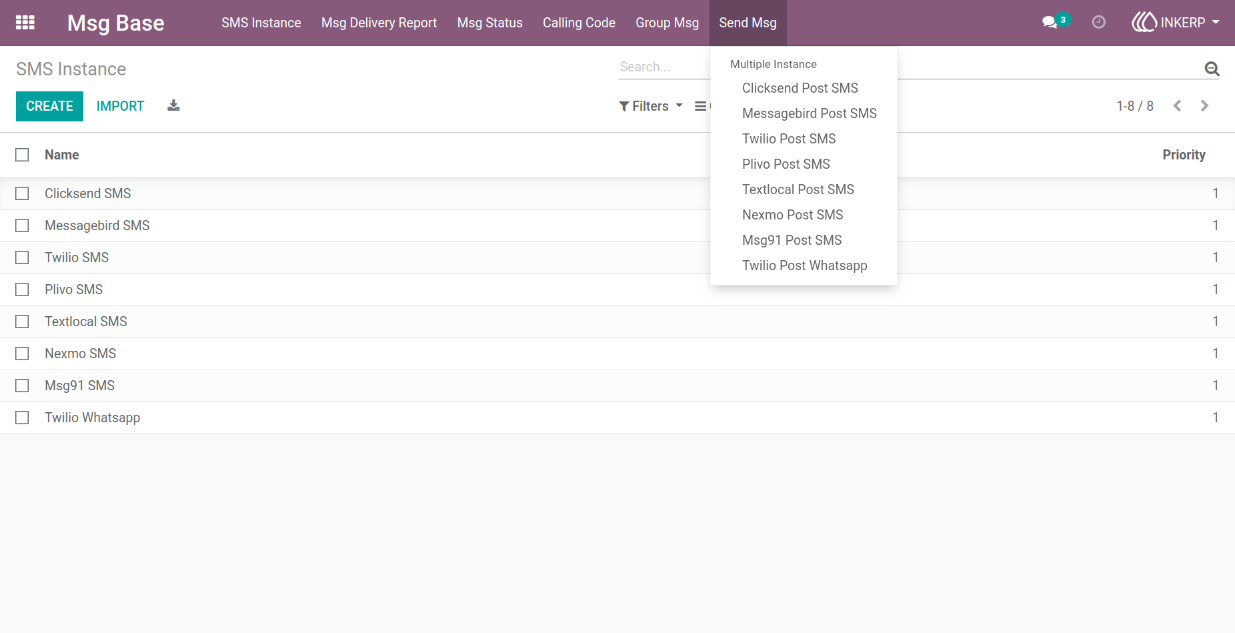
3) Location of send sms wizard
'- here user can send sms.
Navigation : Mas Base -> Send Msg -> Twilio Post Whatsapp
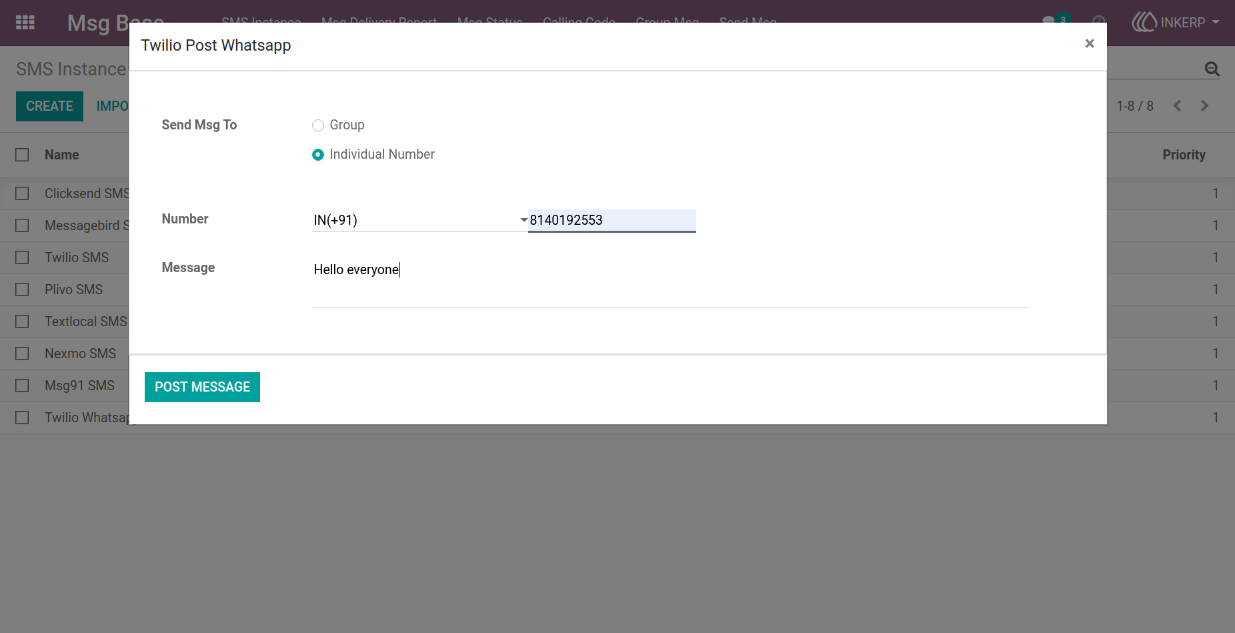
4) Twilio post whatsapp wizard view
'- here user can select send message for individual number.
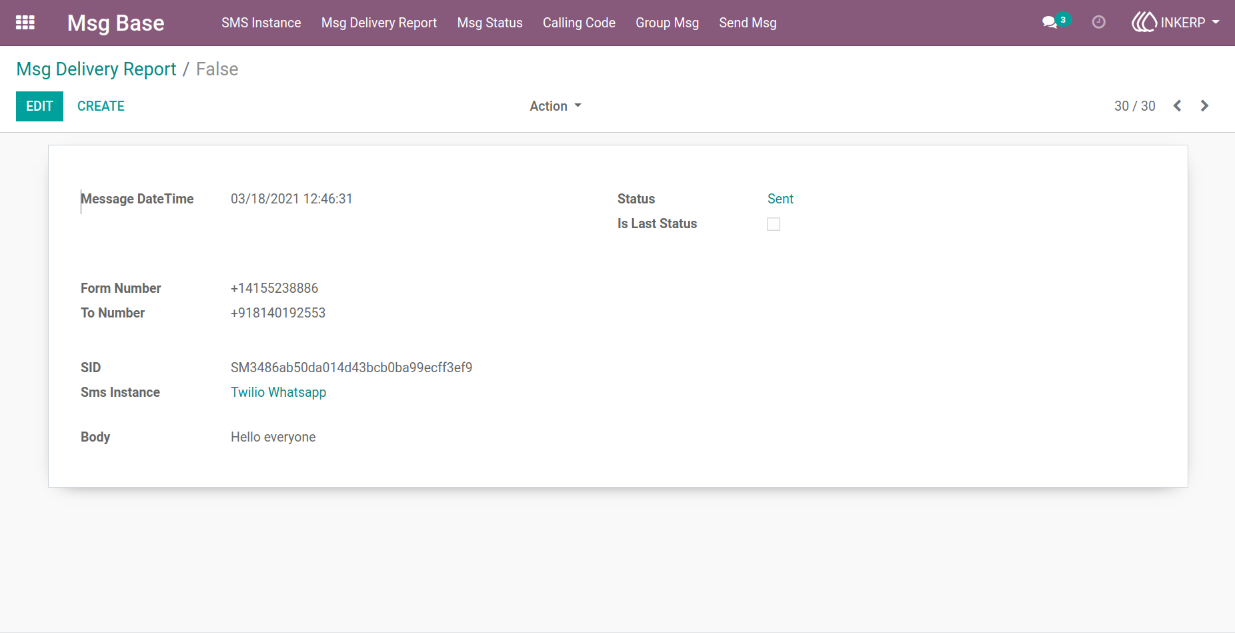
5) Msg delivery report form view
'- here user can saw details of send message status and details
Navigation : Msg Base-> Msg Delivery Report
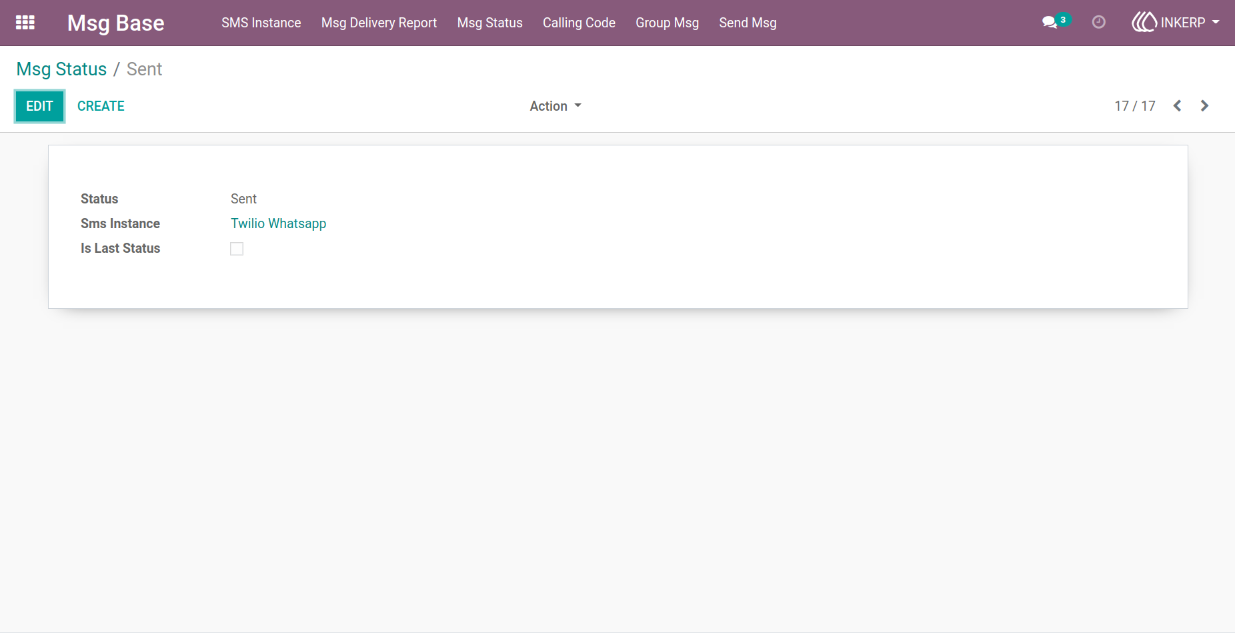
6) Msg status form view
'- user can saw status of twilio whatsapp
Navigation : Msg Base-> Msg Status
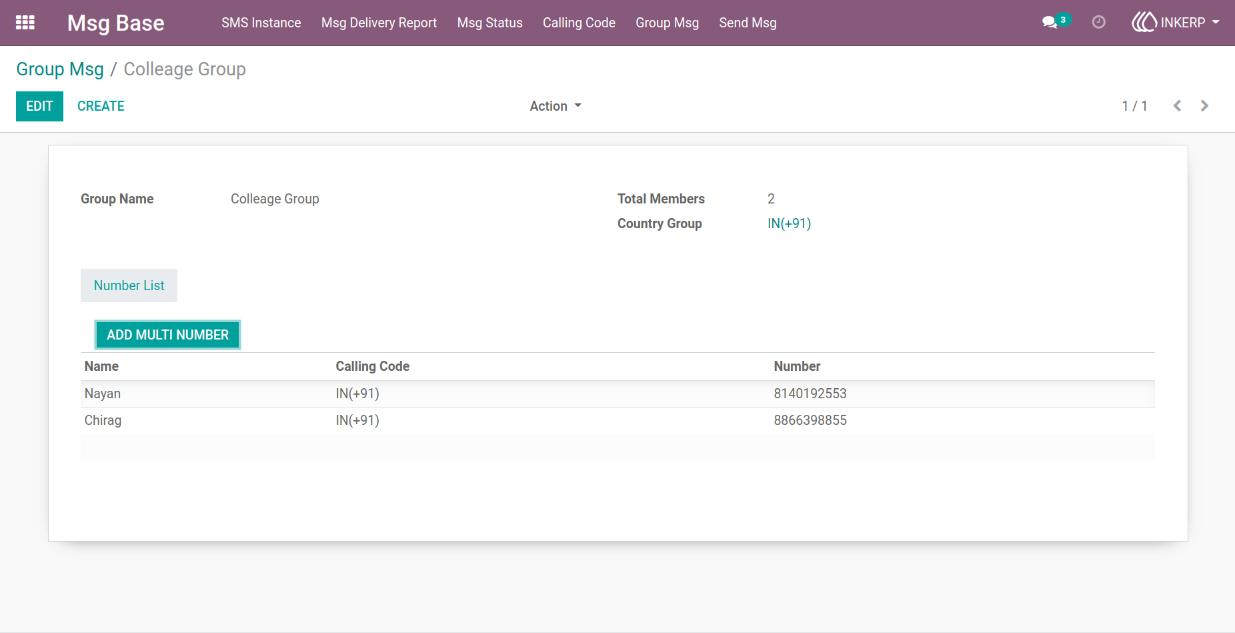
7) Group msg form view
'- here user can create group msg and add details like name, country group, and number list with name.
Navigation : Msg Base-> Group Msg
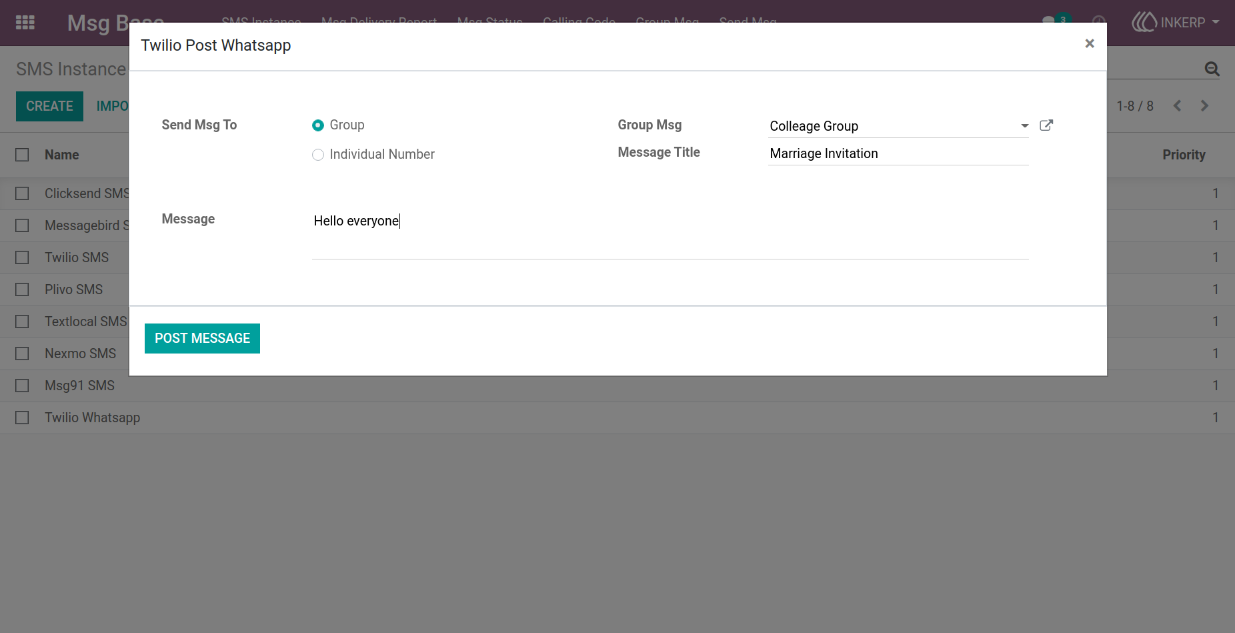
8) Twilio post whatsapp wizard view
'- here user can select send message for group and select group msg or user can add message title and message.
9) Msg delivery report form view
'- here user can saw details of send message status and details for group number detail.
Navigation : Msg Base-> Msg Delivery Report
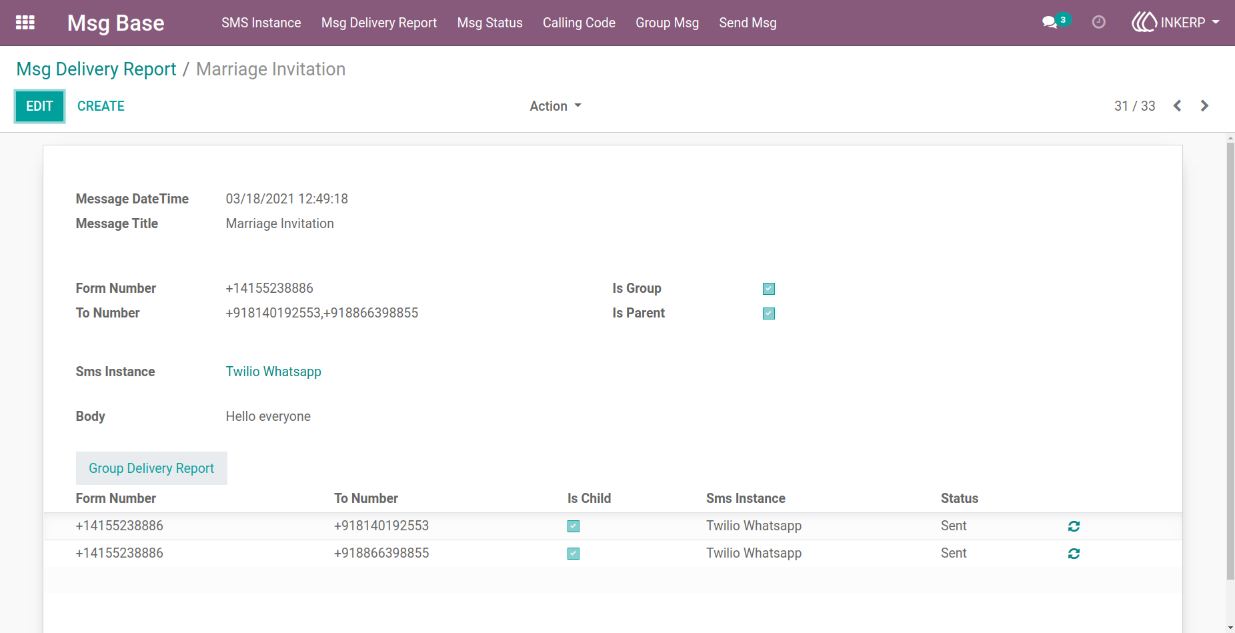
10) Msg delivery report tree view
Navigation : Msg Base-> Msg Delivery Report
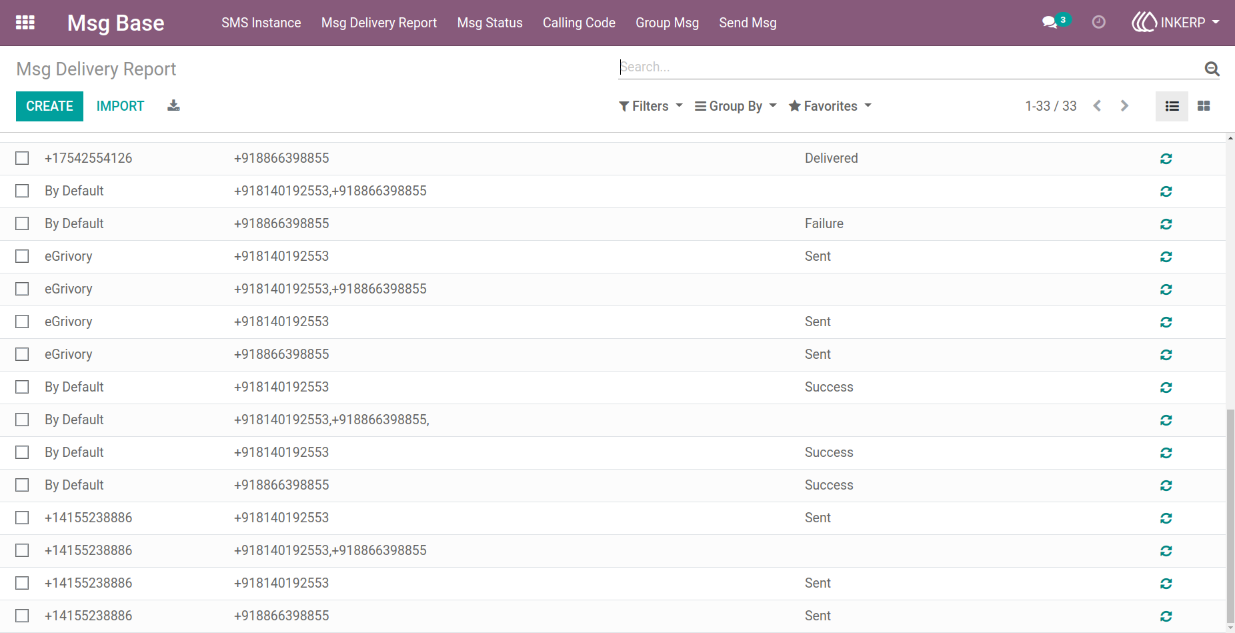
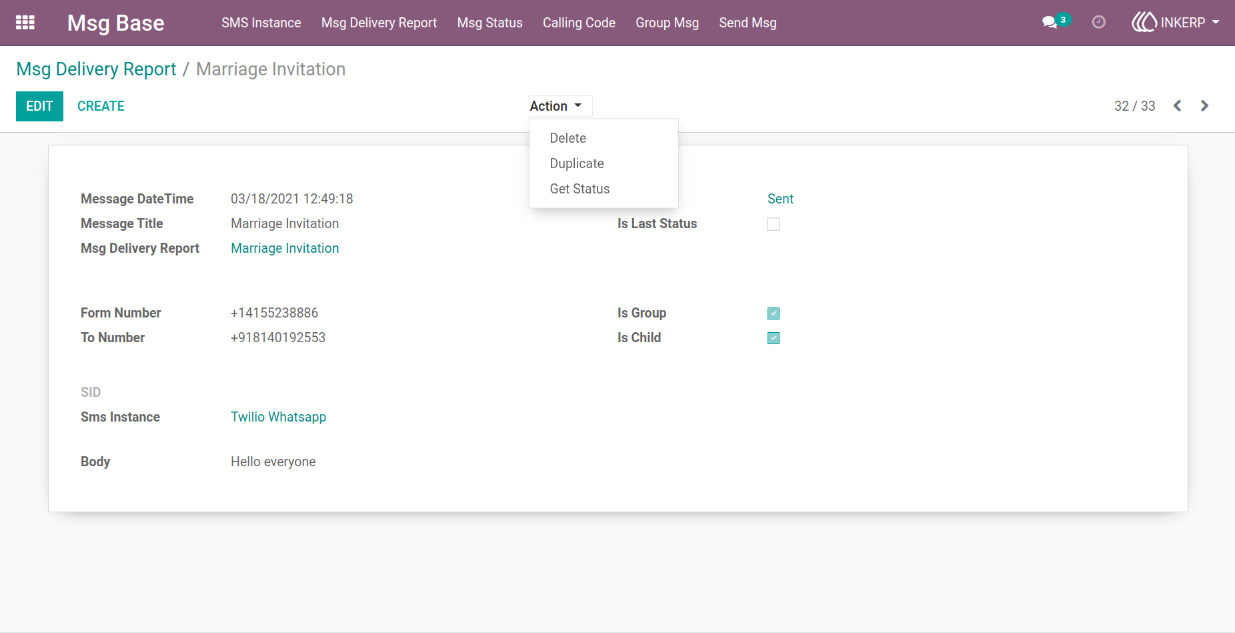
11) Msg delivery report form view
'- here user can update status of send message.
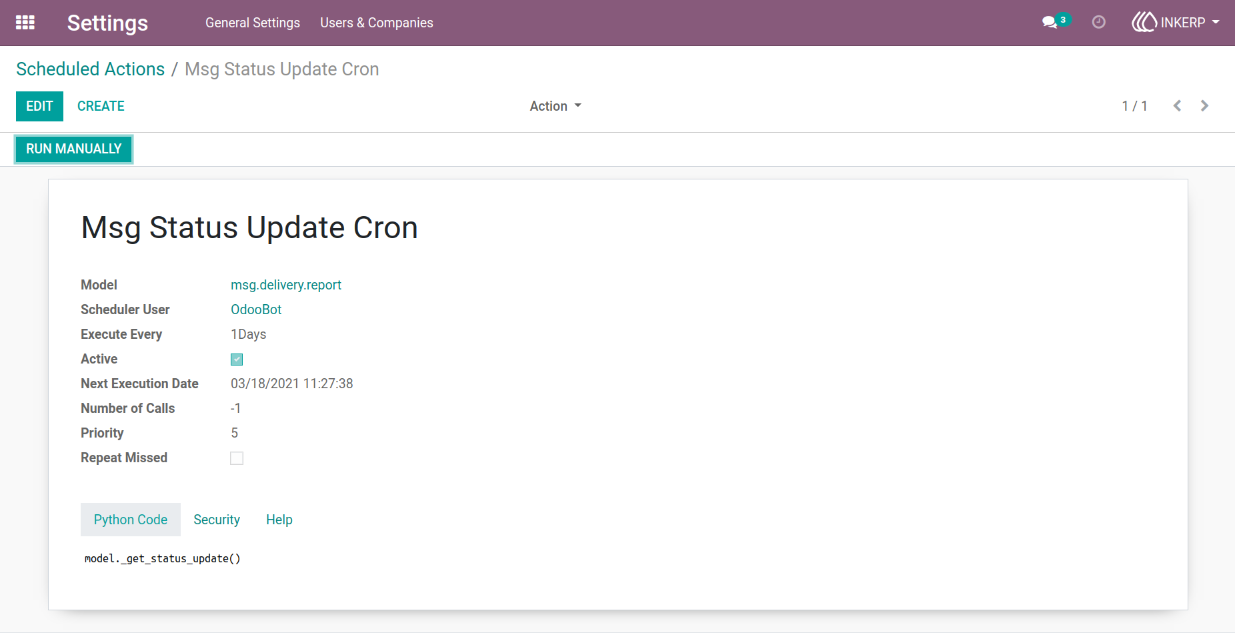
12) Scheduled action form view
'- here msg status update cron for status update which set execute every day
User Guide