


Our Most Suggested Products


Twilio SMS Integration
Twilio SMS Integration for Odoo allows businesses to instantly send SMS notifications directly from their Odoo system using the Twilio gateway, enabling smooth communication for sales, purchase, CRM, HR, and accounting processes. The module supports automated alerts for orders, invoices, payments, deliveries, and reminders, as well as bulk SMS campaigns and OTP verification for secure transactions. With customizable SMS templates, real-time message logs, and multi-company support, it helps companies improve customer engagement and streamline notifications, while also offering the flexibility to extend messaging to WhatsApp through Twilio.
 Features
 Screenshots
 Support
 Service
Features
Twilio API Integration
Securely connect Odoo with Twilio SMS gateway.
Message Logs
Track SMS history with status (sent, delivered, failed).
Screenshot
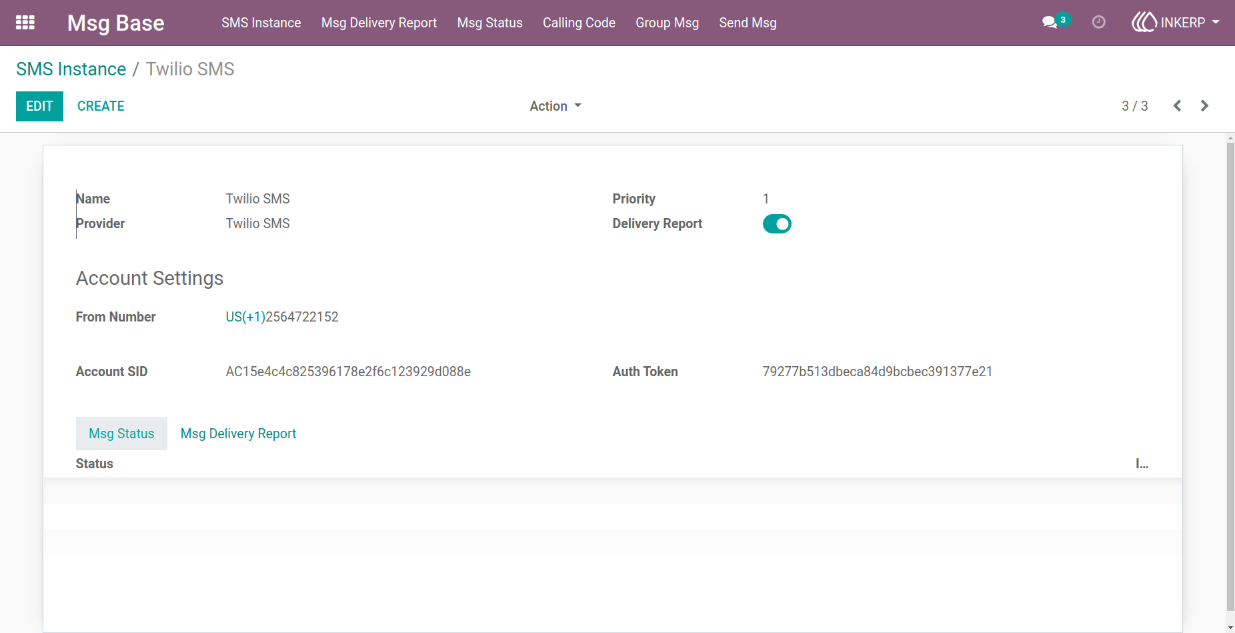
1) Instance form view
here user can create instance and add details like credential, name and set delivery report is enale/disable.
Navigation : Msg Base -> SMS Instance
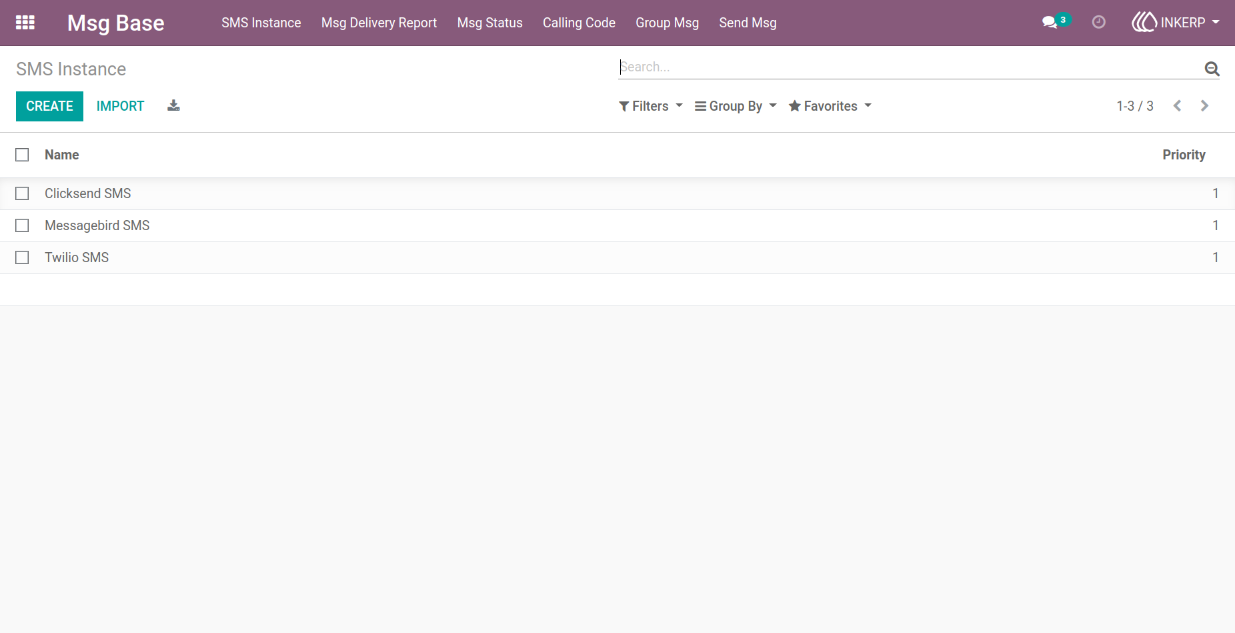
2) Instance tree view
Navigation : Msg Base -> SMS Instance
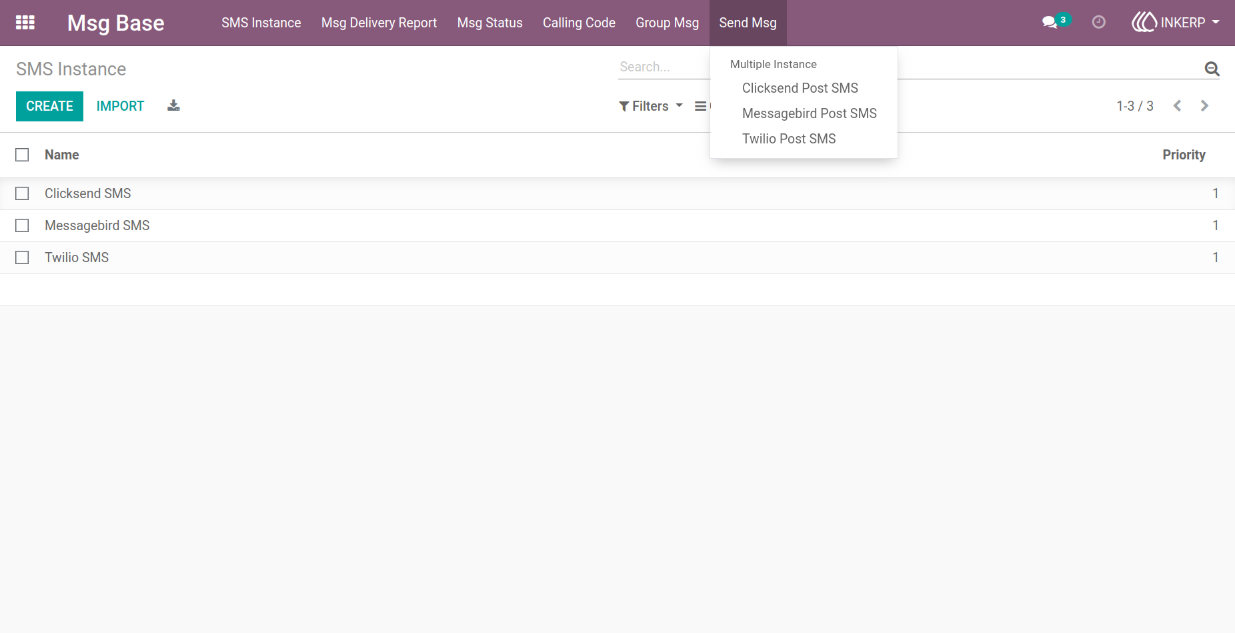
3) Location of send sms wizard
here user can send sms.
Navigation : Mas Base -> Send Msg -> Twilio Post SMS
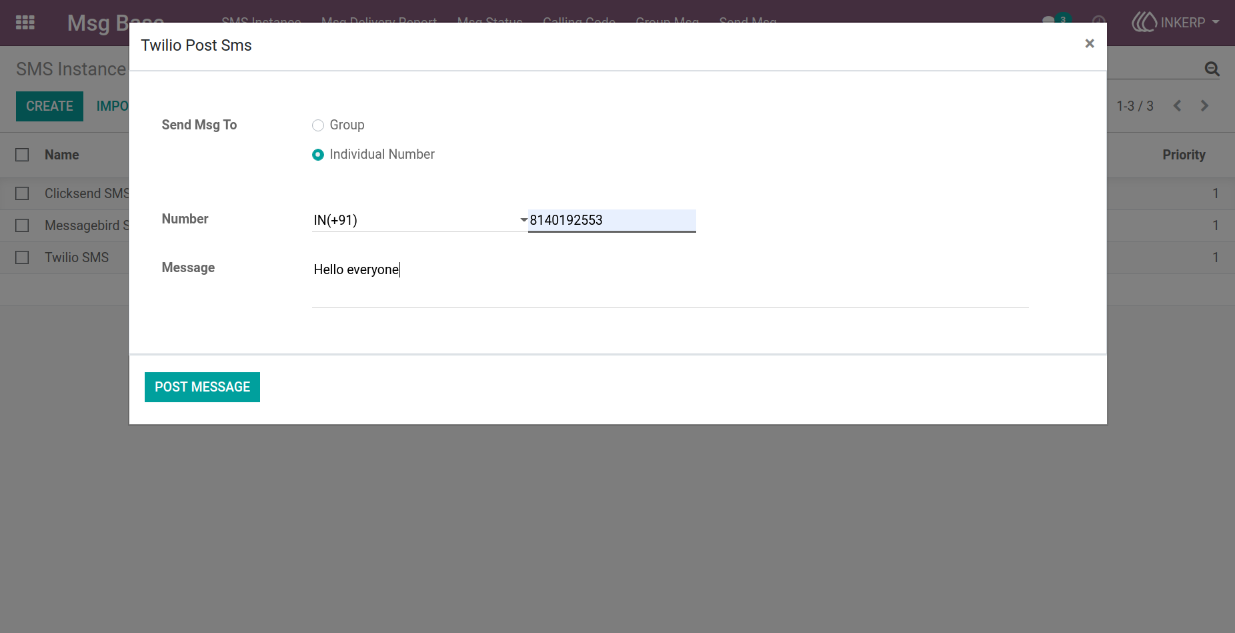
4) Twilio post sms wizard view
here user can select send message for individual number also user can add number for send which number and add message.
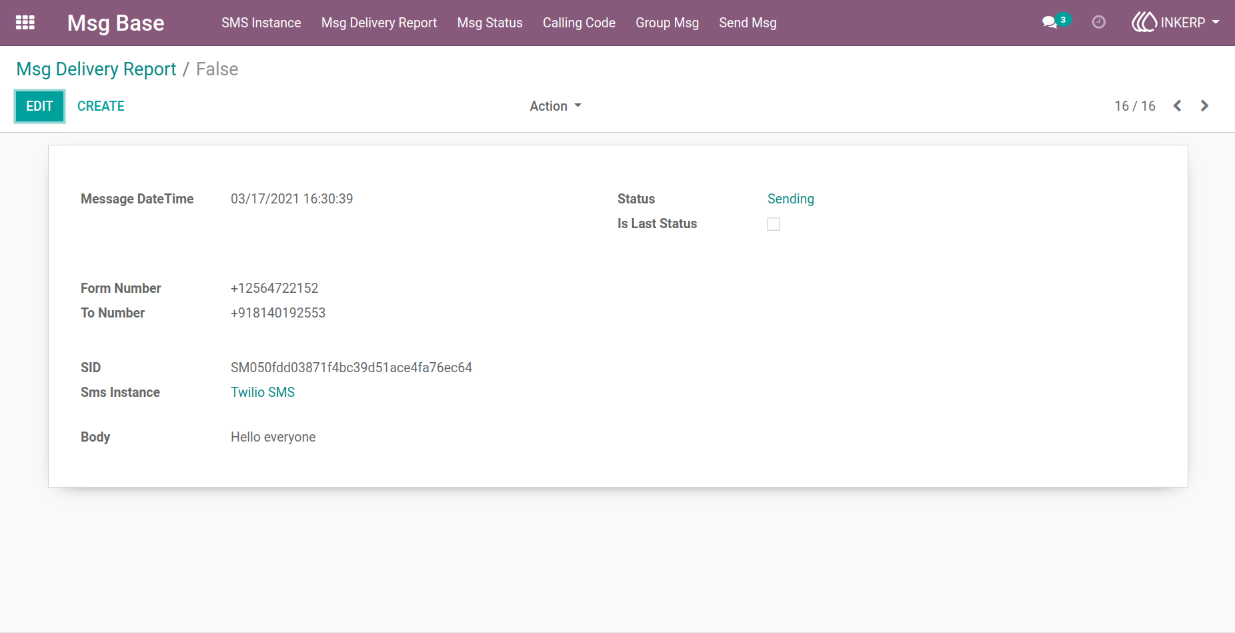
5) Msg delivery report form view
here user can saw details of send message status and details.
Navigation : Msg Base-> Msg Delivery Report
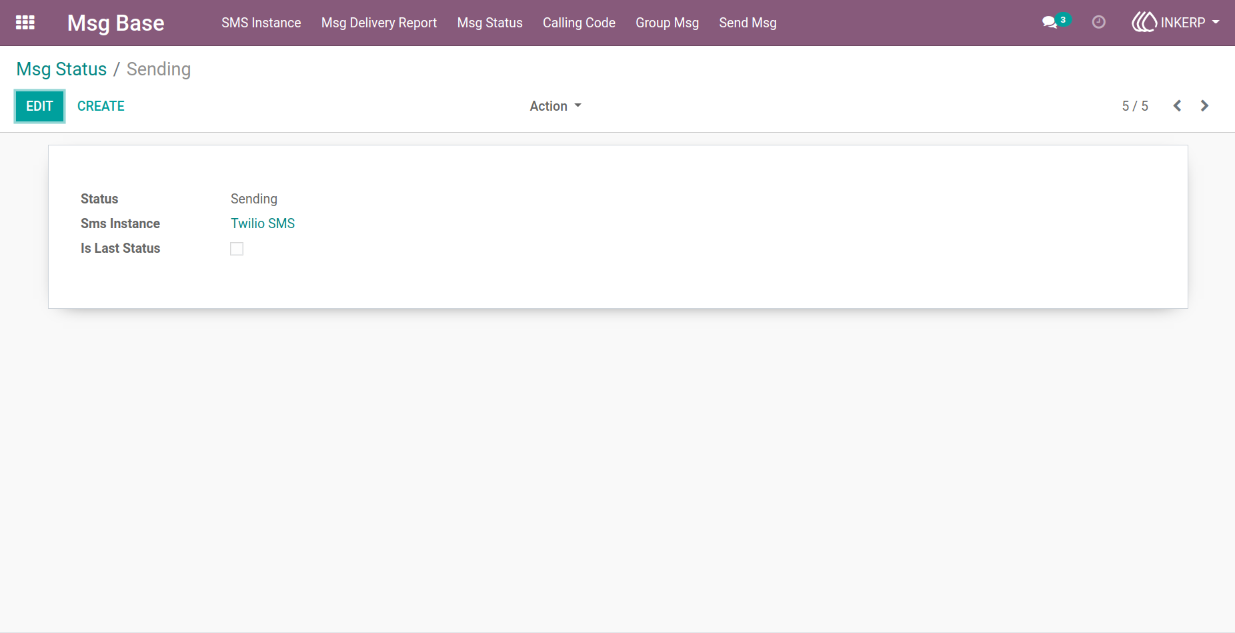
6) Msg status form view
user can saw status of twilio.
Navigation : Msg Base-> Msg Status
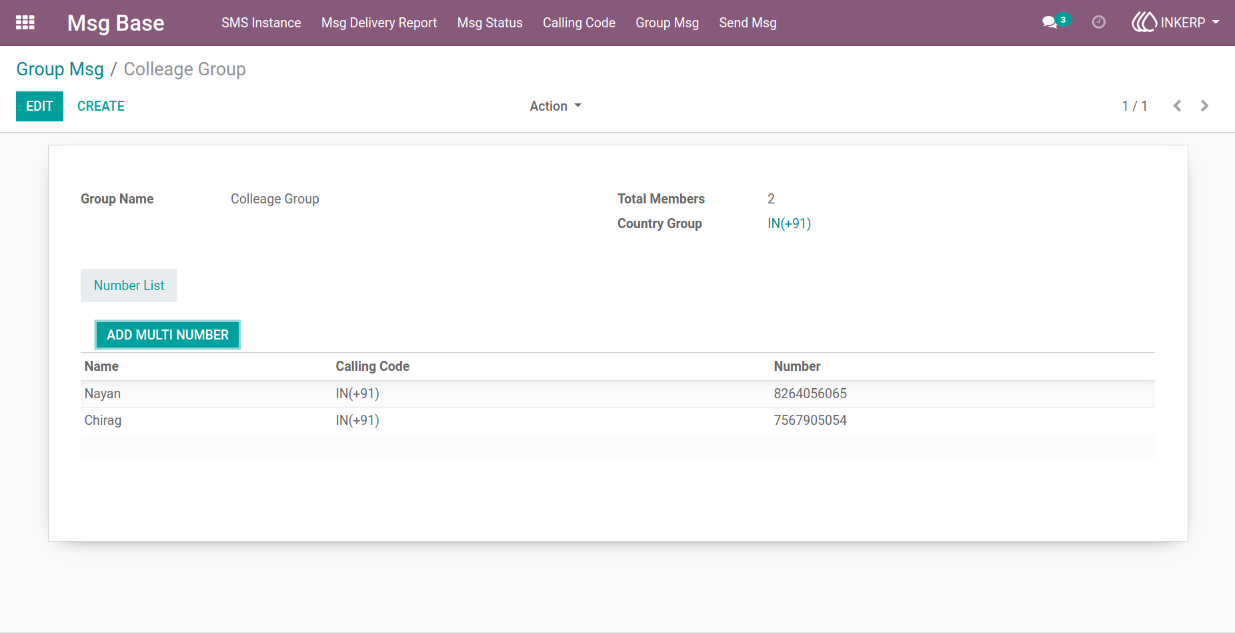
7) Group msg form view
here user can create group msg and add details like name, country group, and number list with name.
Navigation : Msg Base-> Group Msg
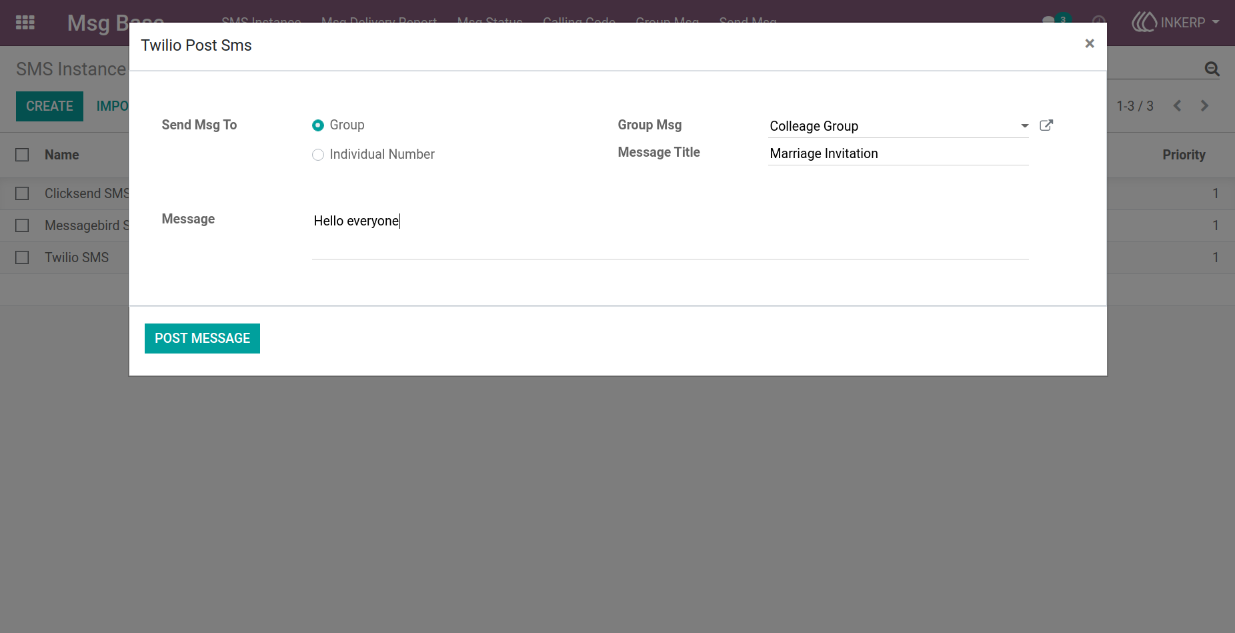
8) Twilio post sms wizard view
here user can select send message for group and select group msg also user can add message title and message.
9) Msg delivery report form view
here user can saw details of send message status and details for group number detail.
Navigation : Msg Base-> Msg Delivery Report
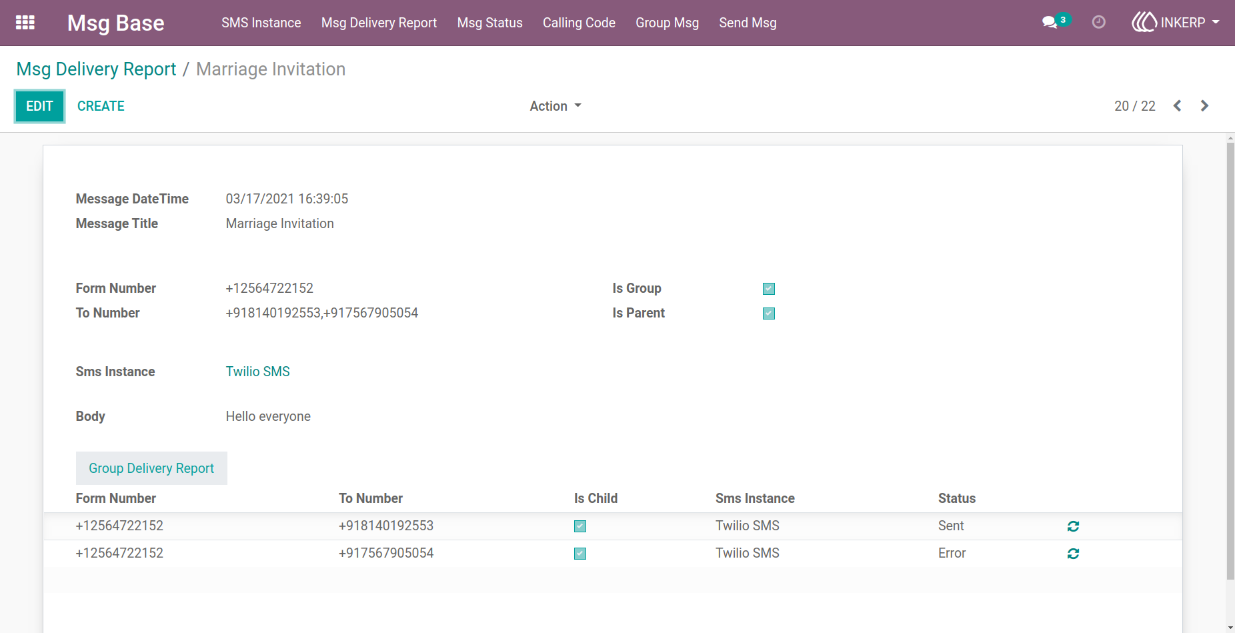
10) Msg delivery report tree view
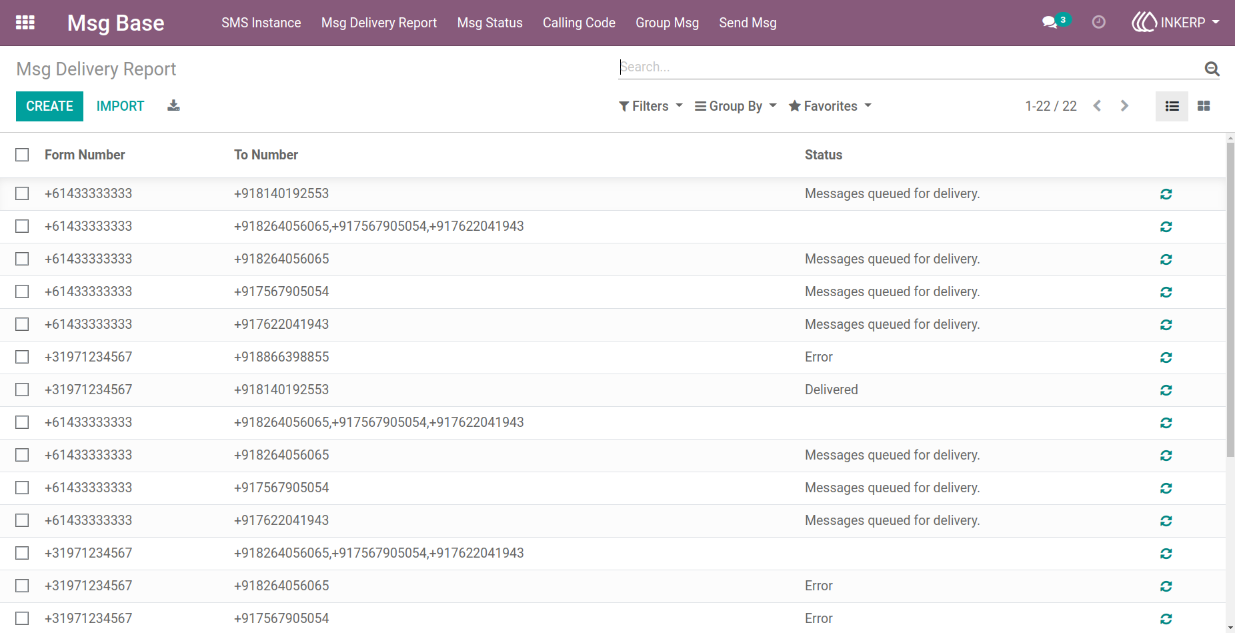
Navigation : Msg Base-> Msg Delivery Report
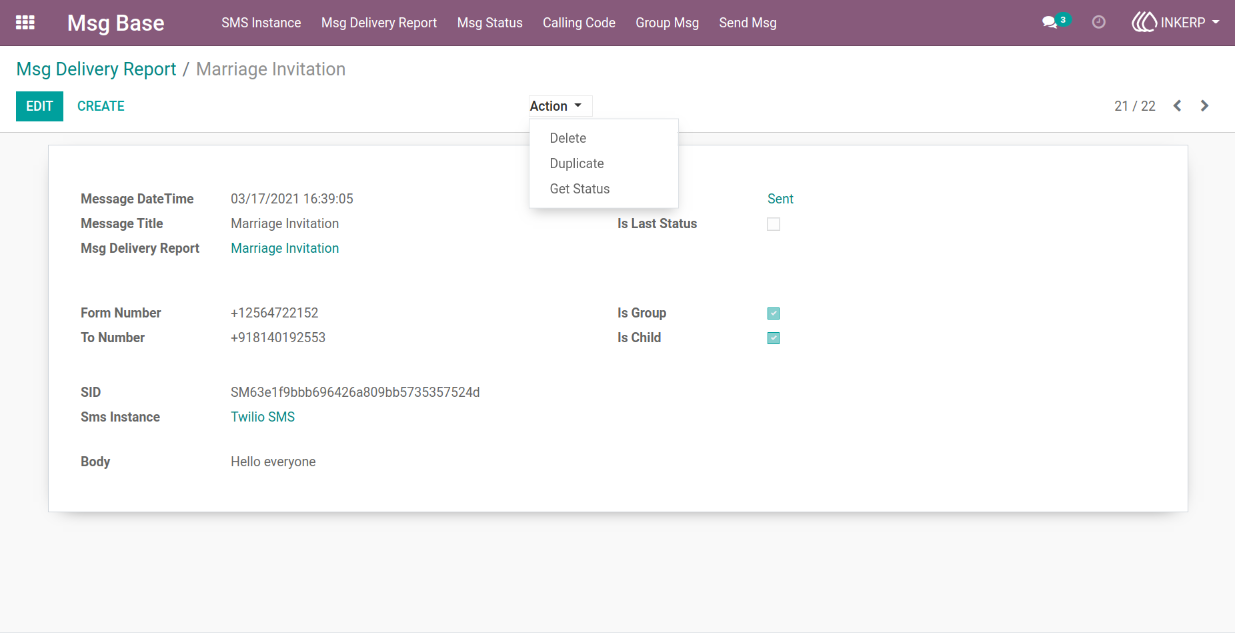
11) Msg delivery report form view
here user can update status of send message.
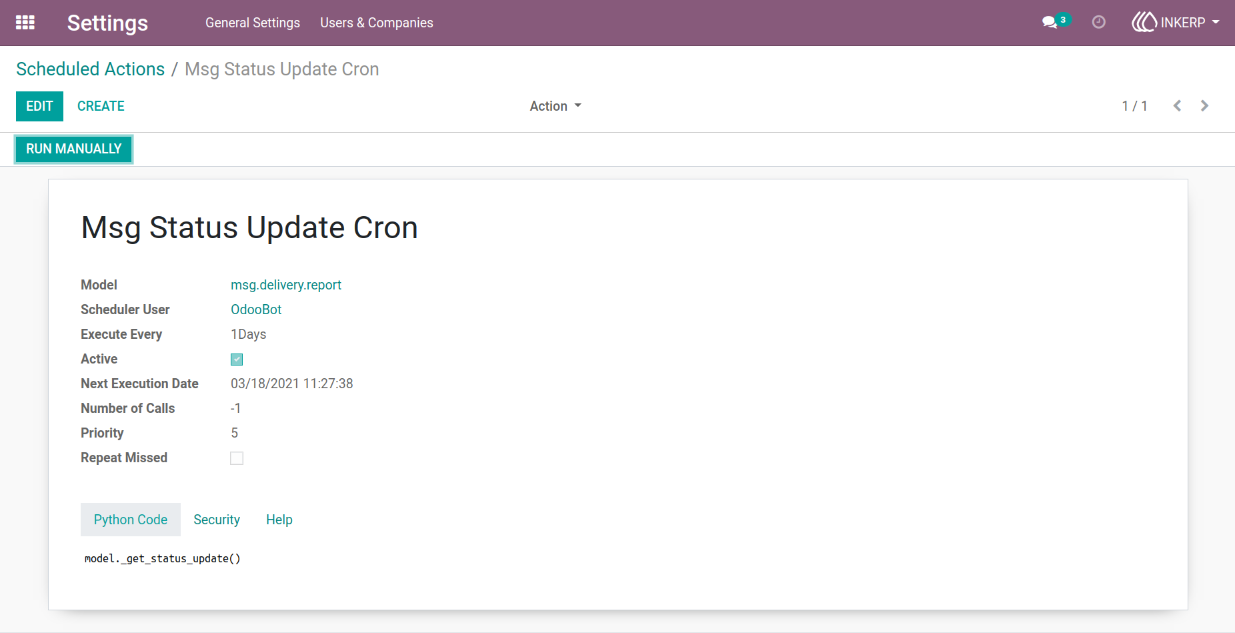
12) Scheduled action form view
here msg status update cron for status update which set execute every day
User Guide