

Our Most Suggested Products


Multiple Websites per Blog and Blog Post
This module enhances blogging capabilities of Odoo by enabling blogs and blog posts to be published across multiple websites simultaneously. It eliminates the limitation of assigning content to only one site, offering flexibility to select one, several, or all websites as needed. Bulk assignment features streamline management, saving time when handling multiple posts at once, while ensuring consistent visibility across chosen platforms.
Video Tutorial

 Features
 Screenshots
 Support
 Service

Features
Multi Website Blog Publishing :
Blogs and posts can be published across several websites simultaneously, removing the limitation of single site publishing. This ensures content reaches a wider audience without duplication of effort and supports seamless expansion across multiple platforms.
Flexible Website Selection :
Content can be assigned to one, multiple, or all websites based on specific requirements. This flexibility allows precise control over visibility and distribution, making it easier to align content with different audiences or business strategies.
Bulk Assignment Management :
Multiple posts can be assigned to selected websites in a single step, significantly reducing repetitive tasks. This feature streamlines content management and saves valuable time when handling large volumes of blogs or posts.
Centralized Blog Control :
All blogs can be managed from a single interface, simplifying administration across multiple websites. This centralized approach reduces complexity and enhances efficiency in managing diverse content strategies.
Screenshot
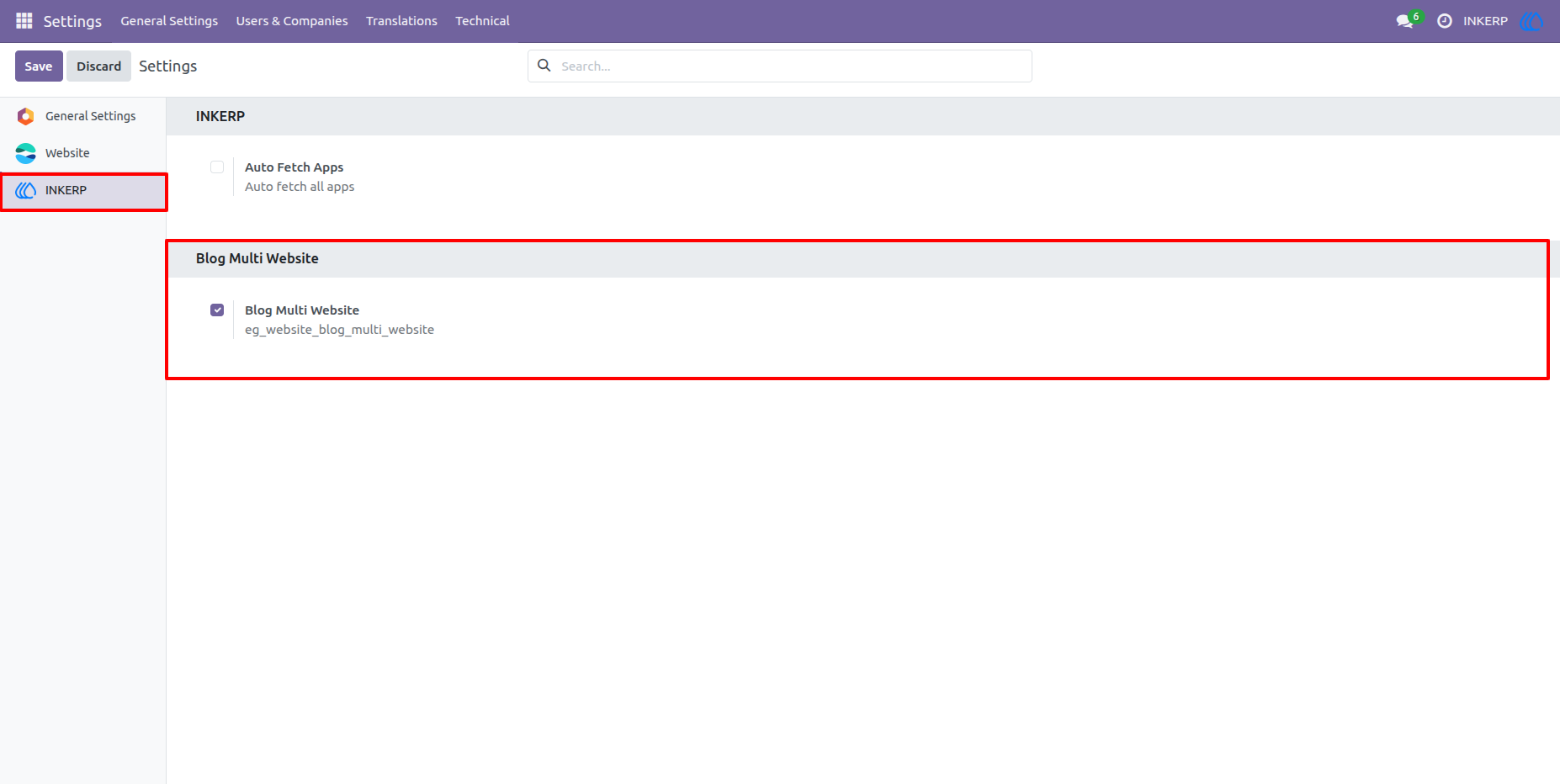
1.) Enable / DisableFeature From Setings :
By default this is enabled but if want to pause the use of this feature or discontinue for limited time, then simpally disable this from the settings.
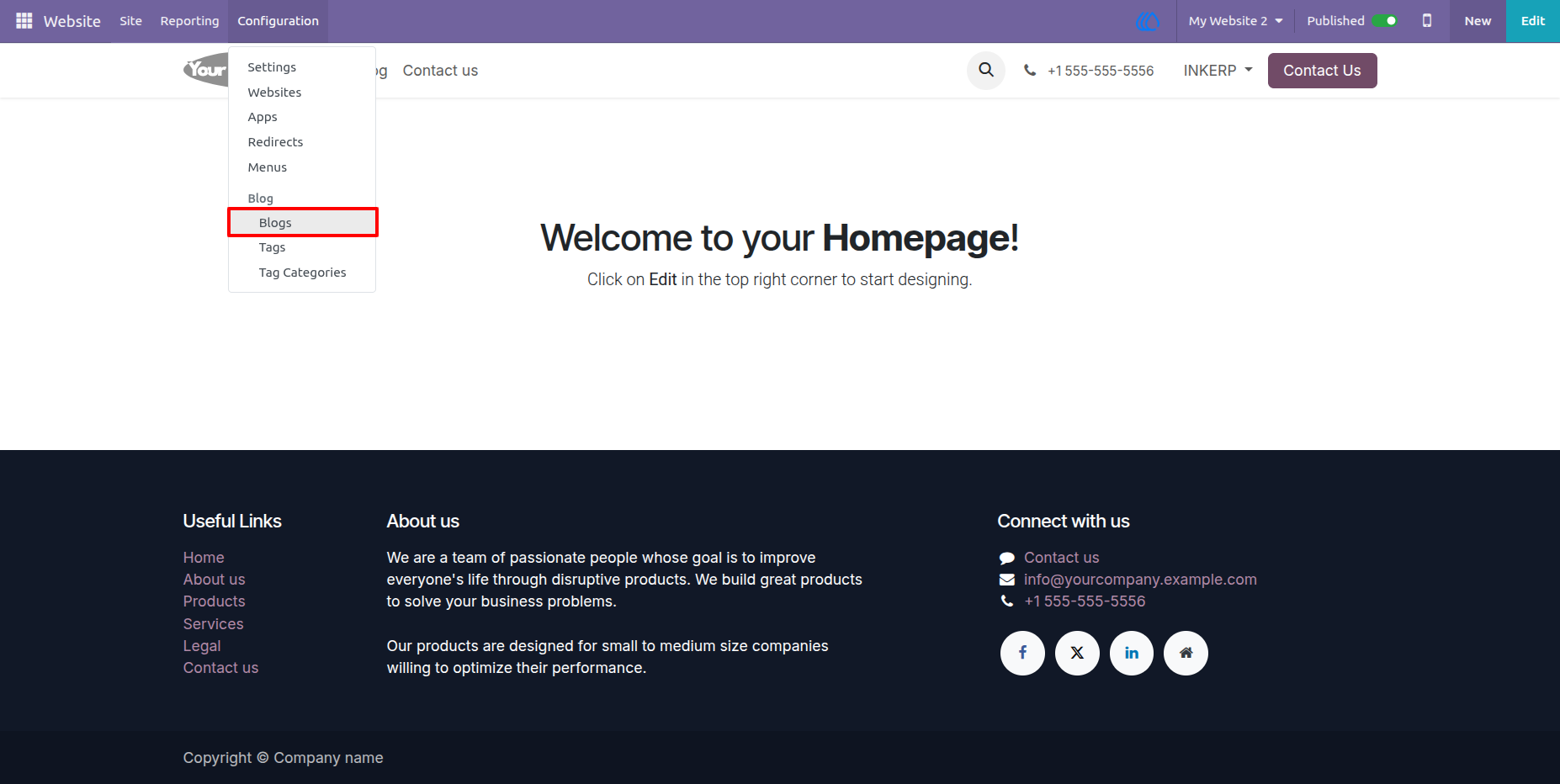
2.) Go to Blogs :
Go to blogs to configure the multiple websites.
Navigation : Website › Configuration › Blogs
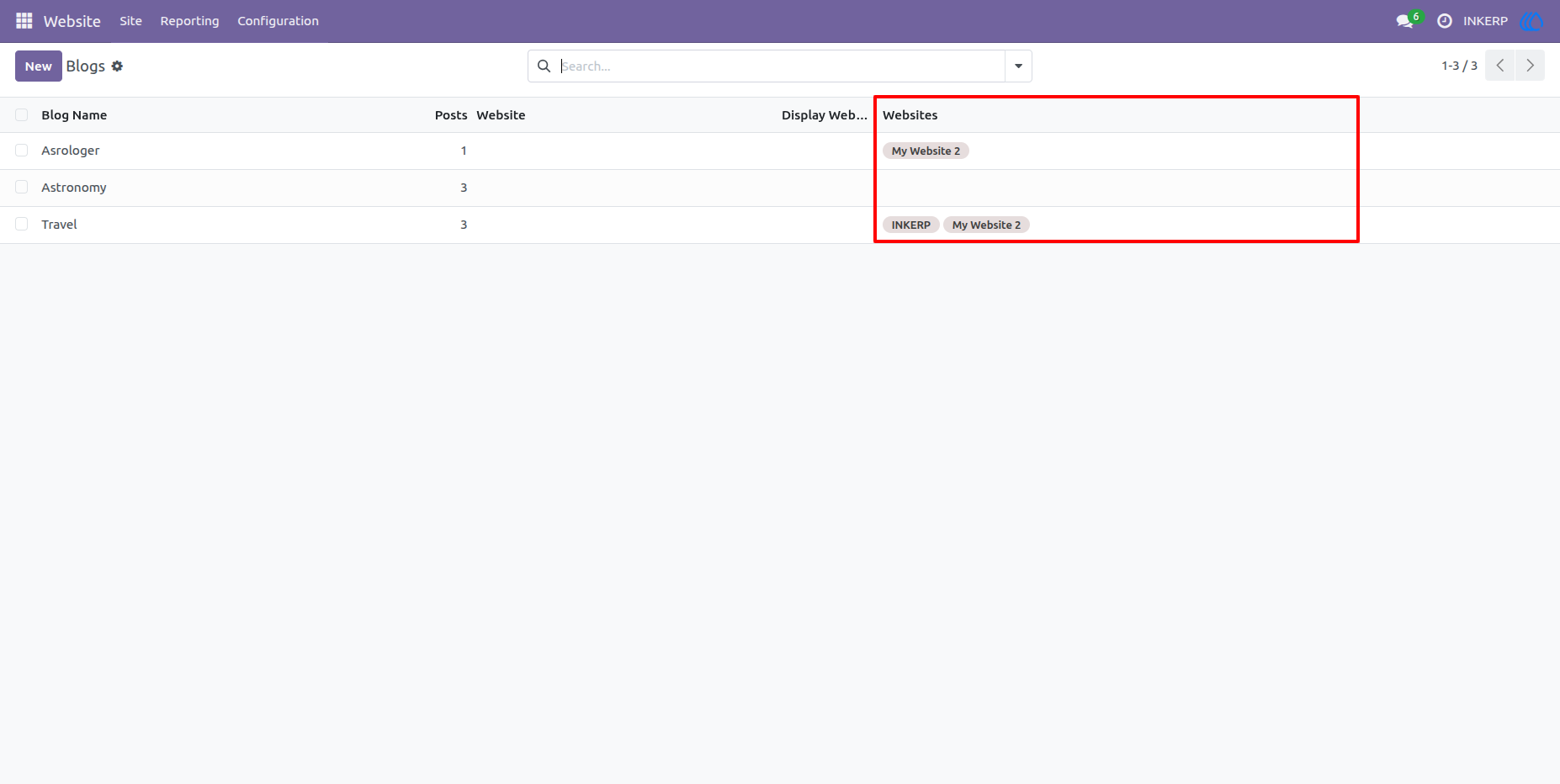
3.) Websites in Blog List View :
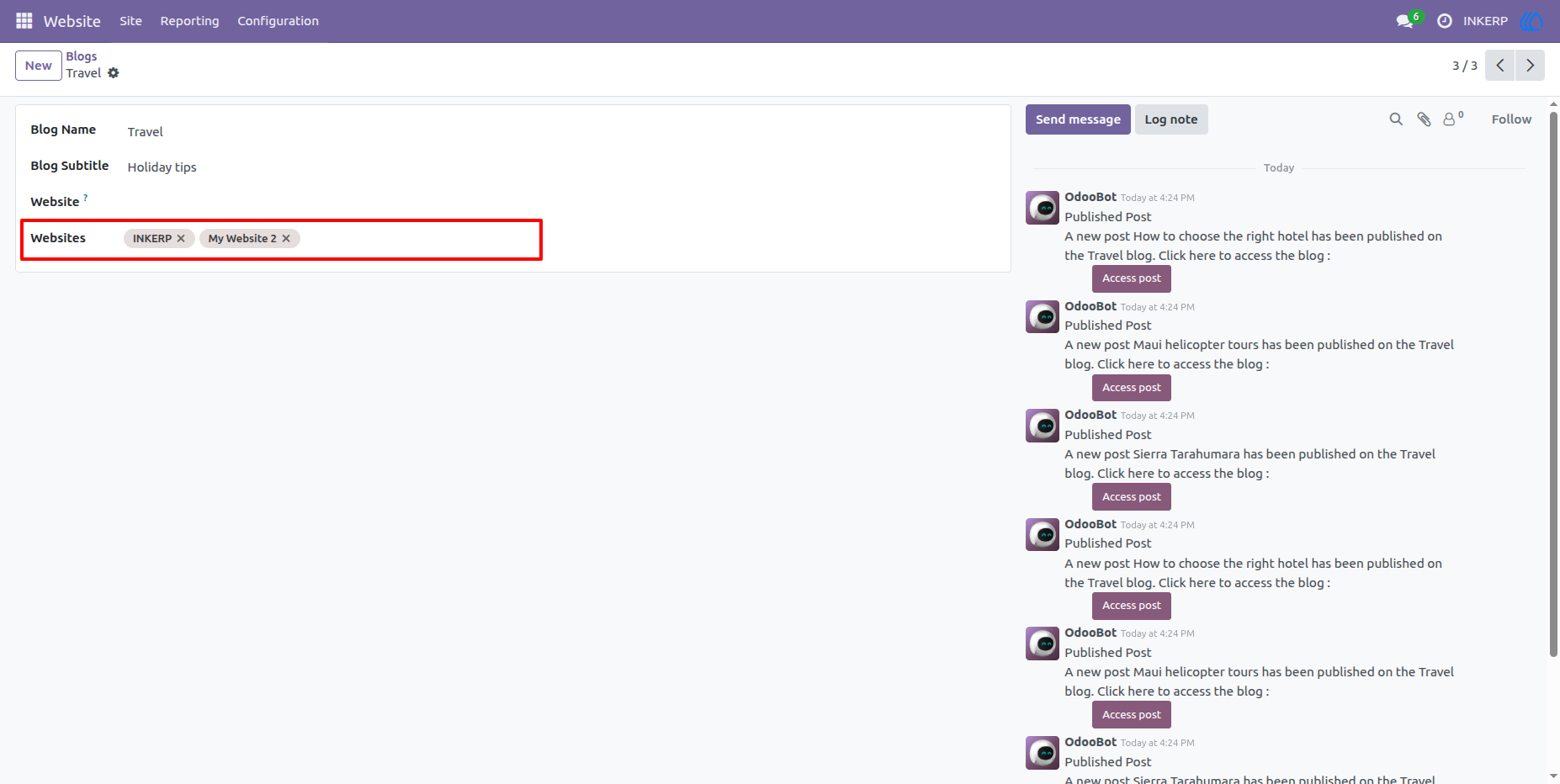
4.) Configure Multiple Websites in Blog :
Configure multiple website according to require in form view.
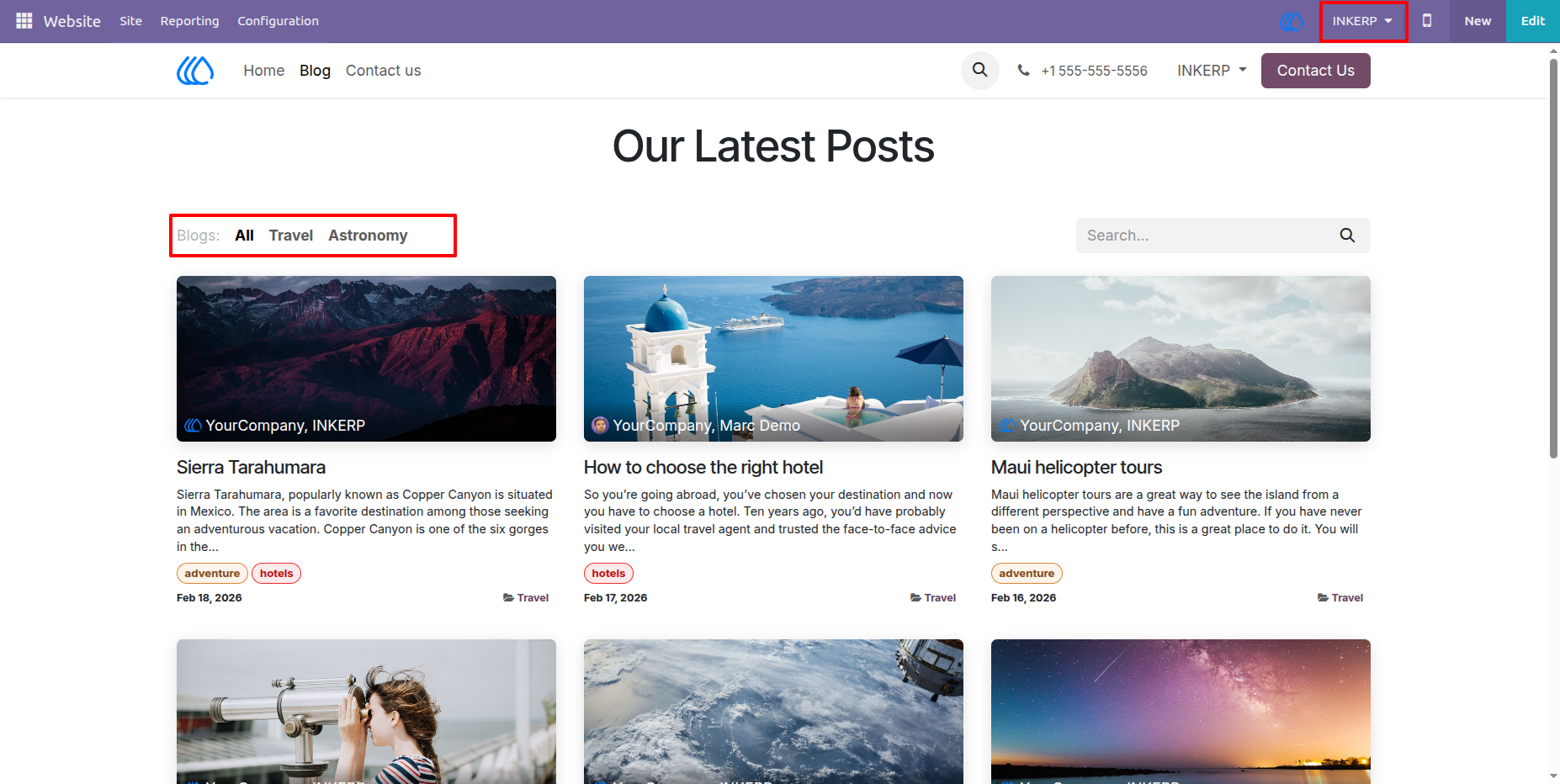
5.) First Website :
View of First Website According to conguire multiple website in Blog.
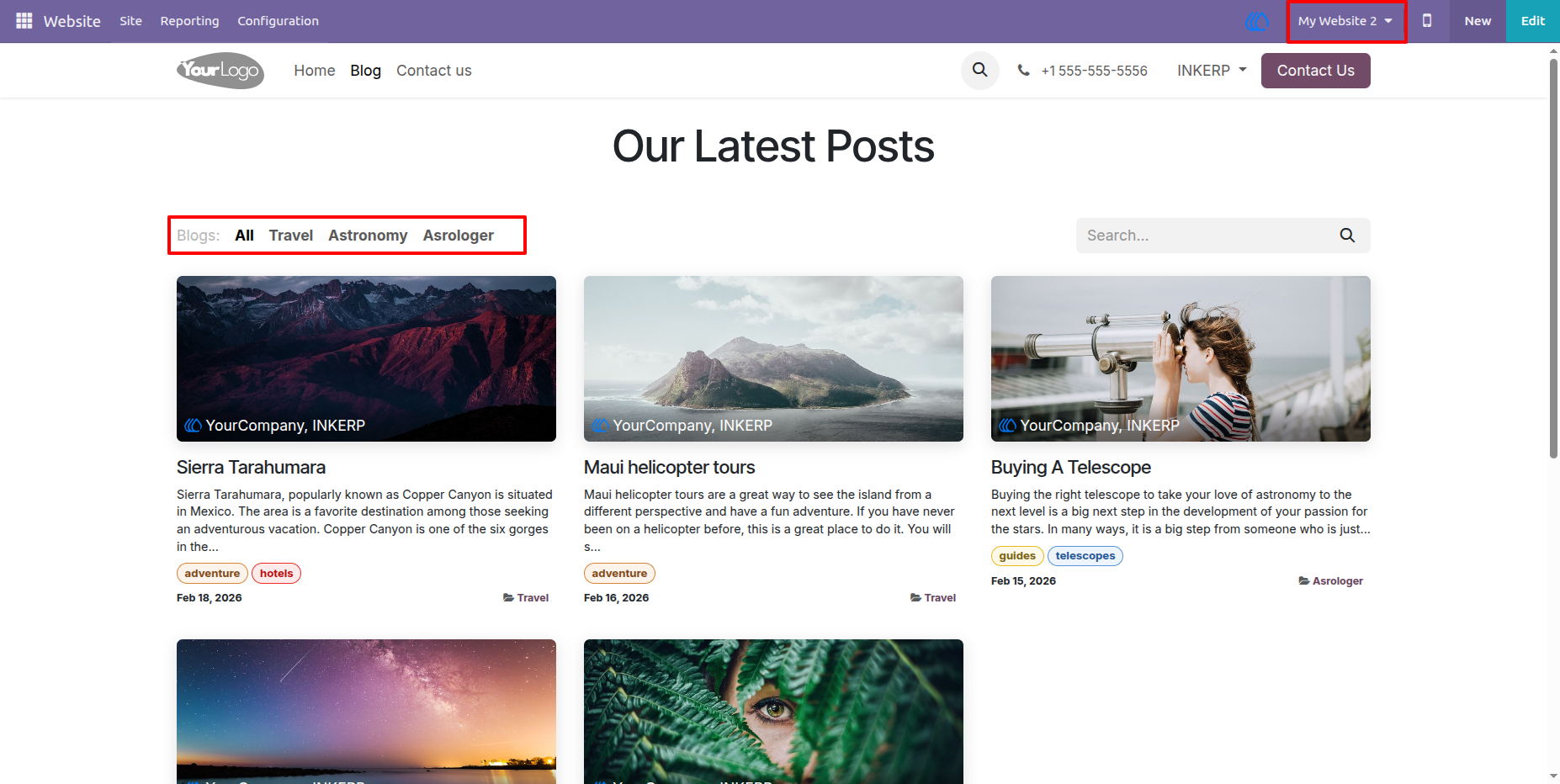
6.) Second Website :
View of Second Website According to conguire multiple website in Blog.
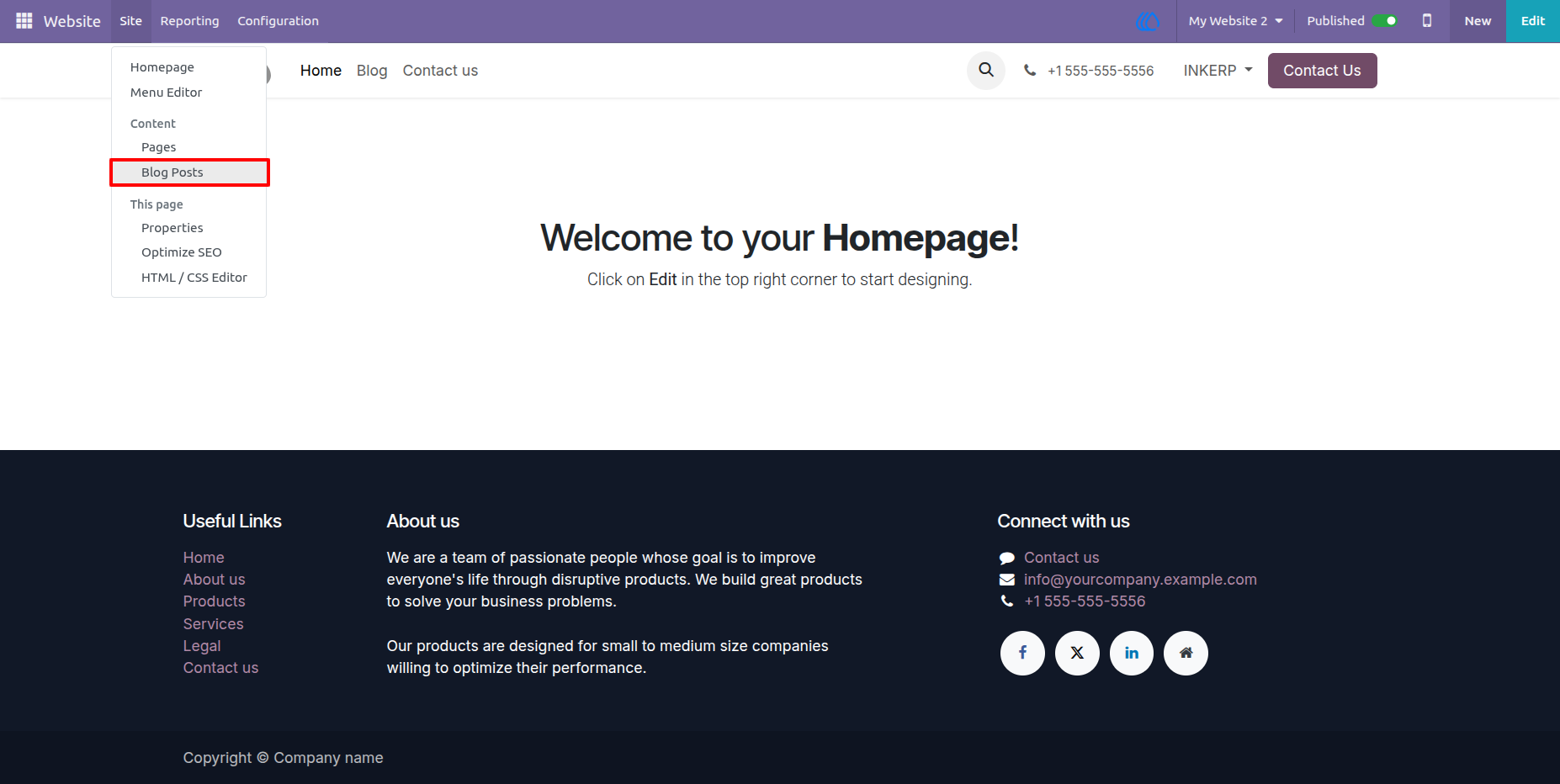
7.) Go to Blog Posts :
Go to B;log Posts to configure the multiple websites.
Navigation : Website › Site › Blog Posts
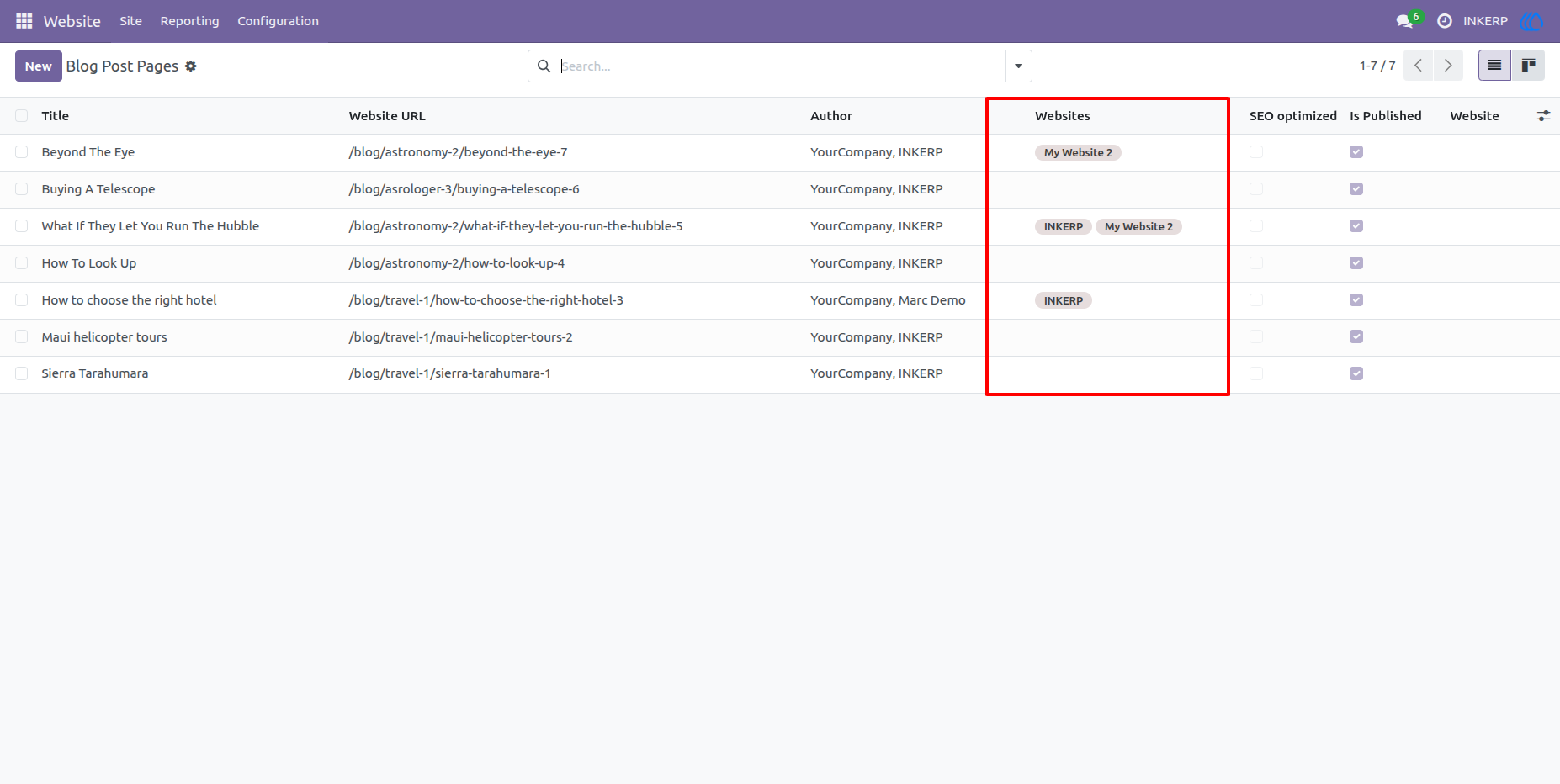
8.) Websites in Blog Posts List View :
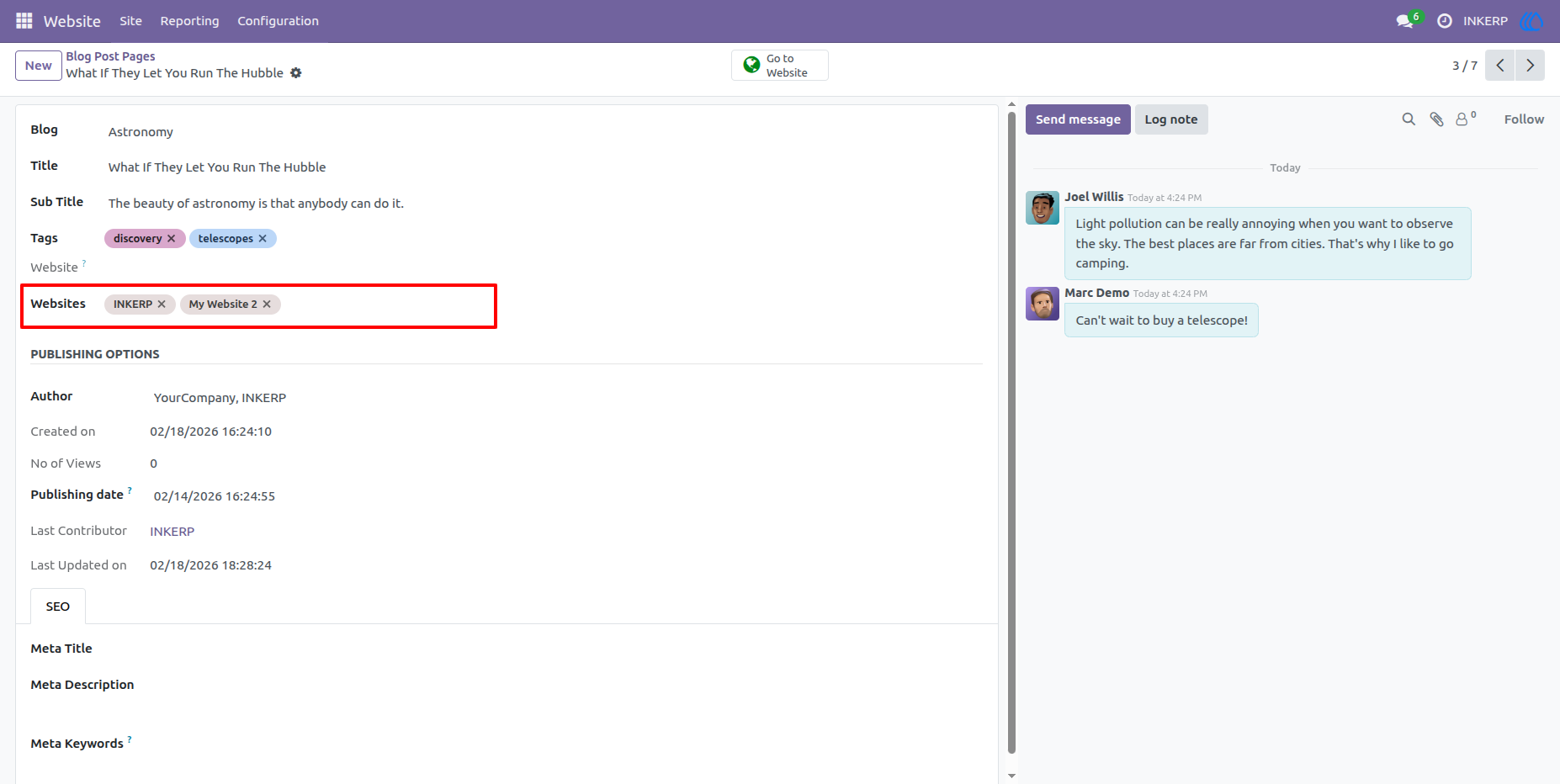
9.) Configure Multiple Websites in Blog Post:
Configure multiple website according to require in form view.
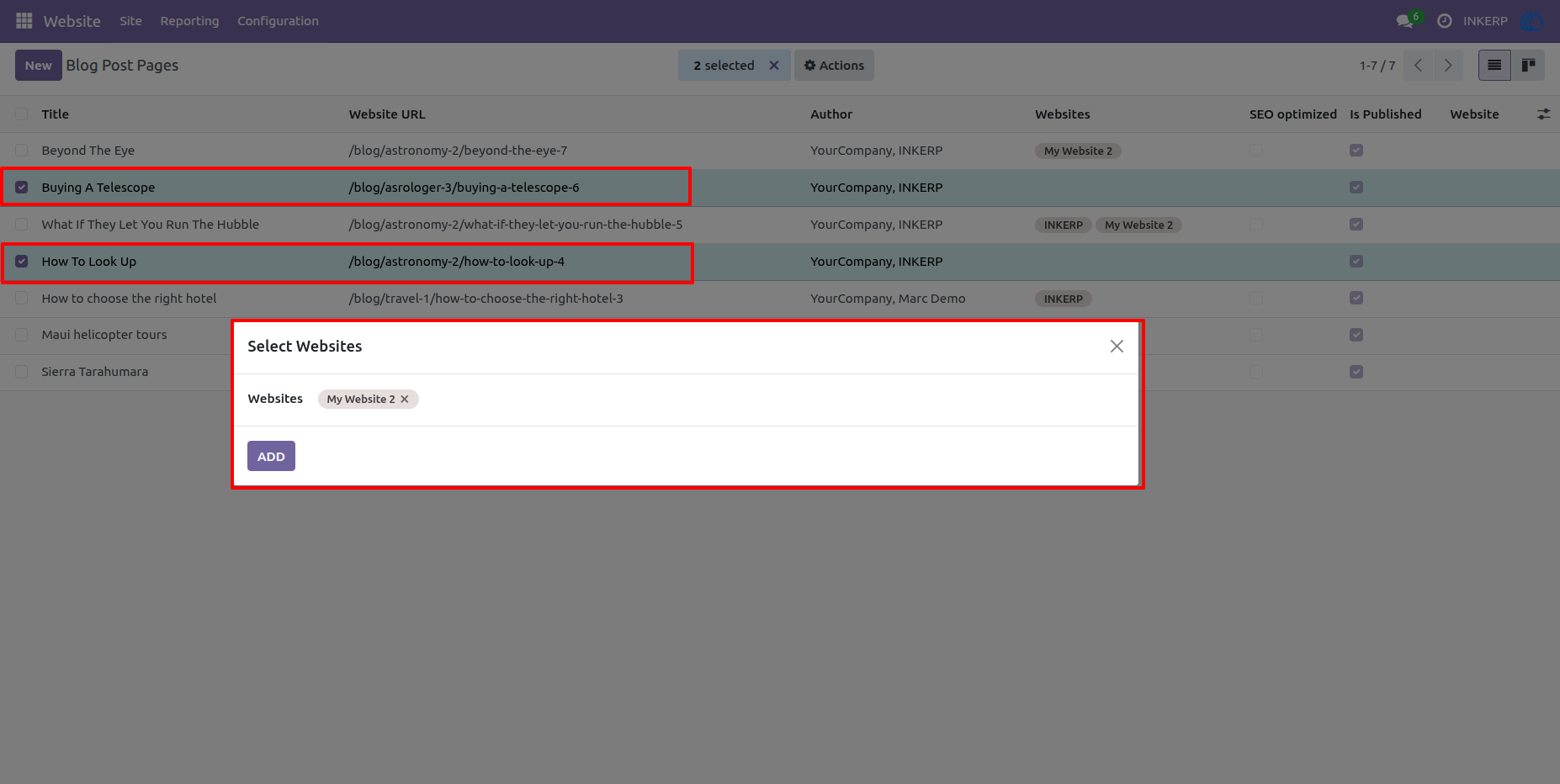
10.) Bulk Assign Websites in Multiple Blog Post Pages
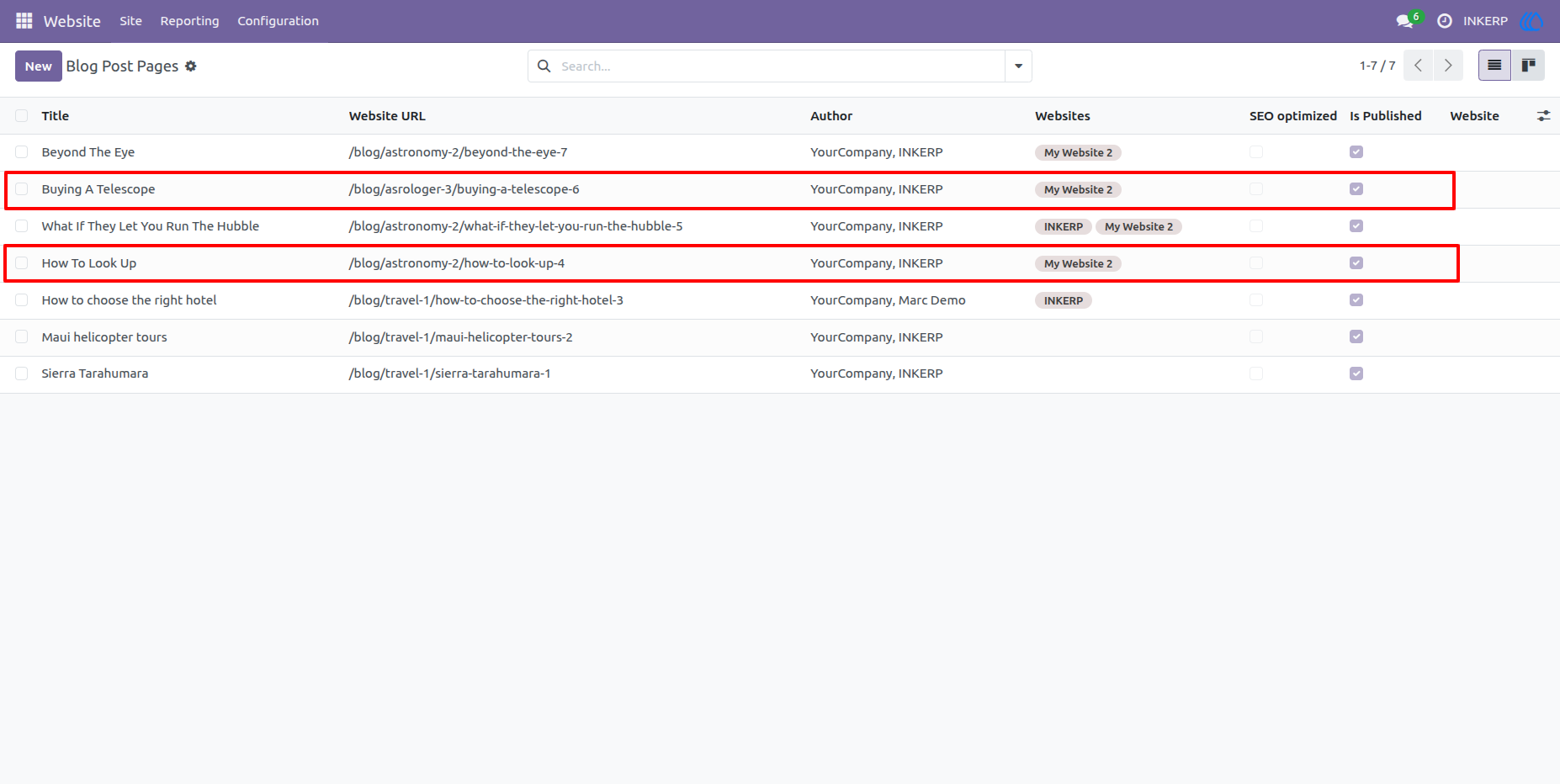
11.) Bulk Assign Effect :
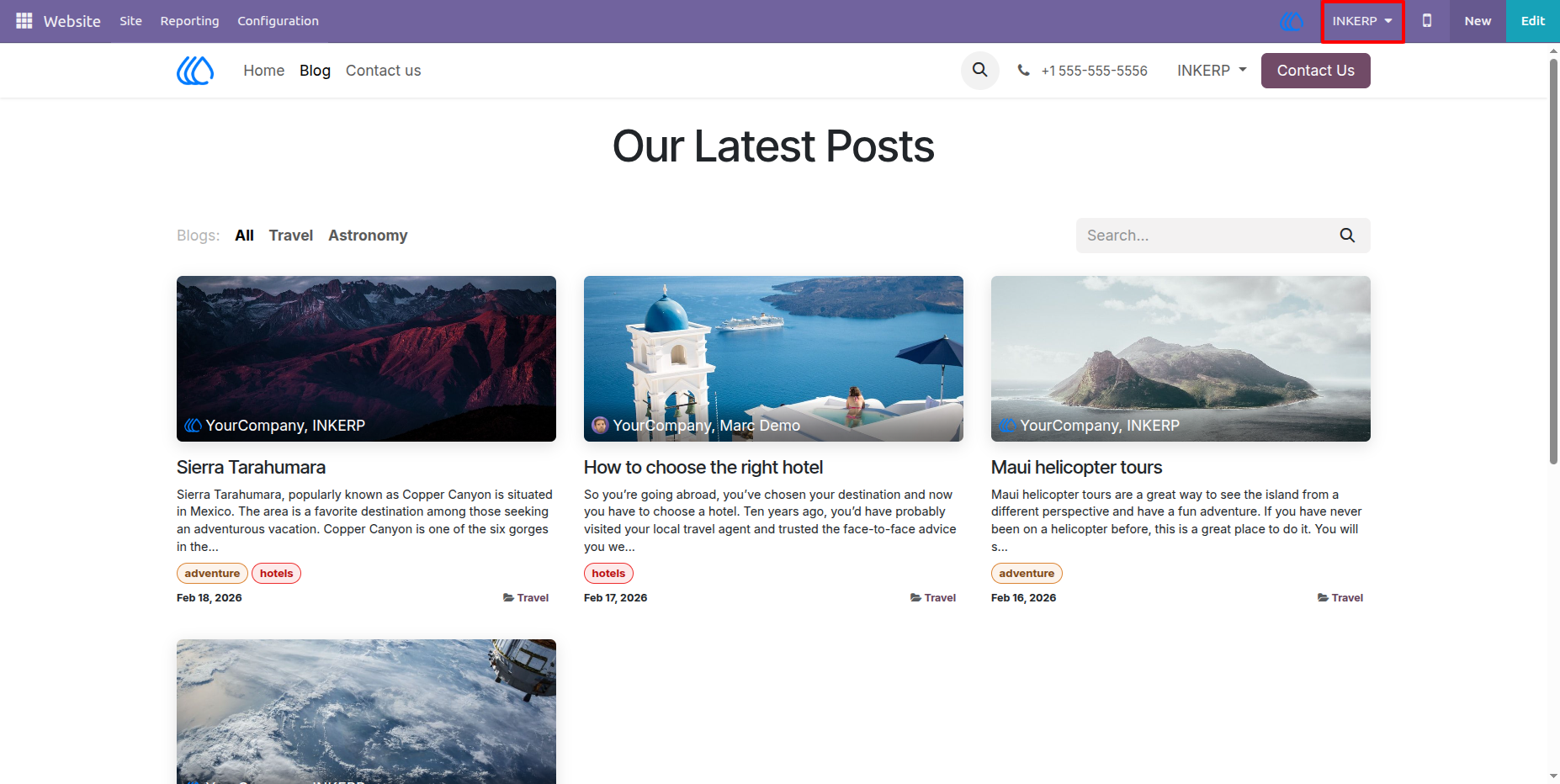
12.) Blog Posts First Website :
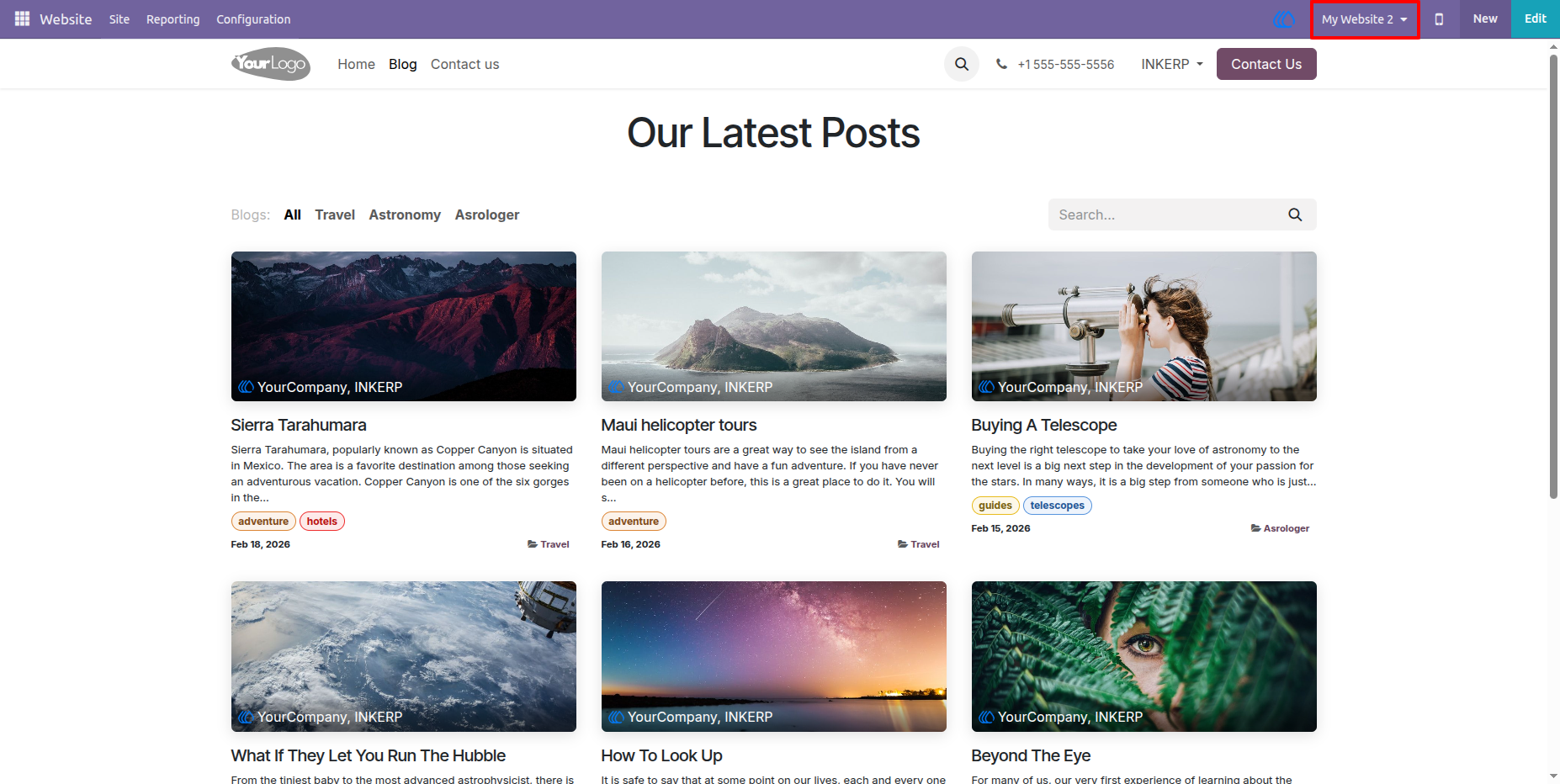
13.) Blog Posts Second Website :
User Guide